
Last updated 07-22-2026
Category:
Reviews:
Join thousands of AI enthusiasts in the World of AI!
Dun app
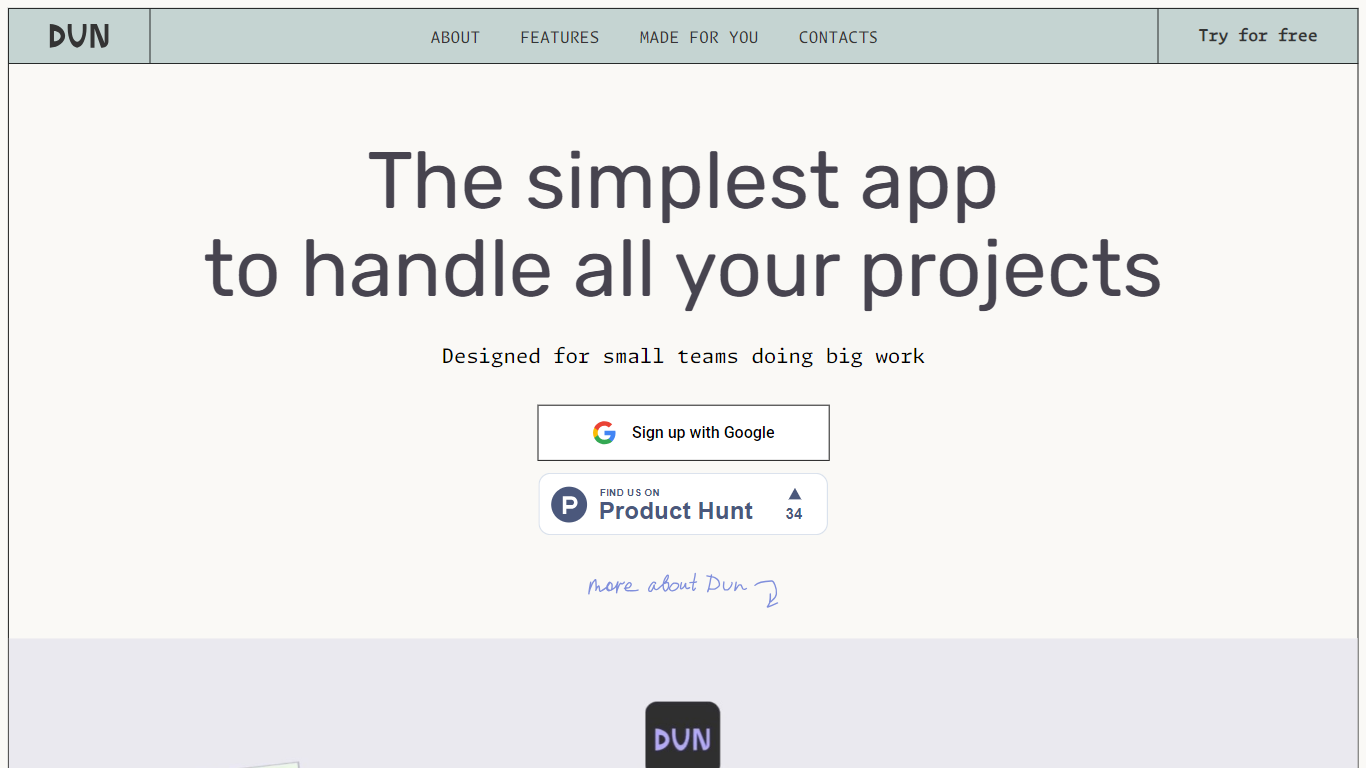
Dun is a project management and team collaboration app built for small teams that want projects, tasks, and communication in one place instead of juggling Slack, Trello, Notion, and email.
Work is organized around Topics. Each topic holds chats, tasks, notes, documents, files, and links together so nothing floats outside its context. You can view tasks on a kanban board, open a simple editor for notes and files, and organize topics into workspaces by project or client.
The landing page targets agencies, freelancers, startups, consultants, and other small teams that work with clients or internal groups. Sign up runs through Google, and the site offers a free trial entry point without listing separate paid tiers.
Organize work into Topics that keep chats, tasks, notes, docs, files, and links together
Switch between topic views, kanban boards, and a built-in editor without leaving the app
Group topics into workspaces by project, client, or any structure your team prefers
Share topics when you need outside input, then make them private again
Sign up with Google and invite teammates or clients into the same workspace
Topics keep chats, tasks, notes, and files in one context
Kanban boards and an editor live inside the same workspace
Workspaces let you split topics by project or client
Google sign up keeps onboarding simple
No public pricing page with paid plan details
Site content is mostly a single landing page with anchor sections
Low domain authority suggests a newer or smaller audience footprint
What is Dun app?
Dun is a project management and team collaboration tool for small teams. It combines topics, tasks, chat, notes, files, and links in one workspace so teams do not need separate apps for messaging, boards, and docs.
Is Dun app free?
Dun's website offers a free trial entry point and Google sign up. The site does not publish separate paid plan tiers on its public pages.
How do Topics work in Dun?
Each Topic is a shared space for discussion, brainstorming, and task tracking. Everything related to that topic, including chats, tasks, notes, documents, files, and links, stays in the same place.
Who is Dun app for?
Dun lists agencies, freelancers, startups, consultants, content teams, e-commerce businesses, tutors, nonprofits, and other small teams that manage projects with clients or internal groups.
How do I contact Dun app support?
You can reach the Dun team at [email protected]. Terms and privacy pages on dun.wtf list the same contact address.