
Last updated 08-22-2026
Category:
Reviews:
Join thousands of AI enthusiasts in the World of AI!
Face AI Video Face Swap
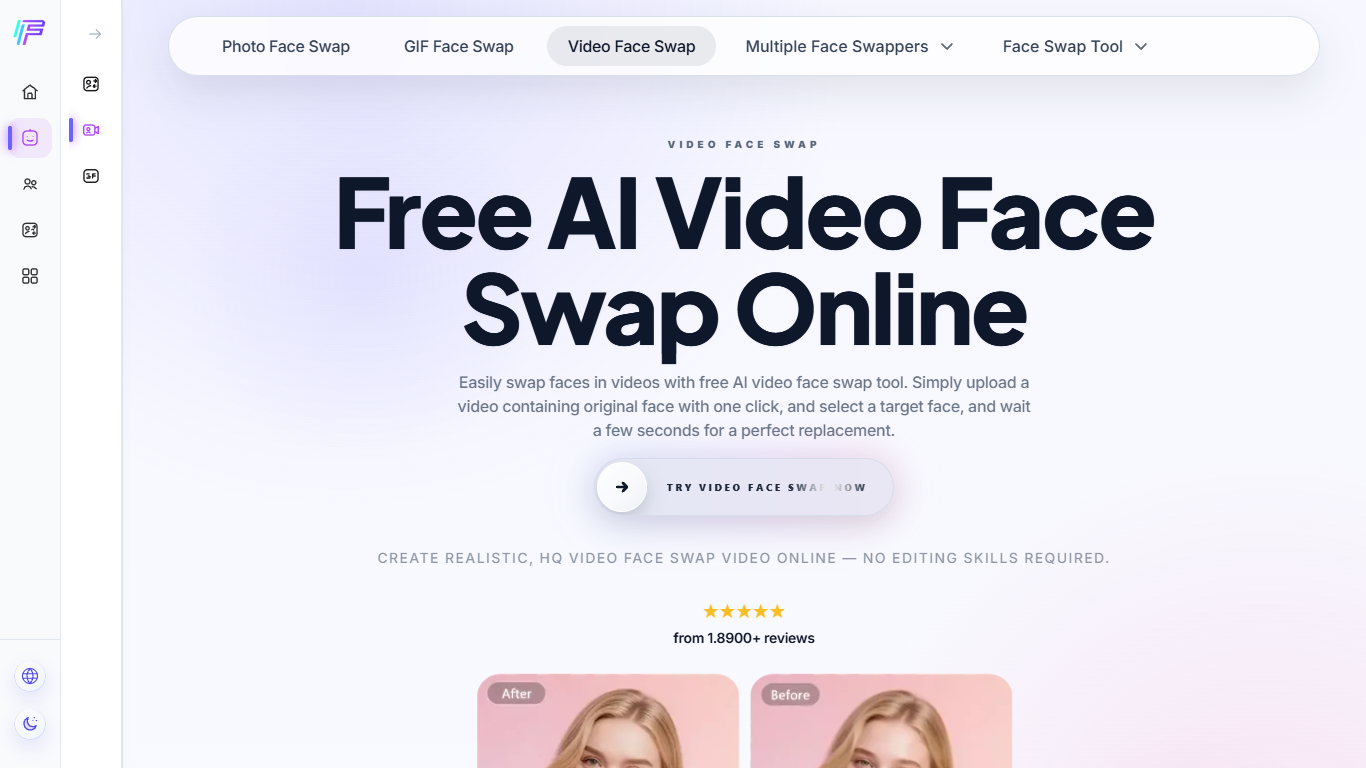
Face AI Video Face Swap lets you replace faces in uploaded videos, photos, and GIFs through a three-step browser workflow: upload media, add a target face, and download the swapped result. The video tool handles multi-face clips, batch jobs across several files, and outputs up to 4K without watermarks on the free tier.
Most face swap sites cap clips at a few seconds or charge before you can test quality. Face AI keeps short swaps free up to 15 seconds, then uses credits when you need runs up to 30 minutes. That split makes it useful for quick meme edits, but longer commercial work depends on buying credits and watching file-size limits.
Content creators, meme editors, and casual users rely on it for group videos, cosplay clips, and GIF reactions because it preserves mouth movement, eye contact, and expression sync better than static overlay tricks. Face AI also runs related tools for photo swaps, GIF swaps, and multi-person video edits from the same site.
The service works on mobile and desktop, accepts MP4, MOV, and WEBM uploads, and states that usage traces are deleted within 24 hours with no login required.
Multi-face video swaps for group clips and cosplay edits
Batch video face swap keeps one target face across multiple uploads
Free tier covers videos up to 15 seconds; credits unlock clips up to 30 minutes
4K watermark-free exports with synced mouth and eye movement
Supports MP4, MOV, and WEBM uploads on mobile or desktop
No login required to start a swap in the browser
Free swaps for videos up to 15 seconds with no credit card required
Multi-face and batch workflows handle group clips without re-uploading target faces
Watermark-free exports up to 4K for short clips
Browser-based tool works on mobile and desktop with MP4, MOV, and WEBM support
Mouth, eye, and expression sync is preserved better than simple overlay edits
Clips longer than 15 seconds require credits, and credit pricing is not listed on the public page
Privacy policy on the FAQ says usage traces are deleted within 24 hours, not immediately after each job
Maximum length and availability still depend on format, file size, and processing flow
Is Face AI Video Face Swap free?
Yes. Face AI Video Face Swap offers free video face swapping for clips up to 15 seconds. Longer videos up to 30 minutes require credits, and limits also depend on format, file size, and processing flow.
How many faces can Face AI swap in one video?
Face AI Video Face Swap supports multi-face video swaps, so you can replace several people in one clip. The site also offers a dedicated multiple face swap video workflow for group edits.
Does Face AI add watermarks to swapped videos?
Face AI Video Face Swap exports watermark-free videos on short clips, so downloads stay clean for sharing.
What video formats does Face AI accept?
Face AI Video Face Swap supports common upload formats such as MP4, MOV, and WEBM. Availability can vary with file size and the processing path you choose.
Is Face AI safe for personal videos?
Face AI Video Face Swap says usage traces are deleted within 24 hours, no login is required, and personal data is not collected. Uploaded files are used only for processing.
Can I use Face AI on my phone?
Yes. Face AI Video Face Swap runs in the browser on both mobile phones and desktop computers, so you can upload a clip and swap faces without installing an app.