
Last updated 07-25-2026
Category:
Reviews:
Join thousands of AI enthusiasts in the World of AI!
Fillify
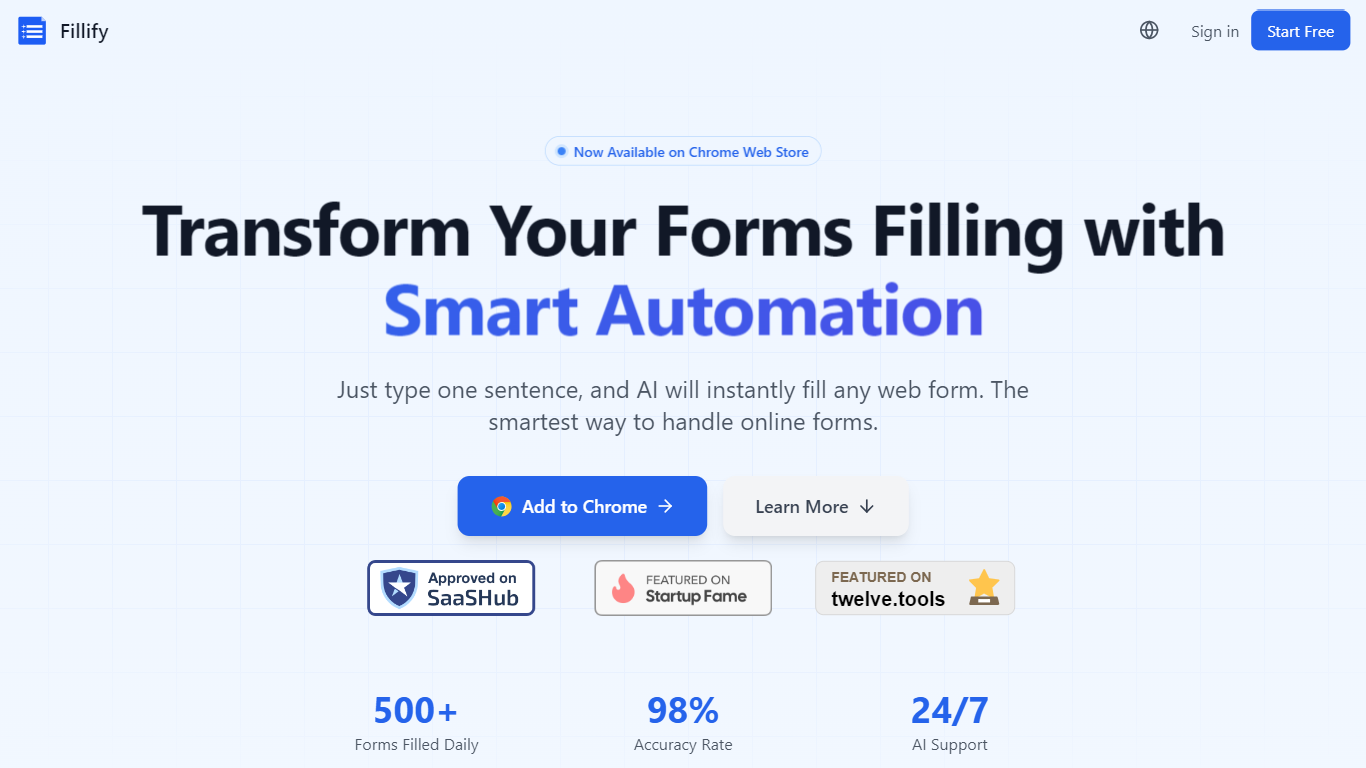
Fillify is a Chrome and Edge extension that uses AI to fill online forms in one click. Instead of retyping the same details into job applications, surveys, bug reports, and checkout pages, you let Fillify read the fields and generate answers in a few seconds.
The extension supports Bring Your Own Key with OpenAI, Claude, Gemini, DeepSeek, Moonshot, or local models through Ollama. Form data is processed locally in the browser, and API keys stay in local storage rather than being sent to Fillify servers.
It fits anyone who fills repetitive web forms daily, from job seekers and testers filing bug reports to teams automating data entry across sites that do not offer native integrations.
Fill most web forms in one click using AI field detection
Bring Your Own Key support for OpenAI, Claude, Gemini, DeepSeek, and Ollama
Smart, email, and bug-report modes for different form types
Process form data locally in the browser with API keys stored on-device
Create reusable templates and save time on repetitive data entry
Works on Chrome and Edge with 10 free credits to start
Fills repetitive web forms in seconds with BYOK privacy.
Supports major AI providers plus local Ollama models.
Free tier includes real form-filling credits with no card required.
Requires your own AI API keys for most providers.
Pro and Max paid tiers require signing in to view checkout pricing.
What is Fillify?
Fillify is an AI-powered Chrome extension that reads web form fields and fills them automatically. It works on job applications, surveys, bug reports, emails, and most standard online forms.
Does Fillify store my API keys?
No. Fillify uses a Bring Your Own Key model. Your API keys are stored in browser local storage and are not sent to Fillify servers. Form content is also processed locally in your browser.
Which AI models does Fillify support?
Fillify supports OpenAI, Anthropic Claude, Google Gemini, DeepSeek, Moonshot, and local models through Ollama. You choose the provider and supply your own API key.
Is Fillify free?
Yes. The Free plan costs $0 per month and includes 10 credits, BYOK access, Ollama support, and full form detection. Paid Pro and Max plans add 1,000 or 3,000 monthly credits with priority support.
What browsers does Fillify support?
Fillify is available as a Chrome Web Store extension and also supports Microsoft Edge. Install from the Chrome Web Store listing linked on fillify.tech.