
Last updated 07-03-2026
Category:
Reviews:
Join thousands of AI enthusiasts in the World of AI!
Flowrist
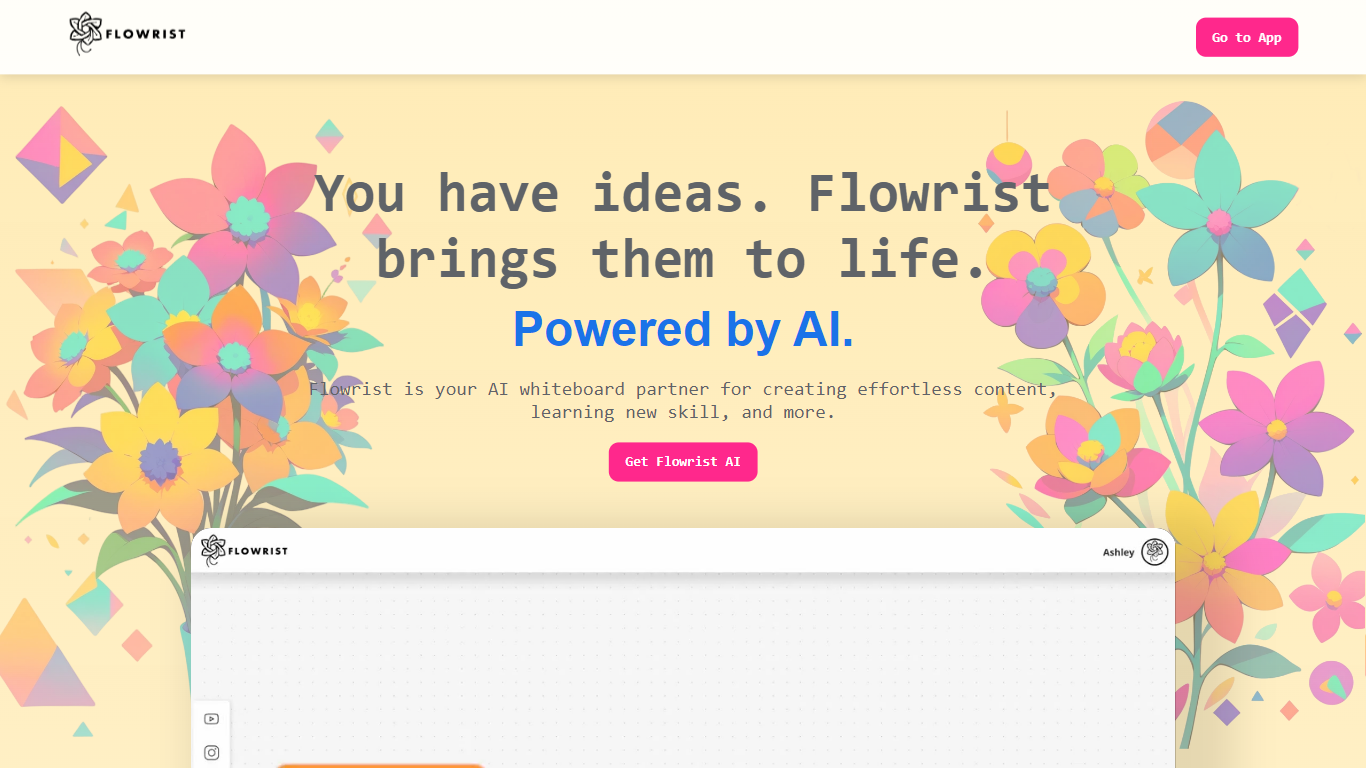
Flowrist is a visual whiteboard workspace where you chat with AI to turn ideas into content. It targets anyone who wants a graphical alternative to text-only chat for brainstorming, learning, and building concepts step by step on a shared canvas.
The product pitches itself as more visual than ChatGPT, more collaborative than a slide deck, and more interactive than a video. You can talk directly with your board data, switch to full-screen chat, and reset an overcrowded canvas when you need a clean start.
Teachers, students, and solo creators who think visually will find Flowrist useful for content creation and skill-building sessions where a standard chat window feels too constrained.
Talk with your board data directly from the canvas
Full-screen chat mode for focused back-and-forth sessions
Reset an overcrowded board and start fresh in one step
Whiteboard visuals paired with conversational workflows
Built for interactive learning beyond static slides or video
Visual whiteboard interface instead of plain text chat
Full-screen chat mode for focused working sessions
One-click board reset when your canvas gets cluttered
Pricing, help, and templates pages on flowristai.com currently return 404 errors
Footer social links point to generic Twitter and LinkedIn homepages without product-specific profiles
The public marketing site offers limited detail on integrations, exports, or collaboration limits
What is Flowrist?
Flowrist is an AI whiteboard partner for creating content and learning new skills on a visual canvas. It combines board-based visuals with chat so you can develop ideas interactively.
How is Flowrist different from ChatGPT?
Flowrist is designed to be more visual than ChatGPT. Instead of a text-only chat window, Flowrist puts your conversation on a whiteboard you can map, reset, and explore in full-screen chat.
Does Flowrist have a full-screen chat mode?
Yes. Flowrist highlights full-screen chat so you can use the full viewport for back-and-forth conversation alongside your board.
Can I reset my board in Flowrist?
Yes. Flowrist includes a Start Fresh option for when an overwhelmed board becomes hard to work with, letting you clear the canvas and begin again.
What does talking with data mean in Flowrist?
Flowrist describes its Connect with Ease feature as making it easy to talk with your board data conversationally, rather than digging through panels manually.
Does Flowrist have a mobile app?
Flowrist is accessed through its website at flowristai.com. The marketing site does not list a dedicated iOS or Android app.