
Last updated 07-26-2026
Category:
Reviews:
Join thousands of AI enthusiasts in the World of AI!
FormStory
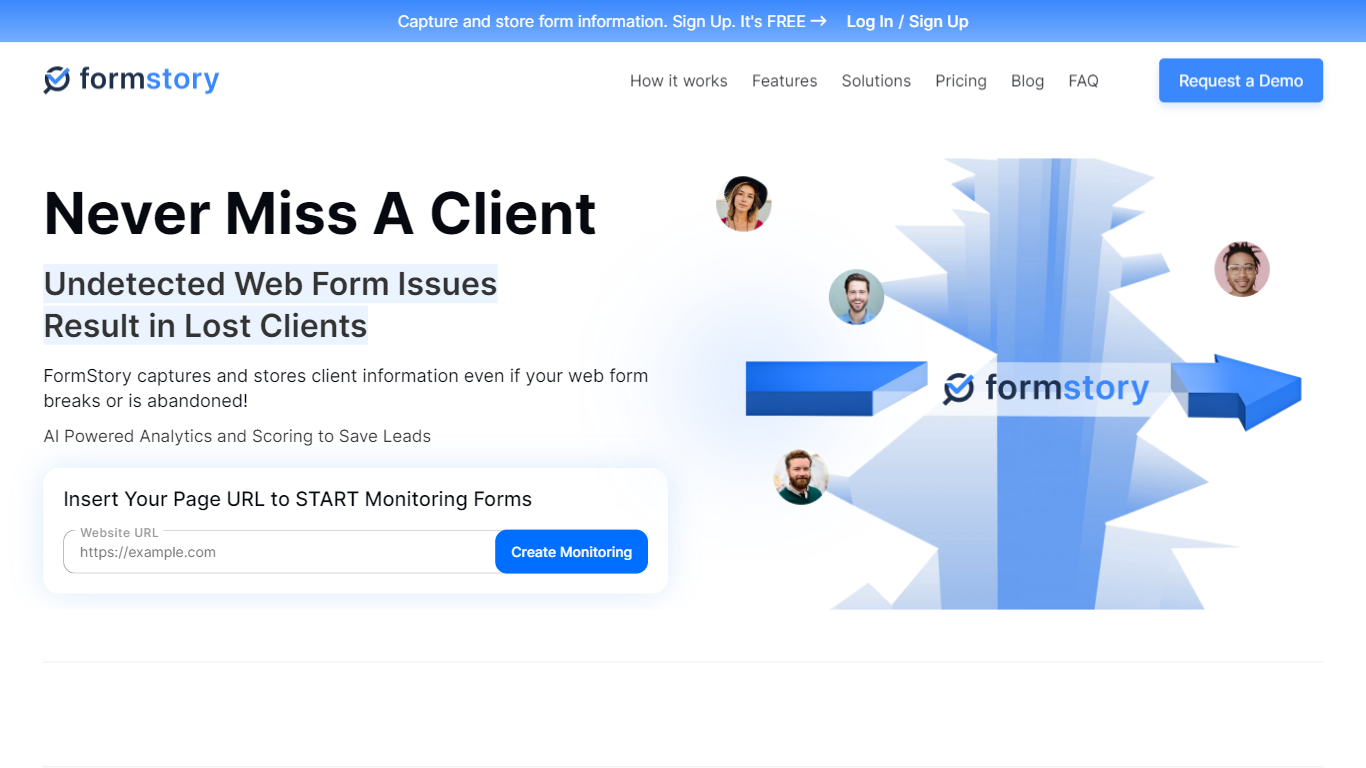
FormStory monitors web forms on your site and saves lead data even when submissions fail, forms break, or visitors abandon before hitting send. Add a script to your site, pick the forms to watch, and get notified when something goes wrong.
The platform works with contact, registration, and feedback forms from builders like Typeform, JotForm, Google Forms, Gravity Forms, and WPForms. It captures partial entries in real time, alerts you when forms malfunction, and includes analytics on higher tiers to spot drop-off points.
FormStory is built for digital marketing agencies, local businesses, FinTech marketers, online education providers, and law firms that depend on web forms for leads and client intake. Setup takes four steps: enter your URL, select the form, paste a tracking script into your site header, and start receiving notifications.
Captures partial form entries before visitors submit or abandon the page
Monitors forms around the clock and alerts you when a form breaks or fails
Sends instant notifications for submissions, abandonments, and broken forms
Tracks form impressions, completions, and drop-off rates on paid plans
Works with Typeform, JotForm, Google Forms, Gravity Forms, and other builders
Free tier includes 24/7 monitoring for one website and one form.
Captures submissions even when forms malfunction or throw errors.
Compatible with WordPress, Shopify, Wix, and Joomla via plugins or scripts.
Multi-step forms are not supported yet, per the FAQ.
Form analytics requires the Capture Pro plan or higher.
Agency plan caps monitoring at 15 websites and 100 forms.
Does FormStory have a free plan?
Yes. FormStory offers a free plan that includes one website, one form, 100 partial entries, 100 form submissions, page monitoring, broken form alerts, and daily, weekly, or monthly recaps. Paid plans add more sites, forms, and instant notifications.
What types of forms can FormStory monitor?
FormStory monitors contact forms, registration forms, and feedback forms. It does not support multi-step forms yet, though the company says that feature is in development. You can contact [email protected] for updates on multi-step support.
How do I set up form tracking with FormStory?
FormStory setup takes four steps: enter the URL of the site with the form, select the form section to monitor, paste the provided script into the head of your website source code, and start receiving notifications when forms are submitted, abandoned, or broken.
Is FormStory compatible with WordPress and Shopify?
Yes. FormStory integrates with WordPress, Shopify, Wix, Joomla, and custom-built sites via a tracking script or platform plugins. The FAQ includes setup guides for WordPress, Wix, Shopify, and Joomla.
How does FormStory handle form data security?
FormStory states that it uses industry-standard encryption and secure server protocols to protect form data and support privacy compliance. Form inputs are stored in a secure external environment so leads are captured even when on-site forms fail.
Can I upgrade or downgrade my FormStory plan?
Yes. FormStory lets you upgrade or downgrade your subscription at any time through your account settings. You can also cancel your subscription at any time without a complex cancellation process.
Does FormStory offer a free trial?
Yes. FormStory offers a free trial on paid plans so you can test features like instant notifications and form analytics before committing. The free forever plan is also available without a credit card.