
Last updated 08-22-2026
Category:
Reviews:
Join thousands of AI enthusiasts in the World of AI!
Freu AI
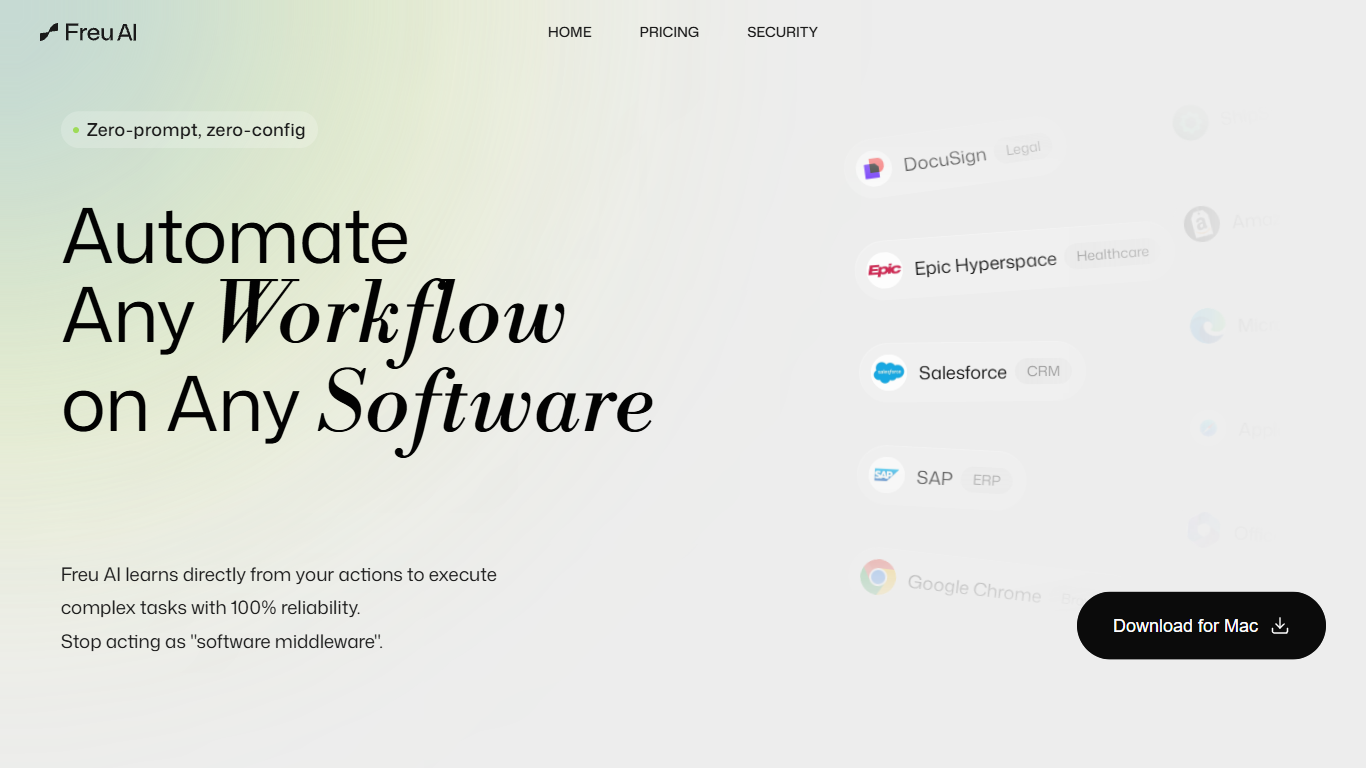
Freu AI watches you complete a task once across any software interface, then compiles those clicks into a reusable skill that runs the same steps again. No prompts, scripts, or API integrations required. It targets teams stuck copying data between CRMs, ERPs, browsers, and legacy desktop apps.
Prompt-based automation breaks when layouts change or apps lack APIs. Freu records natural UI interactions and replays them with self-healing selectors that adapt when interfaces update, which is closer to RPA than chat-driven agents but without the scripting overhead.
Operations teams, finance analysts, healthcare administrators, and revenue cycle staff use Freu for invoice sync, ERP migrations, ticket triage, and weekly KPI reports. The site offers a Mac download and lists enterprise controls like on-premise deployment, zero data retention, and role-based access with human-in-the-loop approval.
Learns workflows by watching your clicks, no prompts or coding required
Runs across Salesforce, SAP, Epic, NetSuite, and dozens more apps
Self-healing selectors adapt when an app UI changes without rewriting scripts
Trigger multi-app workflows with natural voice commands
On-premise and VPC deployment keeps data inside your firewall
Central dashboard to monitor, audit, and manage every automated skill
Dynamic model switching cuts token spend by up to 85% per the homepage
No prompt engineering or scripting needed to create automations from real UI actions.
Works with legacy desktop and ERP systems that lack APIs.
Self-healing selectors reduce maintenance when target apps update their interfaces.
On-premise and VPC options support strict data sovereignty requirements.
Mac download is the only client explicitly offered on the website.
Pricing page did not render plan details during research.
Enterprise focus may be more than solo users need for simple tasks.
How does Freu AI learn a workflow?
Freu AI watches you perform a task manually across any software interface and compiles those UI actions into a reusable skill. You do not write prompts, scripts, or API integrations. If you can do the task by hand, Freu AI can turn it into automation.
What software does Freu AI support?
Freu AI works with modern web browsers, desktop applications, and legacy ERPs without requiring APIs. The site lists integrations including Salesforce, SAP, HubSpot, NetSuite, QuickBooks, Jira, Zoom, Slack, Notion, Epic Hyperspace, and Veeva Vault.
Is Freu AI available for Windows?
Freu AI offers a Mac download from its website with a direct installer link on the homepage. Windows availability is not listed on the site.
Does Freu AI store or train on my business data?
Freu AI uses a zero-retention architecture where business payloads are processed transiently in memory and destroyed after task completion. Customer data is not used to train Freu models, and VPC or on-premise deployment options keep data inside your infrastructure.
What security controls does Freu AI offer?
Freu AI supports on-premise and VPC deployments, zero data retention, role-based access control with human-in-the-loop approval for sensitive workflows, TLS 1.3 encryption in transit, and AES-256 encryption at rest. The privacy policy references SOC 2 Type II, GDPR, and HIPAA alignment.
Can Freu AI handle UI changes in the apps it automates?
Yes. Freu AI uses self-healing selectors that adapt when an application UI updates, so automations continue running without manual script rewrites after routine interface changes.
Does Freu AI publish public pricing?
Freu AI does not list public subscription tiers on its pricing page during research. Teams download the Mac client from the site and contact Freu for enterprise deployment, VPC, and on-premise options.