
Last updated 08-03-2026
Category:
Reviews:
Join thousands of AI enthusiasts in the World of AI!
Glazed Analytics
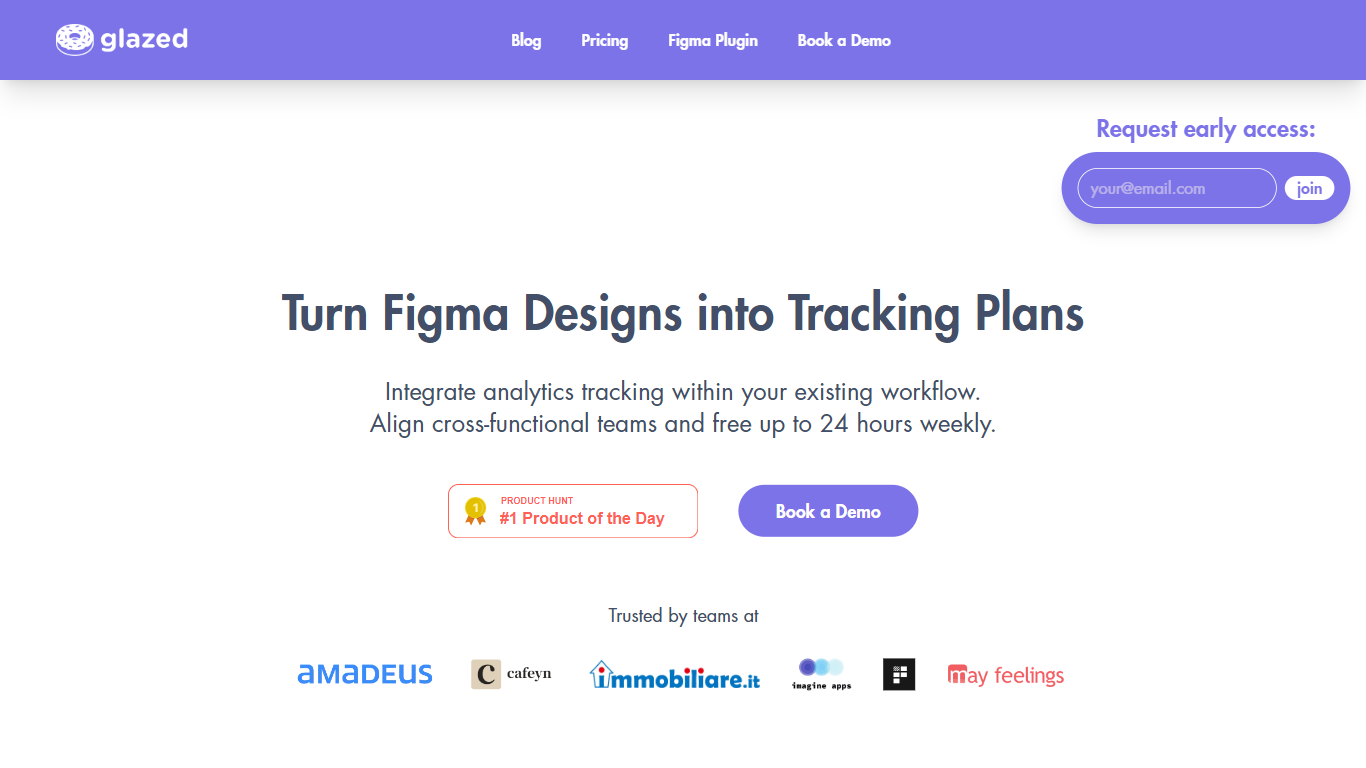
Glazed Analytics turns Figma designs into analytics tracking plans so product, design, and engineering teams stop debating event names in Slack. Its Figma plugin reads your screens, learns your existing taxonomy, and suggests events with property values attached to the components that trigger them.
Spreadsheet tracking specs go stale the moment a button moves. Glazed keeps specs visual and tied to the design file, which is why teams on the site report 10x faster plan creation, 90% fewer alignment meetings, and at least 50% fewer tracking bugs. Developers see UI triggers, event names, and expected property values without a separate doc hunt.
Product managers, analytics engineers, and mobile or web developers shipping iOS, Android, and web features use it when they need one source of truth before code review. Starter runs $29 per editor per month with 300 linked events; Team covers five editors and 2,000 events for $145 per month, both with a 7-day trial and no credit card.
GlazedAI analyzes Figma designs and suggests events with taxonomy aligned to your existing tracking schema
Figma plugin shows UI triggers, event names, and property values directly on design components
Starter plan at $29 per editor per month includes 300 linked events and unlimited Figma plugin viewers
Team plan at $145 per month includes 5 editor seats, 2,000 linked events, and 3 projects
AI implementation prompts generate copy-paste instructions for coding assistants to ship tracked features
Growth and Enterprise tiers add DWH connectors, monitoring, and custom integrations with dedicated support
Tracking specs live inside Figma, so event definitions stay tied to the UI developers actually ship.
AI suggestions speed up plan creation while learning your existing event taxonomy.
Viewer seats and a free Figma plugin let engineers read specs without buying editor licenses.
Published customer claims cite 10x faster plans and far fewer alignment meetings.
Starter caps at 300 linked events and one project, which tight teams can outgrow quickly.
Requires a Figma-based design workflow; teams not using Figma get little value.
Growth and Enterprise tiers need a sales conversation for DWH connectors and monitoring.
What does Glazed Analytics do?
Glazed Analytics turns Figma designs into analytics tracking plans. Its AI reads your screens, suggests events with proper taxonomy, and attaches specs to components so developers know exactly what to instrument.
How much does Glazed Analytics cost?
Glazed Analytics Starter costs $29 per editor per month with 300 linked events. The Team plan is $145 per month for 5 editors and 2,000 events. Viewer seats cost $6 per month, and the Figma plugin is free for viewers.
Does Glazed Analytics offer a free trial?
Yes. Glazed Analytics includes a 7-day free trial on Starter and Team plans with no credit card required. You can also use the Figma plugin as a viewer without paying for an editor seat.
How does Glazed integrate with Figma?
Glazed Analytics provides a Figma plugin that links tracking specs to design components. Developers review event names, triggers, and property values inside the same file they already use for implementation.
Who is Glazed Analytics for?
Glazed Analytics targets product, design, data, and engineering teams that ship iOS, Android, and web features. It replaces scattered spreadsheets with one visual tracking spec shared across platforms.
What limits apply on Glazed Starter?
Glazed Analytics Starter includes 1 editor seat, 1 project, and 300 linked events per month. Unlimited users can view specs through the free Figma plugin without an editor license.