
Last updated 08-21-2026
Category:
Reviews:
Join thousands of AI enthusiasts in the World of AI!
Grok Imagine 2.0
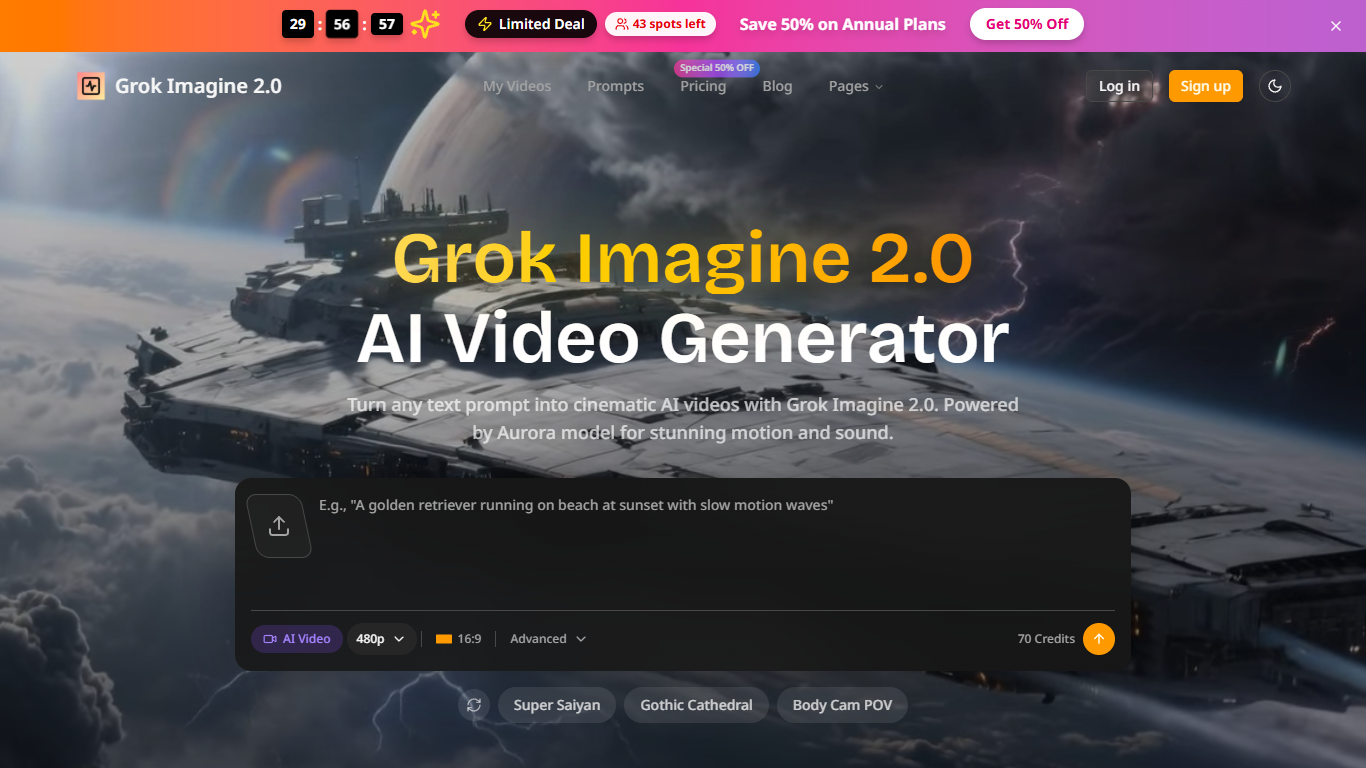
Grok Imagine 2.0 turns text prompts into short video clips with synchronized audio, all from a browser tab. E-commerce sellers, social creators, and indie teams use it for product demos, reels, and launch videos without hiring a studio or learning a timeline editor.
Unlike general video editors, Grok Imagine 2.0 focuses on prompt-to-clip generation through its Aurora autoregressive engine, baking ambient or dialogue audio into each render. That trade-off means you get publish-ready motion and sound from one text box, but you are not building timelines or cutting footage by hand.
E-commerce sellers use it for white-background product demos and seasonal promos, while creators lean on it for TikTok and Instagram reels. Indie makers generate app store previews, pitch deck animations, and landing page hero loops so launches stay on schedule.
720p HD clips with synchronized ambient or dialogue audio baked in
Renders a clip in under a minute using the Aurora autoregressive engine
10+ aspect ratios for YouTube, TikTok, Instagram, and broadcast exports
Basic plan includes 9,600 credits per year (about 60 videos per month)
Pro plan adds batch generation, API access, and 1080p HD output
Prompt library at grokimagine2.com/prompts with curated video ideas
Syncs motion and audio in one generation step, skipping separate audio editing
No account required to start generating from the homepage
Curated prompt library helps teams iterate on video ideas faster
Multiple aspect ratios cover YouTube, TikTok, and Instagram formats
Batch generation on Pro and Ultra plans for catalog-scale output
Standard output is 720p unless you upgrade to Pro or Ultra for 1080p
Credit-based pricing caps monthly volume even on paid tiers
DNS and live page loads can fail outside cached fetches during this run
Is Grok Imagine 2.0 free to use?
Grok Imagine 2.0 lets you start generating without an account, but paid subscriptions unlock higher credit limits. Basic starts at $9.80 per month on annual billing ($117.60 billed yearly).
What video resolution does Grok Imagine 2.0 output?
Grok Imagine 2.0 renders clips at 720p HD with synced audio on standard plans. Paid Pro and Ultra tiers add 1080p HD quality and remove watermarks.
Can I use Grok Imagine 2.0 videos commercially?
Yes. Grok Imagine 2.0 includes a commercial use license on paid yearly plans, and the site lists Amazon, Shopify, and TikTok Shop as target publishing channels.
Does Grok Imagine 2.0 require video editing skills?
No. Grok Imagine 2.0 uses a prompt box and generate button with no timeline editor. The site states beginners can produce professional results on the first try.
How fast does Grok Imagine 2.0 generate a clip?
Grok Imagine 2.0 renders each clip in under a minute through the Aurora model. You can regenerate variations until the motion and audio match your prompt.
Does Grok Imagine 2.0 include an API?
Grok Imagine 2.0 offers API access on the Pro and Ultra plans. The Pro tier also supports batch generation and private generations with copy protection.