
Last updated 08-21-2026
Category:
Reviews:
Join thousands of AI enthusiasts in the World of AI!
HappyHorse AI
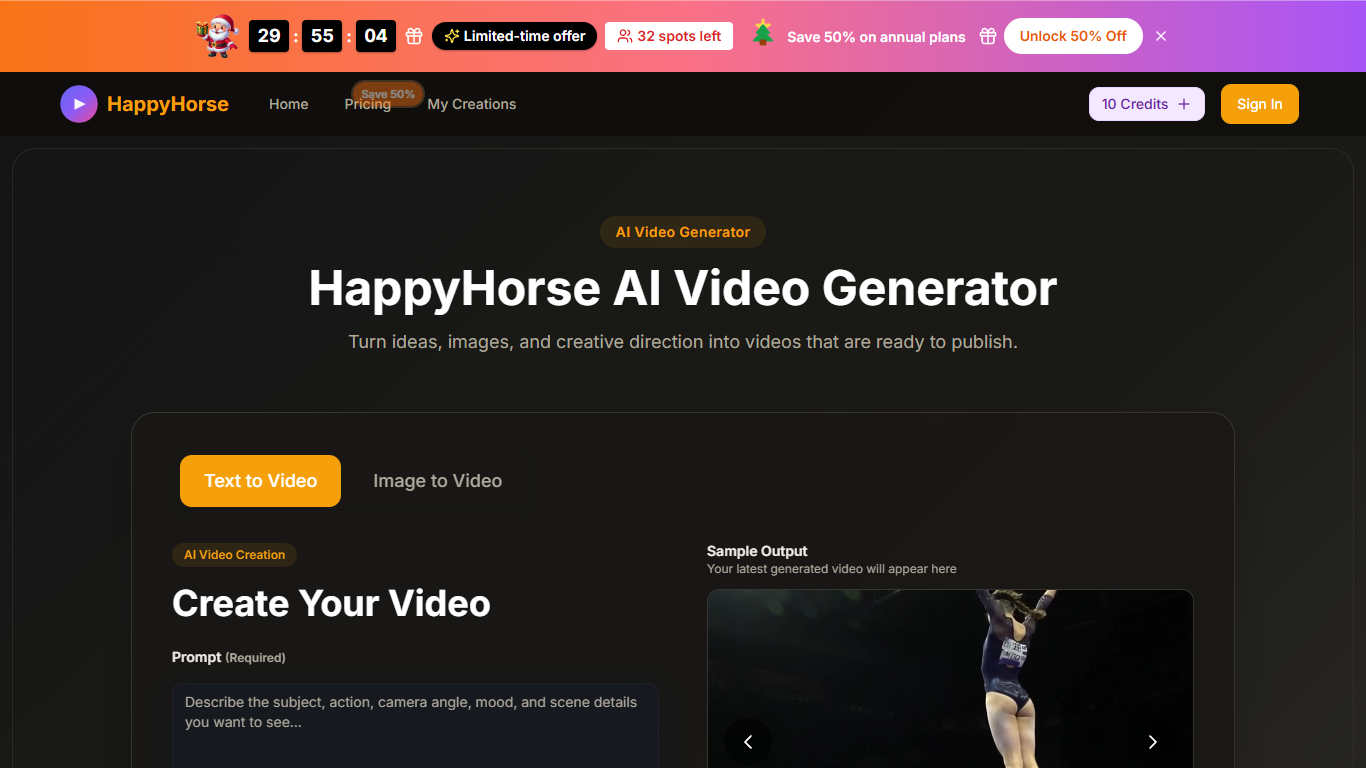
HappyHorse AI turns text prompts or reference images into short videos you can download for ads, product pages, and social posts. You pick aspect ratios from 16:9 to 1:1, choose 720p or 1080p quality, and set clip length to 5 or 10 seconds before rendering in the browser. Prompt Assist helps refine descriptions up to 800 characters.
Generic video generators often give you a clip and little else. HappyHorse AI keeps both text-to-video and image-to-video in one workflow, with controls for camera movement, pacing, and framing so the output stays closer to your brief. Paid plans include a commercial license, no watermark, and saved generation history, which matters when you ship client work rather than one-off experiments.
Marketers, e-commerce teams, and creators who publish short-form clips regularly are the best fit. If you already have product photos or key art and need motion without opening a full editor, the image-to-video path is the faster route.
Generate 5 or 10 second clips in 720p HD or 1080p Full HD
Six aspect ratios including 16:9, 9:16, 4:3, 3:4, 21:9, and 1:1
Text-to-video and image-to-video workflows in one browser tool
Prompt Assist helps refine descriptions up to 800 characters
Control camera movement, pacing, framing, and style before rendering
Paid plans include commercial license, no watermark, and saved history
Enterprise plan supports up to 600 videos per month on annual billing
Text-to-video and image-to-video share one browser workflow with style controls.
Six aspect ratios and 720p or 1080p exports suit ads and social formats.
Paid plans include commercial license, no watermark, and saved generation history.
Prompt Assist and up to 800-character prompts help refine creative direction.
Free starting credits let you test before subscribing.
Clips are limited to 5 or 10 second durations.
Monthly subscription credits do not roll over to the next month.
Generation speed depends on queue load and selected quality settings.
Can I try HappyHorse AI for free?
Yes. HappyHorse AI offers free credits to start before you buy a plan. You can sign in, generate clips, and upgrade when you need more monthly credits or commercial licensing.
What video settings does HappyHorse AI support?
HappyHorse AI lets you pick 5 or 10 second durations, 720p or 1080p quality, and aspect ratios from 16:9 and 9:16 to 1:1 and 21:9. Prompts can be up to 800 characters.
Does HappyHorse AI support image-to-video?
Yes. HappyHorse AI can animate uploaded product photos, portraits, or key art while keeping the original composition as a reference. You add motion direction on top of the still image.
How much do HappyHorse AI plans cost?
HappyHorse AI Basic is $9.9 per month, Professional is $19.9 per month, and Enterprise is $49.9 per month on annual billing. Annual checkout shows a limited-time 50% discount on listed prices.
Can I use HappyHorse AI videos commercially?
Yes on paid HappyHorse AI plans. Subscriptions include a commercial use license and no watermark, intended for marketing, publishing, and client work per the plan terms.
How do HappyHorse AI credits work?
HappyHorse AI deducts credits per generation based on workflow, duration, quality, and settings. Monthly subscription credits do not roll over, while annual credits stay available during the active subscription.