
Last updated 07-23-2026
Category:
Reviews:
Join thousands of AI enthusiasts in the World of AI!
Hivemind
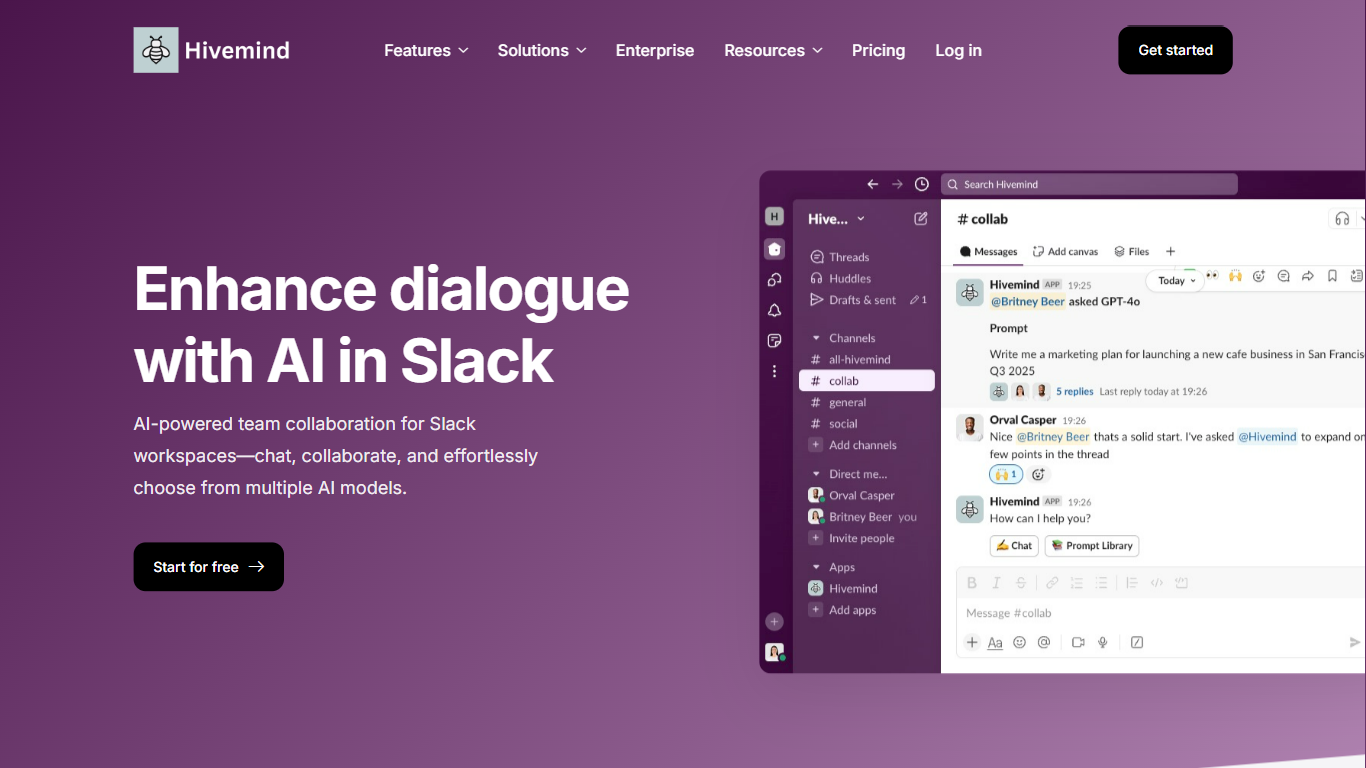
Hivemind is a Slack bot that lets teams chat with multiple large language models without leaving their workspace. You add it to Slack, start a conversation in a channel, and everyone in that channel can see the prompts and replies in real time.
The product is built around shared visibility. Instead of each person opening a separate chat tab, Hivemind keeps AI conversations in the same Slack threads your team already uses. You can switch models mid-chat, fork a thread to explore a different angle, or regenerate a response when the first one misses.
Hivemind fits teams that want to standardize on Slack for both day-to-day work and AI access. Free and Team plans cover most workspaces, while Enterprise adds self-hosting, custom model support, and hands-on rollout help.
Access GPT-4o, Claude 3.7, Gemini, and other models from inside Slack
Switch the active model mid-conversation without starting a new thread
Fork any chat to a public channel or private DM from any message
Regenerate individual AI responses when you want a fresh take
Run web search inside chats for answers grounded in current information
Attach images and files as prompts for the model to read and respond to
Pull from a shared prompt library so teams reuse proven templates
Enterprise plans support self-hosting and custom or fine-tuned models
Keeps AI chats visible to the whole Slack channel, not locked in private tabs
Model switching mid-conversation is built in, not a workaround
Fork and regenerate tools make it easy to explore alternate answers
Free tier covers small teams with up to 10 active bot-channel users
Enterprise self-hosting option for teams with strict data requirements
Only works inside Slack, so non-Slack teams cannot use it
Free plan limits active users in bot channels to 10
Team pricing is per user, which adds up for larger organizations
Custom model integration is limited to Enterprise plans
Is Hivemind free to use?
Yes. Hivemind offers a Free plan for every workspace with up to 10 active users in bot channels and access to all core features. The Team plan costs $2 per user per month for unlimited users in Slack channels.
What AI models does Hivemind support?
Hivemind supports multiple leading models including GPT-4o, Claude 3.7, and Google Gemini. You can enable or disable models in the admin panel and switch between them during a conversation.
Can I switch AI models during a conversation?
Yes. Hivemind includes a Change Model button that lets you pick a different model while keeping the same chat thread and context.
Does Hivemind work outside of Slack?
No. Hivemind is built specifically for Slack workspaces. You install it as a Slack app and interact with it in channels and direct messages.
Does Hivemind offer self-hosting?
Yes, on Enterprise plans. Organizations can self-host Hivemind on their own cloud or on-prem infrastructure so data stays within their environment.