
Last updated 08-14-2026
Category:
Reviews:
Join thousands of AI enthusiasts in the World of AI!
Hypernatural AI
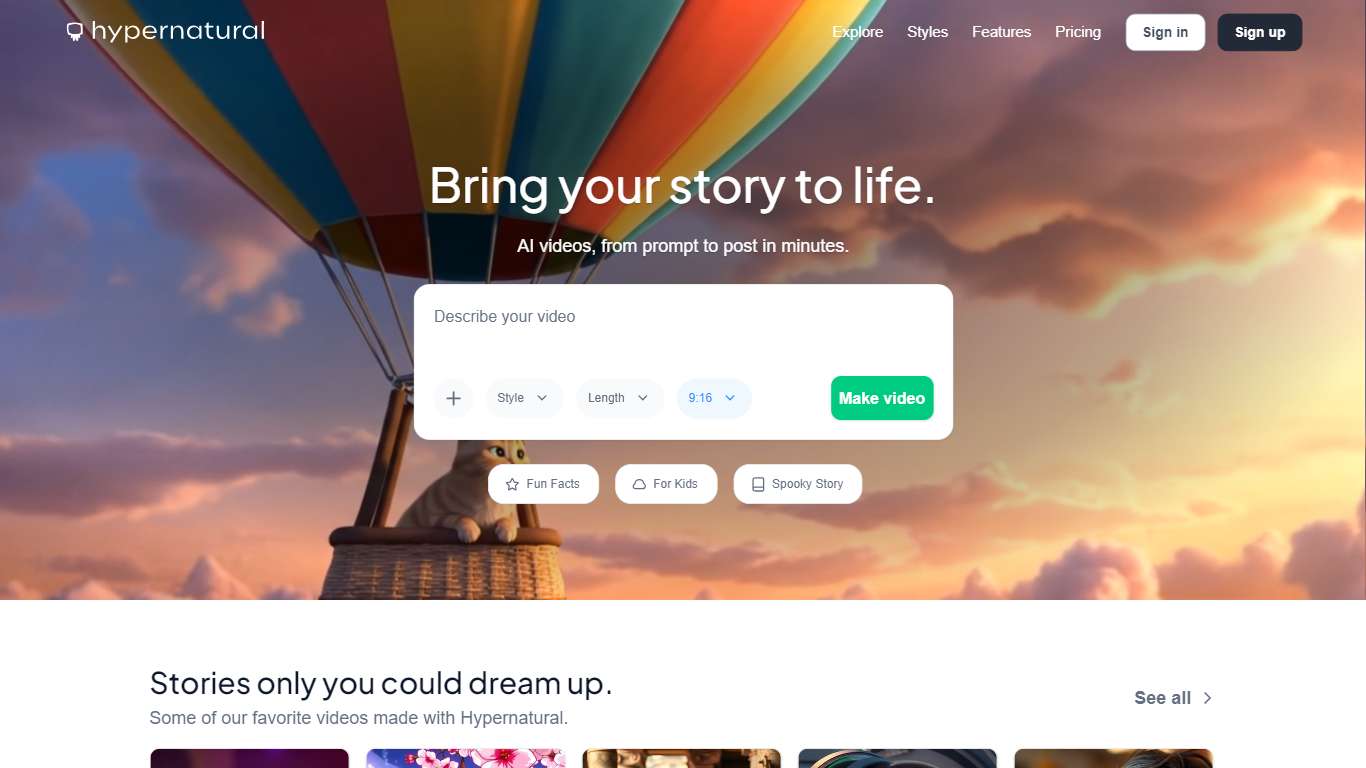
Hypernatural AI turns prompts, scripts, podcasts, images, and audio into short-form videos inside one editor. You generate scenes, storyboard shots, add captions, and export branded clips without opening a separate editing stack. It fits creators who need finished social video, not just a raw text-to-video clip.
Generic text-to-video tools spit out one-off clips. Hypernatural adds a Brand workspace where you upload your logo, visual style, and product shots once, then every video inside that Brand pulls from those references automatically. That on-brand consistency layer, plus custom characters, 40+ narrators, and script-to-video flow, is what separates it from prompt-only generators.
Marketers, influencers, podcasters, and DTC brands use it for product ads, customer stories, and social content. Customer case studies on the site cite teams like Cluster and Jam+Rico cutting video production costs while keeping brand look intact. Credits pay for custom visuals, animations, and premium narration, with paid tiers removing watermarks and the 60-second free cap.
Brand workspace stores your logo, visual style, and product references for every video in that Brand
Free plan includes up to 5 videos, 100 lifetime credits, 6 basic narrators, and a 60-second cap
Creator plan at $12 per month includes 6,000 credits per year and up to 4 custom characters
40+ premium AI narrators plus option to upload your own audio for narration
Script-to-video flow generates full-length videos from text, not 6-second clips
Pro plan supports up to 12 custom characters; Ultimate supports up to 48
Paid exports remove the Hypernatural watermark and allow unlimited video length
Brand workspace keeps logo and product references consistent across every export
Accepts scripts, podcasts, images, and audio clips as starting inputs
40+ premium narrators plus custom audio upload on paid plans
Free tier includes 5 videos to test the full editor workflow
Customer stories document real cost savings for DTC and agency teams
Free plan caps videos at 60 seconds and adds a watermark
Credit-based billing means heavy visual generation can burn through quotas quickly
Unused credits expire at each billing period with no rollover
Highest character counts require Pro or Ultimate subscriptions
Can I upload my own audio for narration on Hypernatural AI?
Yes. Hypernatural AI lets you upload your own audio files as narration alongside its library of 40+ premium AI voices on paid plans. The free plan includes 6 basic AI narrators.
What inputs can Hypernatural AI turn into video?
Hypernatural AI accepts prompts, scripts, podcasts, images, characters, and audio or video clips as starting points. Its script-to-video flow generates full-length scenes rather than short 6-second clips.
Are Hypernatural AI free plan videos length-limited?
Yes. Hypernatural AI caps free plan videos at 60 seconds and adds a watermark on exports. Paid Creator, Pro, and Ultimate plans remove the length cap and watermark.
How many custom characters does Hypernatural AI Creator include?
The Hypernatural AI Creator plan allows up to 4 custom characters in your videos. The Pro plan raises that to 12 characters, and Ultimate supports up to 48.
How do Hypernatural AI credits work?
Hypernatural AI credits pay for custom visuals, animations, and premium narration when you generate videos. Monthly plan credits refresh on your billing date, annual plans grant the full year upfront, and unused credits do not roll over.
Does Hypernatural AI help keep videos on brand?
Yes. Hypernatural AI Brand workspaces let you upload your logo, visual style, and product shots once. Every video created inside that Brand pulls from those references so exports stay consistent without manual re-styling.