
Last updated 06-25-2026
Category:
Reviews:
Join thousands of AI enthusiasts in the World of AI!
Image Outliner
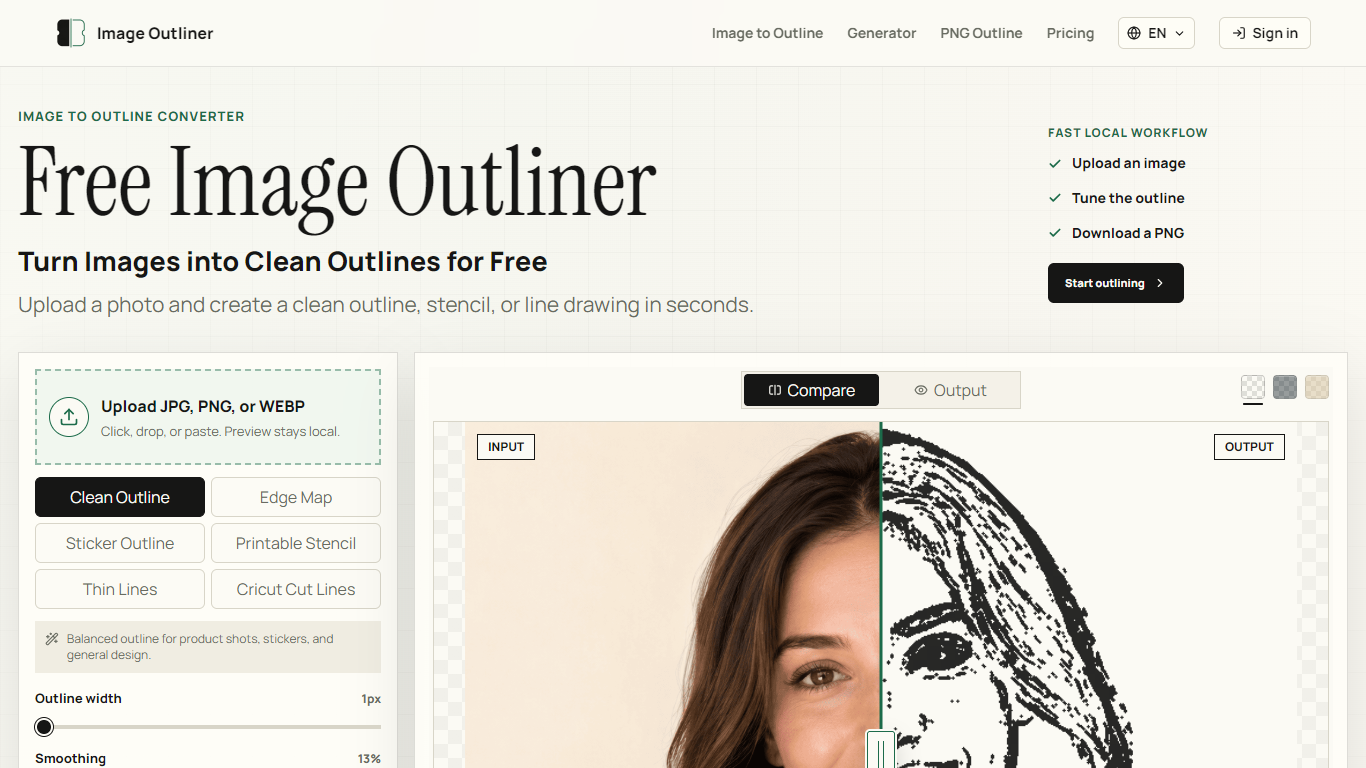
Image Outliner turns uploaded photos into clean outlines, stencils, and line drawings you can download as PNGs. Upload a JPG, PNG, or WEBP, pick an output style, tune the stroke, and export without opening Photoshop or Canva. It is built for crafters, designers, and anyone who needs a usable contour file fast.
The core workflow runs entirely in your browser. Previews stay local, so you can iterate on outline width, smoothing, edge threshold, and color before downloading. Optional AI Enhance costs credits and is aimed at cleaner stencils, Cricut cut lines, tattoo references, and print-ready output.
The tool targets sticker makers, Cricut users, tattoo artists drafting stencils, teachers building coloring pages, and product designers who need subject contours from photos. Modes like Clean Outline, Printable Stencil, Thin Lines, and Cricut Cut Lines map to specific craft and design jobs rather than generic photo editing.
Six output modes: Clean Outline, Edge Map, Sticker Outline, Printable Stencil, Thin Lines, Cricut Cut Lines
Upload JPG, PNG, or WEBP by click, drop, or paste
Adjust outline width, smoothing, edge threshold, and stroke color before export
Transparent PNG downloads with no watermark on local exports
Browser-side previews with no signup required for basic outline work
Local browser previews and PNG downloads work without creating an account.
Six specialized outline modes cover Cricut, stencils, stickers, and line art in one workspace.
Transparent, no-watermark PNG exports on the free local tier suit craft and design workflows.
SVG, PDF, and batch processing are reserved for paid workflow upgrades.
AI Enhance costs credits on free and mid-tier plans, with unlimited AI only on the $99.99/month plan.
Can I convert an image to an outline for free with Image Outliner?
Yes. Image Outliner runs local previews in your browser and lets you download a PNG without an account. AI Enhance is optional and uses credits when you want cleaner, print-ready results.
What image formats does Image Outliner support?
Image Outliner accepts JPG, PNG, and WEBP uploads. PNG files with transparent backgrounds work especially well for sticker and layered design outlines.
Can Image Outliner export transparent outline PNGs?
Yes. Turn on transparent output before downloading. Image Outliner exports PNGs suitable for Cricut projects, stickers, and layered design files.
How much does Image Outliner cost?
Image Outliner offers unlimited free local tools plus 12 signup credits. Paid plans start at $8.99/month for Maker (160 AI credits), $19.99/month for Studio (420 credits), and $99.99/month for Unlimited AI usage. One-time credit packs start at $3.99 for 25 credits.
Does Image Outliner work for Cricut and stencil projects?
Yes. Image Outliner includes Cricut Cut Lines and Printable Stencil modes. Cricut mode favors a stronger outer contour with fewer internal details, while stencil mode produces bold black-and-white regions for crafts and print templates.
Does Image Outliner keep my images private?
Local previews stay in your browser unless you choose AI Enhance. Image Outliner processes standard outline previews on-device without sending your image to a server for the free local workflow.