
Last updated 07-30-2026
Category:
Reviews:
Join thousands of AI enthusiasts in the World of AI!
Funy AI
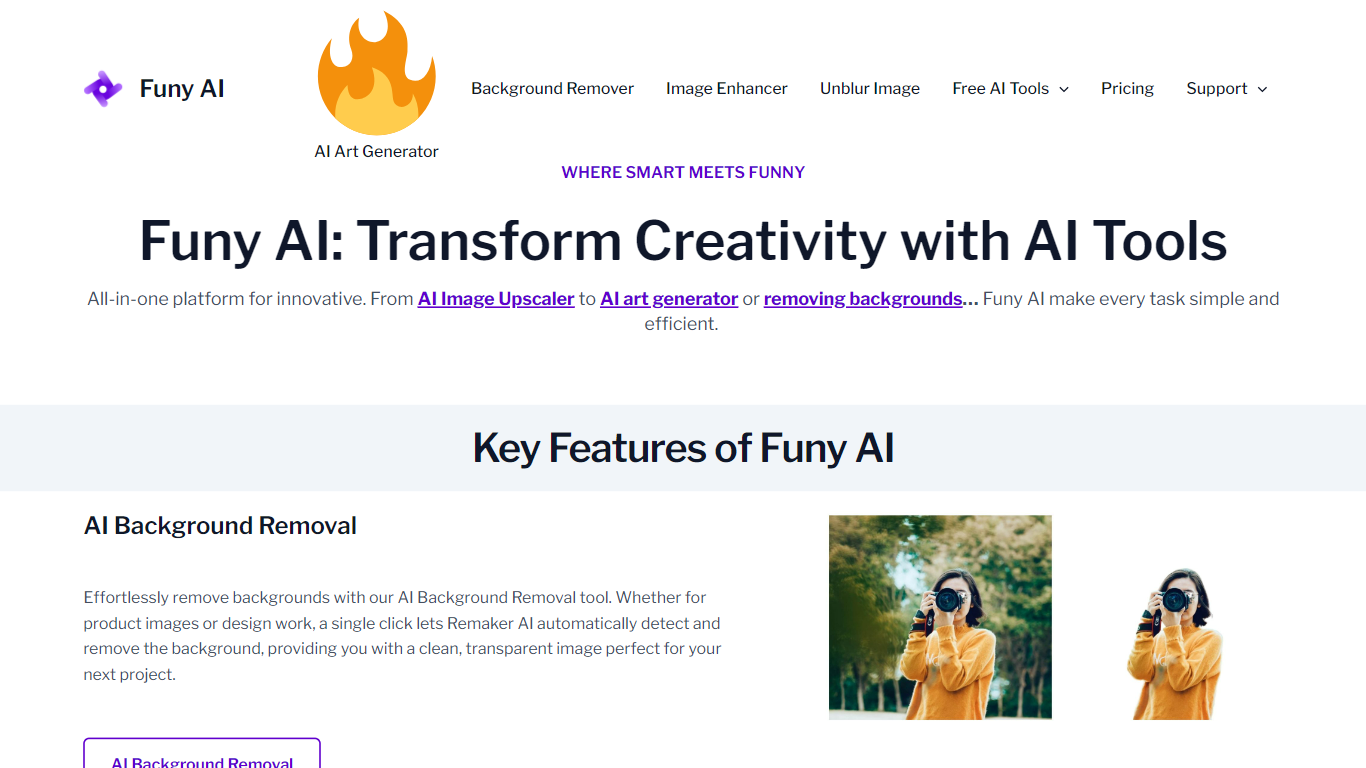
Funy AI bundles image editing, image generation, and video creation into one browser-based workspace. You can turn photos into short videos, write text prompts into clips, remove backgrounds, unblur shots, swap hairstyles, and run effect templates like old photo animation or dance videos without opening separate apps.
Most single-purpose editors handle either photos or video, not both with dozens of model backends behind one credit wallet. Funy AI routes jobs through models including Kling, Veo, Wan, PixVerse, Sora, and its own Funy 2.x engines, with resolution up to 1080p and lengths up to 10 seconds on paid tiers. The trade-off is a credit system where heavy models like Veo 3 can burn thousands of credits per clip.
Content creators, e-commerce sellers, and casual users reach for Funy AI when they want quick social clips, product photo cleanup, or filter-style edits without a full Adobe workflow. The site offers 30+ free credits with no signup required, plus iOS and Android apps. Payments run through Stripe as one-time credit packs rather than monthly subscriptions.
30+ free credits on signup-free trials, with watermark-free exports on paid tiers
Standard pack: 3,000 credits for $24.99 one-time; Deluxe pack: 60,000 credits for $149.99
Routes video jobs through Kling, Veo, Wan, PixVerse, Sora, Hailuo, and Funy 2.x model families
Image tools include background removal, unblur, upscaler, watermark remover, and Studio Ghibli filter
Video templates cover dance, hug, handshake, fight, old photo animation, and cloth swap effects
Supports 23 site languages and runs on web, iOS, and Android
Combines image editing and video generation in one credit wallet instead of juggling separate apps.
One-time credit packs avoid recurring subscriptions, and unused credits do not expire on premium tiers.
Wide model catalog (Kling, Veo, Wan, Sora, and more) with browser, iOS, and Android access.
High-end models like Veo 3 list costs above 6,000 credits per generation, draining packs quickly.
Standard tier caps video at 720p with only 7-day storage for outputs.
Interface packs many effect templates and model names, which can feel overwhelming for first-time users.
Is Funy AI free to use?
Yes. Funy AI gives new users 30+ free credits to try image and video tools without signing up. Paid credit packs start at $24.99 for 3,000 credits as a one-time purchase with no monthly subscription.
What can Funy AI generate from a photo?
Funy AI turns still images into short videos with templates like dance, hug, fight, and old photo animation. Funy AI also edits photos with background removal, unblur, upscaling, hairstyle changes, and art filters.
Which video models does Funy AI support?
Funy AI lists model options including Kling, Veo, Wan, PixVerse, Sora, Hailuo, Luma, Pika, Runway, and its own Funy 2.x engines. Credit cost and render time vary by model, with Veo 3 listed at 6,000+ credits per job.
Do Funy AI credits expire?
No. Funy AI states that unused credits do not expire on paid packs labeled with no expiry. The Standard $24.99 pack includes 7-day storage, while Premium and Deluxe tiers extend storage to 30 and 60 days.
Does Funy AI require an account?
No account is required to start using Funy AI in the browser. Signing up unlocks credit management and advanced features, and the same account works across web, iOS, and Android apps.
How do I contact Funy AI support?
Funy AI support is available at [email protected] for billing, custom processing requests, and plan changes. Refund and cancellation steps are documented at funy.ai/refund-policy.