
Last updated 07-19-2026
Category:
Reviews:
Join thousands of AI enthusiasts in the World of AI!
Image Video AI
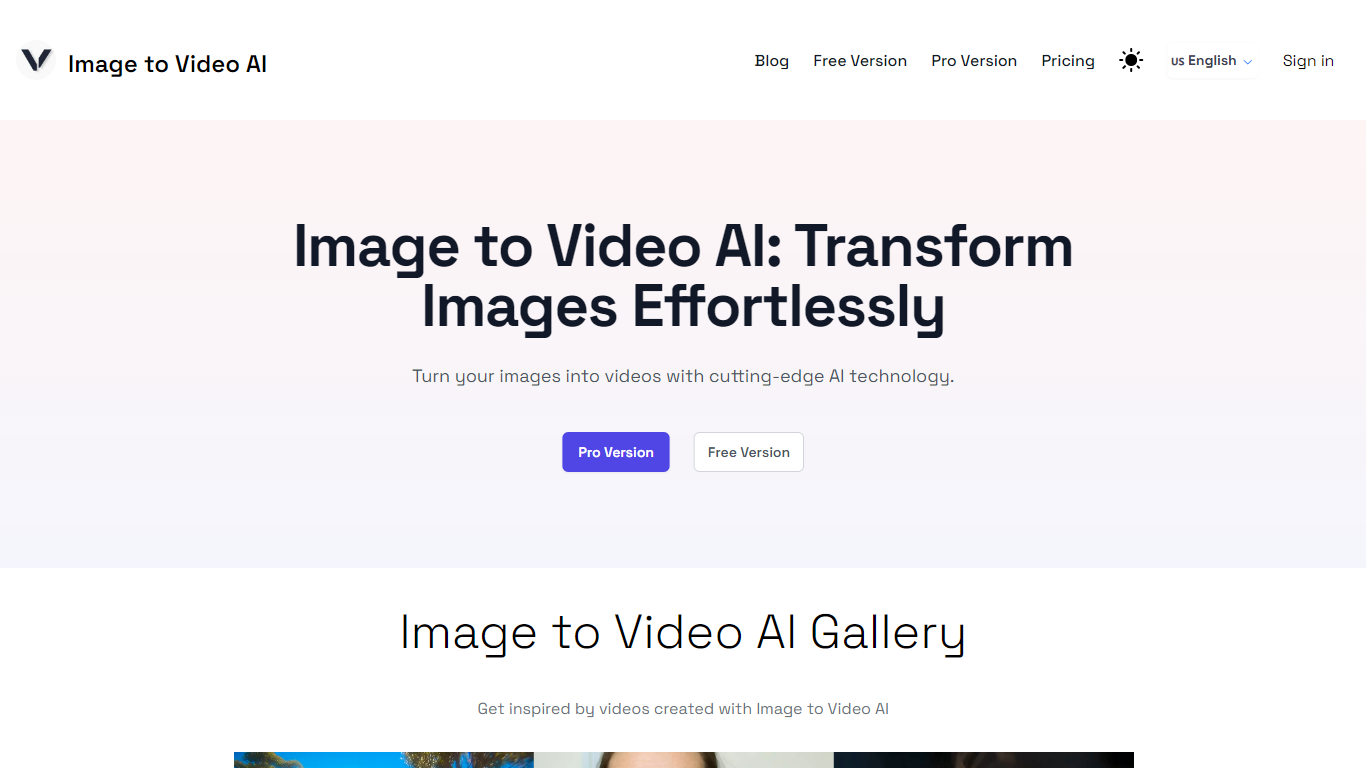
Image to Video AI turns still images into short video clips through a browser-based generator. Upload images in the playground, hit create, and download or share the result without installing software or running models on your own GPU.
The Pro playground adds text-to-video and hug-style video modes alongside standard image-to-video conversion. Output runs at 1280x768 resolution with clips up to about 5.4 seconds, and the project is open source.
It fits hobbyists testing quick visual ideas and professionals who need fast drafts for social posts or client previews. A free playground tier is available, with paid credit packs for heavier use.
Upload images in the playground and export a video in a few clicks
Switch between text-to-video, image-to-video, and hug-style video modes in the Pro playground
Merge two images into a single animated clip
Paid credits remove watermarks and use a priority generation queue
Runs entirely online with no local GPU required
Outputs videos at 1280x768 resolution for up to about 5.4 seconds
Free playground with 3 credits to test before buying.
No local GPU needed; runs entirely in the browser.
Open-source project with community contribution options on GitHub.
Supports text-to-video, image-to-video, and hug-style video from one interface.
Generated clips cap at about 5.4 seconds.
Animated or cartoon styles may produce weaker results than photorealistic images.
Free tier includes only 3 credits; heavier use requires paid packs.
Credits expire after 30 days on all plans.
Is Image to Video AI free to use?
Yes. The free plan includes 3 credits you can use in the playground. Paid credit packs start at .90 for 20 credits and are valid for 30 days.
What video resolution and length does Image to Video AI support?
The current version generates videos at 1280x768 resolution. Clips can run up to about 5.4 seconds in length.
Can I use Image to Video AI for commercial projects?
Yes. Image to Video AI can be used for both personal and commercial projects according to the site FAQ.
Does Image to Video AI require a local GPU?
No. Image to Video AI runs entirely online in the browser and does not require local GPU hardware.
Is there an API available for Image to Video AI?
Yes. Image to Video AI can be integrated into applications using APIs from the site partners, per the homepage FAQ.
What generation modes does the Pro playground support?
The Pro playground supports text-to-video, image-to-video, and hug-style video generation. Each generation costs 3 credits.
Does Image to Video AI work well with animated or cartoon images?
Image to Video AI is optimized for photorealistic styles. Animated or cartoon content may produce weaker results.
Is Image to Video AI open source?
Yes. Image to Video AI is described as an open-source tool, and the site invites contributions through GitHub pull requests.