
Last updated 08-22-2026
Category:
Reviews:
Join thousands of AI enthusiasts in the World of AI!
ImageVids AI
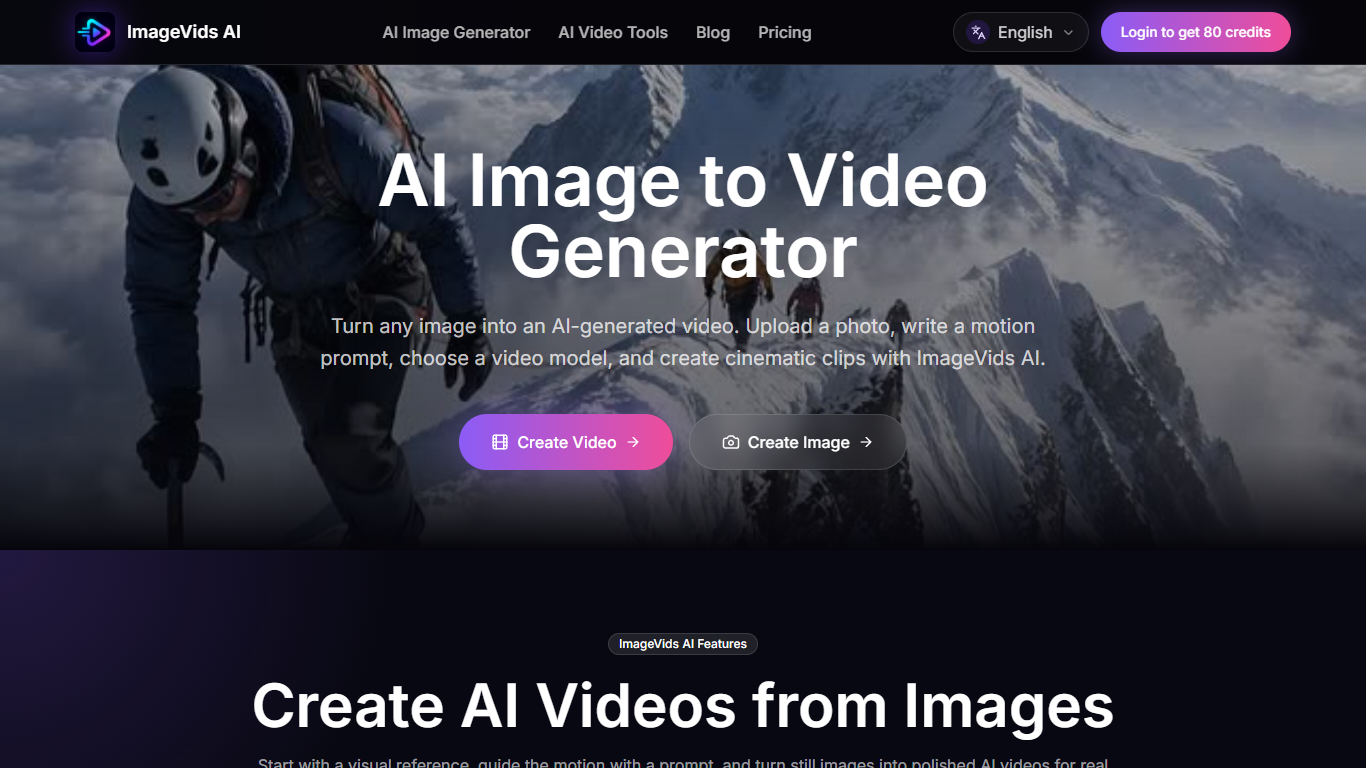
ImageVids AI turns still photos into short AI-generated videos for social clips, product ads, portraits, anime art, and real estate shots. You upload a reference image, write a motion prompt, pick a video model, and generate a clip without opening a full video editor.
Most video generators start from text. ImageVids AI keeps the uploaded image as the visual anchor and layers camera movement, subject motion, and atmosphere on top. It also bundles third-party models such as Kling 3.0, Veo 3.1, Seedance 2.0, and Wan 2.7 in one workspace, so you compare motion styles without juggling separate accounts.
Creators, marketers, ecommerce sellers, and designers use ImageVids AI when they already have a photo or render and need motion fast. New accounts receive 80 free trial credits on login, and paid plans start at $19 per month for 1,000 credits.
Upload a reference image and guide motion with a text prompt instead of starting from scratch
Choose among 15+ video models including Kling 3.0, Veo 3.1, Seedance 2.0, and Wan 2.7
New logins receive 80 free trial credits to test prompts before upgrading
Export square, vertical, widescreen, and portrait aspect ratios for Reels, Shorts, and ads
Paid plans unlock HD exports, watermark-free downloads, and commercial use rights
One-time credit packs from $19 for 1,000 credits when subscribers need a top-up
Keeps your uploaded image as the visual anchor instead of generating from text alone.
Bundles 15+ third-party video models so you can compare motion styles in one place.
80 free trial credits let you test prompts before committing to a paid plan.
Supports vertical, square, and widescreen exports for social and ad formats.
One-time credit packs require an active subscription, so casual users cannot top up without paying monthly.
Credit usage varies by model, duration, and resolution, making monthly costs hard to predict.
No dedicated mobile app; the workflow runs in a desktop browser only.
Can I use ImageVids AI for free?
Yes. ImageVids AI gives new users 80 free trial credits when they log in. You can test image-to-video prompts and compare models before paying. Paid subscriptions start at $19 per month for the Starter plan with 1,000 monthly credits.
How much does ImageVids AI cost?
ImageVids AI subscriptions start at $19 per month for Starter (1,000 credits), $39 for Creator (3,000 credits), $79 for Pro (7,000 credits), and $149 for Studio (15,000 credits). Active subscribers can also buy one-time credit packs from $19 for 1,000 credits.
Which AI video models does ImageVids AI support?
ImageVids AI supports more than 15 models in one workspace, including Kling 3.0, Veo 3.1, Seedance 2.0, Grok Imagine, Wan 2.7, and its own ImageVids 1.0 model. You pick the model that fits your shot before each generation.
What images work best on ImageVids AI?
ImageVids AI works best with clear photos that have a visible subject. Product shots, portraits, anime artwork, landscapes, and real estate images all animate well when paired with a specific motion prompt describing camera or subject movement.
Can I export ImageVids AI videos without a watermark?
Free trial generations on ImageVids AI may include watermarks or export limits. Paid plans unlock watermark-free downloads, HD output, and commercial use rights. Check the pricing page for the plan that matches your export needs.
Do I need a subscription to buy ImageVids AI credit packs?
Yes. ImageVids AI one-time credit packs require an active subscription. The Boost Pack costs $19 for 1,000 credits, the Project Pack is $49 for 3,000 credits, and larger packs go up to $189 for 15,000 credits.