
Last updated 08-09-2026
Category:
Reviews:
Join thousands of AI enthusiasts in the World of AI!
Inpodcast AI
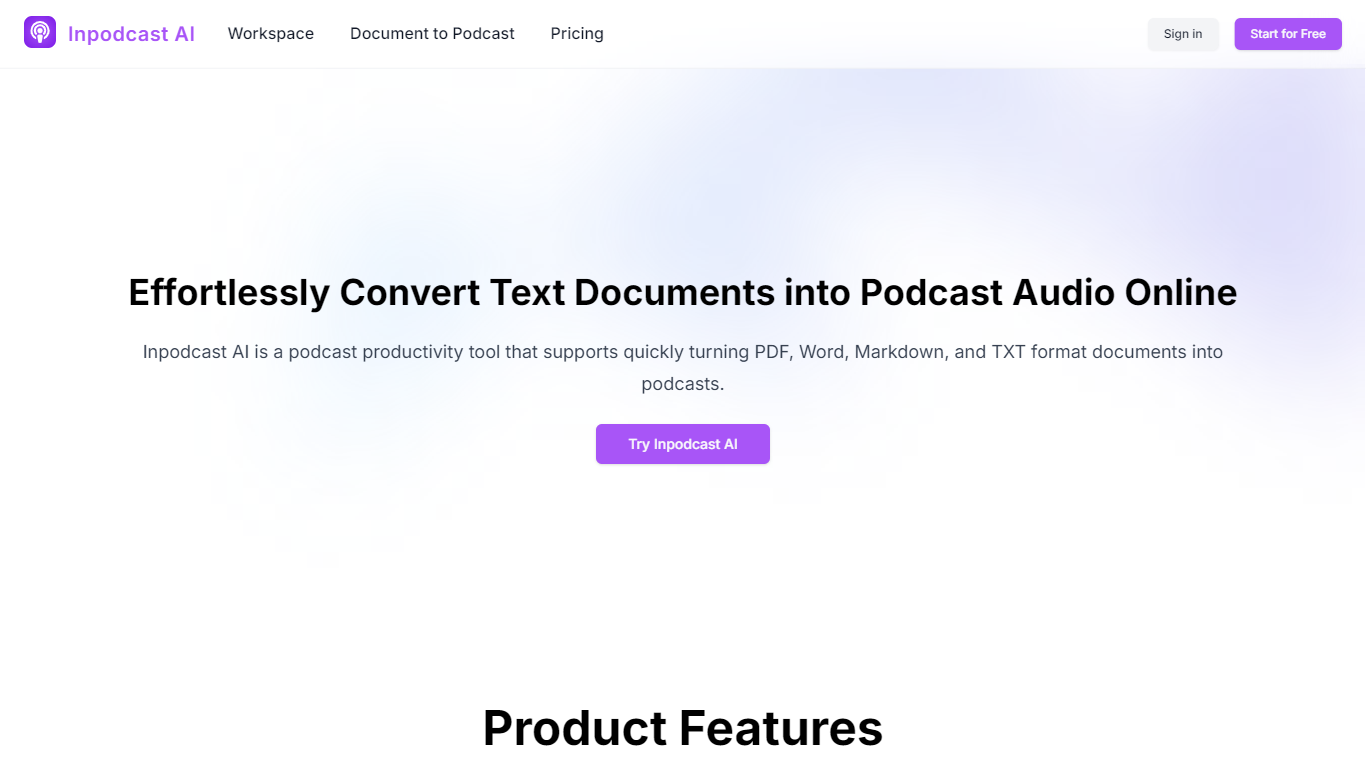
Inpodcast AI is a browser-based podcast studio that turns documents, scripts, and plain text into private audio episodes. You upload PDF, Word, Markdown, or TXT files, write a script, or paste text, then pick voices, language, duration, and background music before generating downloadable podcast audio. The workflow covers document-to-podcast, script-to-podcast, and standalone text-to-speech in one signed-in workspace.
Where many podcast tools assume you already have a mic and editing stack, Inpodcast AI focuses on written-source conversion with an editable script step before audio renders. Its terms state the product is in maintenance mode: new registrations, credit sales, subscriptions, and public publishing are closed, but existing account holders can still spend remaining credits on private conversions. That makes it a legacy workspace for people who already have access, not an open signup funnel.
Educators, corporate comms teams, and solo creators who want lecture notes, reports, or blog posts as audio without recording sessions are the natural fit. The site highlights training material, internal newsletters, and article repurposing as core use cases.
Upload up to 5 files in PDF, Word, Markdown, or TXT per document-to-podcast run
Text-to-speech covers 70+ languages with hundreds of voice options
Script editor lets you adjust tone, pauses, and emphasis before audio renders
Three creation tabs: document upload, script input, and plain text-to-speech
Signed-in workspace stores private podcasts, documents, scripts, and TTS files
Converts PDF, Word, Markdown, and TXT files without a recording setup
Editable script step catches errors before audio generation
70+ language options cover multilingual lecture and report audio
Maintenance mode blocks new registrations and credit purchases
Public publishing and new voice cloning are unavailable
Final audio length depends on credits, script size, and selected mode
What can I create with Inpodcast AI?
Inpodcast AI converts documents, topics, scripts, and plain text into private podcast-style audio. Existing account holders can generate, review, download, and delete content inside their workspace.
Does Inpodcast AI accept new sign-ups?
No. Inpodcast AI is in maintenance mode and no longer accepts registrations, credit purchases, or subscriptions. Only existing account holders can sign in and use remaining credits.
What file formats does Inpodcast AI support?
Inpodcast AI accepts PDF, Word (Docx), Markdown, and TXT uploads for document-to-podcast conversion. The homepage limits each run to up to 5 files.
How many languages does Inpodcast AI support?
Inpodcast AI lists text-to-speech support for more than 70 languages with hundreds of voice options. You select input and output languages during the upload workflow.
Can I edit scripts in Inpodcast AI?
Yes. Inpodcast AI lets you review and edit generated scripts before creating or regenerating podcast audio, so you can fix wording before credits are spent.
Is voice cloning available on Inpodcast AI?
No. Inpodcast AI disabled new voice cloning and public podcast publishing. Existing users can only use system voices and eligible voices already linked to their account.