
Last updated 07-27-2026
Category:
Reviews:
Join thousands of AI enthusiasts in the World of AI!
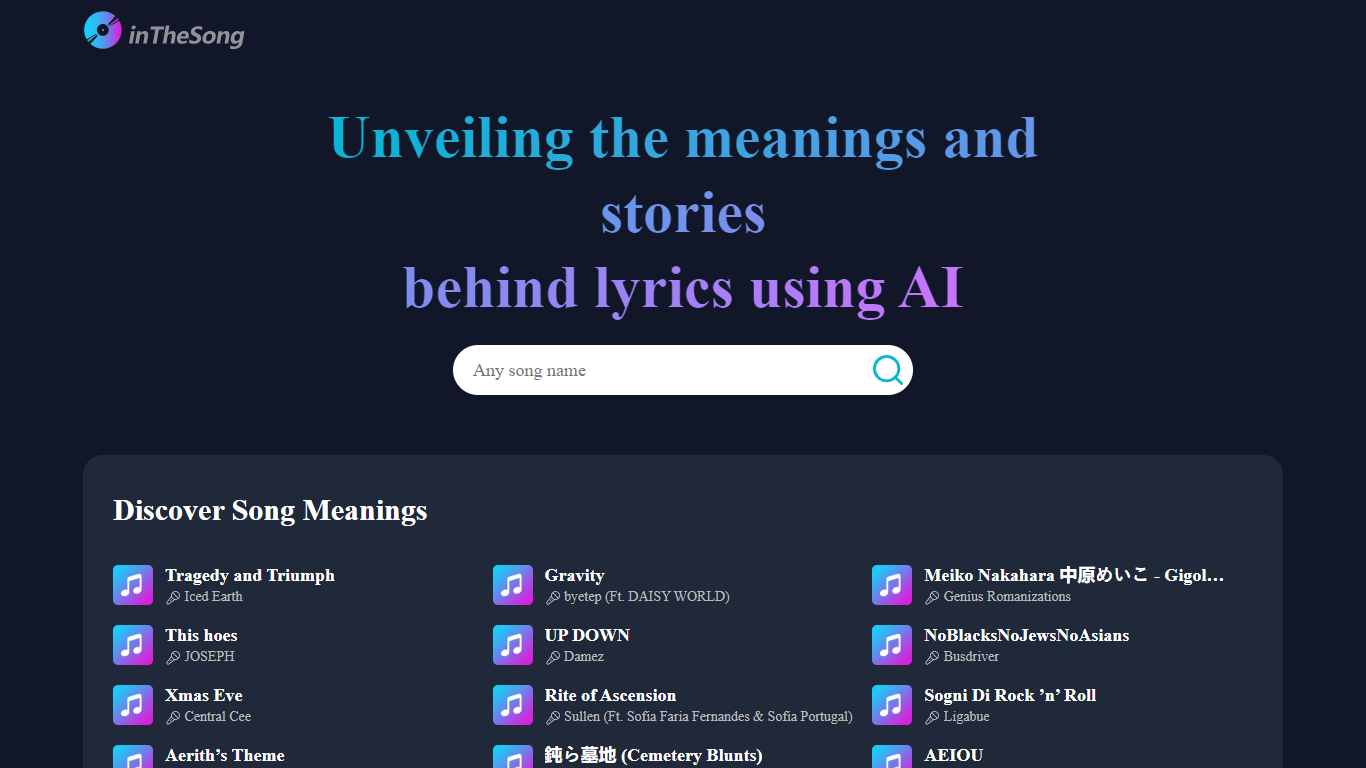
Text To Music (formerly inTheSong)
Text To Music turns written prompts and lyrics into full songs with vocals, instrumentation, and arrangement. You pick a genre, mood, voice type, and instruments in Simple Mode, or switch to Custom Mode for finer control over style tags and song structure. The web app runs in the browser and exports finished tracks as MP3 or WAV files with a commercial license included on every tier.
Where many text-to-song tools accept a single prompt and return one take, Text To Music layers structured style pickers across genres, moods, voices, instruments, and tempos. Custom Mode adds bracket tags like [Verse] and [Chorus] to steer section-by-section arrangement, and the built-in lyrics generator and prompt enhancer let you draft words before generating audio without switching tools.
Independent musicians prototyping ideas, YouTube creators building content, and hobbyists who want finished songs without a DAW will find the Simple and Custom modes approachable. Free accounts get 6 songs per day, while paid plans raise monthly caps to 600 or 3,000 songs and unlock the longer 2.0 model with 8-minute track limits.
Text to music 1.0 generates songs up to 4 minutes with refined vocal structure on every plan
Text to music 2.0 (subscribers only) extends tracks to 8 minutes with faster generation and smarter mashups
Style pickers cover 30+ genres, 20+ moods, voice types, instruments, and tempo presets
Free tier allows 6 songs and 3 generation runs per day with MP3/WAV downloads
Basic plan at $9.90 per month includes 600 songs and 300 generation runs per month
Built-in AI lyrics generator offers 10 generations per day for free users
Free tier includes commercial license and MP3/WAV downloads with no credit card required.
Custom Mode style tags and bracket structure commands give finer control than a single-prompt workflow.
Integrated lyrics generator and prompt enhancer keep songwriting and generation in one app.
Interface available in English, Spanish, Japanese, German, and French.
Text to music 2.0 with 8-minute tracks requires a paid subscription.
Free accounts cap at 6 songs and 3 generation runs per day.
Extreme genres like heavy metal and avant-garde jazz are weaker per the vendor's own guidance.
Is Text To Music free to use?
Yes, Text To Music offers a free tier with 6 songs and 3 generation runs per day, plus MP3/WAV downloads and a commercial license. Paid Basic and Popular plans raise monthly song caps to 600 or 3,000 tracks.
What is the song length limit on Text To Music?
Text To Music caps Text to music 1.0 songs at 4 minutes on all plans. Subscribers can use Text to music 2.0, which supports tracks up to 8 minutes with faster generation and better genre blending.
Does Text To Music include vocals?
Yes, Text To Music generates full vocal performances by default, with male, female, and other voice presets in the style picker. You can also toggle Instrumental mode to create songs without lyrics.
What file formats does Text To Music export?
Text To Music lets you download finished songs as MP3 or WAV files. All tiers, including the free plan, include a commercial license for generated tracks.
How many lyrics can I generate on Text To Music?
Text To Music includes a built-in AI lyrics generator. Free users get 10 lyric generations per day, while premium subscribers receive unlimited lyric generations alongside higher song quotas.
What languages does Text To Music support?
Text To Music offers its interface in English, Spanish, Japanese, German, and French. Song generation itself follows the language and style details in your prompt or lyrics.