
Last updated 07-27-2026
Category:
Reviews:
Join thousands of AI enthusiasts in the World of AI!
Karnaugh Map Solver
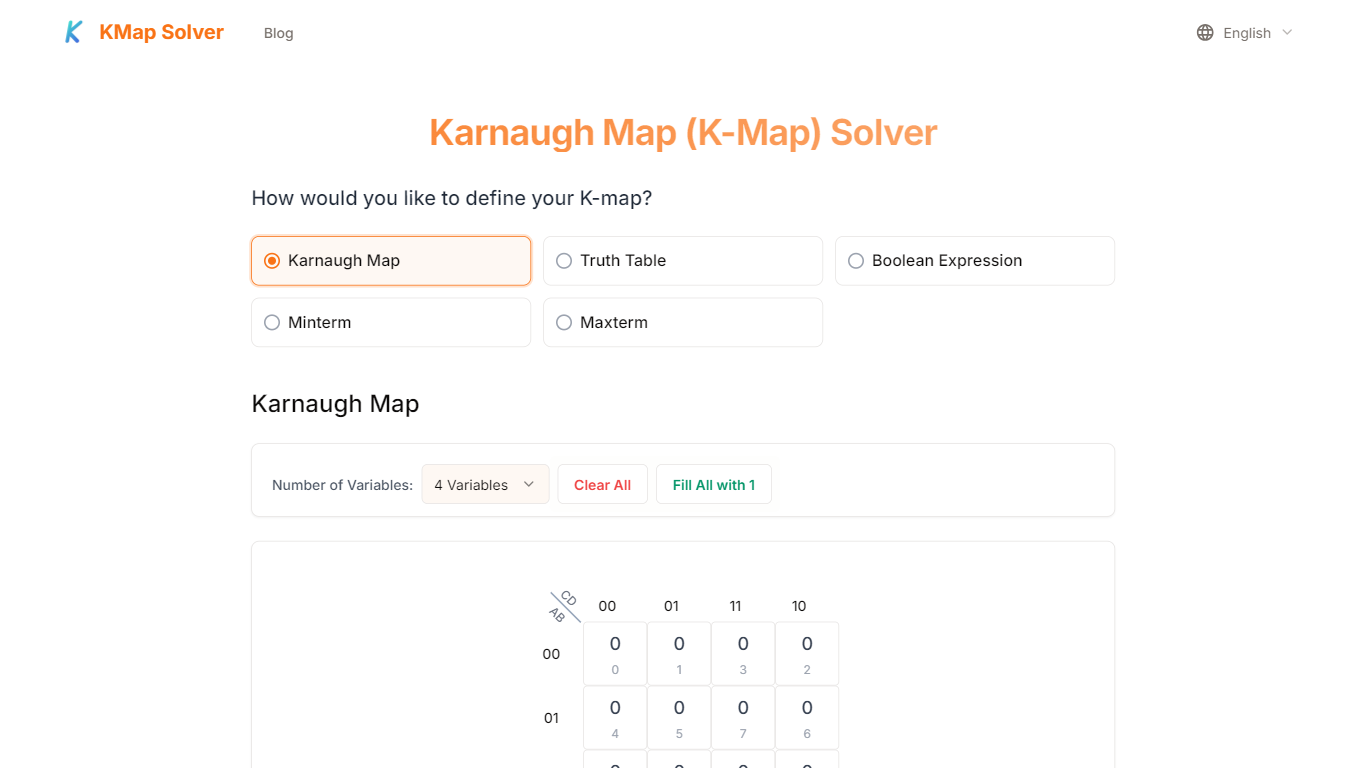
Karnaugh Map Solver simplifies Boolean expressions by allowing users to input data through Karnaugh Maps, truth tables, Boolean expressions, minterm, or maxterm numbers. It supports don't-care conditions to help achieve optimal simplifications in both Sum of Products (SOP) and Product of Sums (POS) formats. The tool provides detailed step-by-step visualizations, including original and simplified expressions, grouping maps, and automatically generated logic circuit diagrams.
What sets Karnaugh Map Solver apart is its support for multiple input methods and its interactive interface that lets users toggle cell values directly on Karnaugh Maps or truth tables. It offers specialized versions for 3-variable and 5-variable Karnaugh Maps, with the latter using a dual 4-variable map system to handle complex expressions. This flexibility makes it suitable for both beginners and advanced users.
The solver runs entirely in the browser, ensuring privacy by performing all calculations locally without storing user data on servers. Users can download detailed PDF reports of their simplification process, aiding documentation and study. Additionally, the tool's blog offers practical tutorials and guides to help users understand Karnaugh Maps and Boolean simplification techniques.
Karnaugh Map Solver stands out by combining multiple input options, flexible output formats, clear visual grouping, and circuit diagrams. It integrates analytics tools like Google Analytics and Microsoft Clarity to improve user experience without compromising data security. The service is provided as-is but is reliable for educational and professional use.
🗂️ Five input methods including Karnaugh Maps, truth tables, Boolean expressions, minterm, and maxterm numbers
📊 Step-by-step visual grouping showing original and simplified expressions
⚙️ Auto-generated logic circuit diagrams for easy visualization
📄 Download detailed PDF reports of simplification results
🔄 Supports don't-care conditions to optimize Boolean expressions
🧮 Specialized 3-variable and 5-variable Karnaugh Map solvers with dual 4-variable map system for 5 variables
🌐 Runs entirely in-browser ensuring data privacy and fast calculations
Supports multiple input types including Karnaugh Maps, truth tables, minterms, and maxterms
Provides both SOP and POS output formats with detailed step-by-step simplifications
Interactive interface with real-time toggling of cell values including don't-care states
Generates logic circuit diagrams automatically for design clarity
Processes all data locally in the browser ensuring user privacy and fast response
No commercial license or API access for integration
Limited to Karnaugh Maps up to 5 variables; larger maps are unsupported
No offline desktop version available
Does not support automated batch processing
How do I input don't-care conditions in the Karnaugh Map Solver?
In Karnaugh Map Solver, you can toggle cell values between 0, 1, and X (don't-care) by clicking on the cells in the Karnaugh Map or truth table inputs. These don't-care conditions help Karnaugh Map Solver simplify expressions further.
Can I get both SOP and POS forms from the solver?
Yes, Karnaugh Map Solver allows you to select either Sum of Products (SOP) or Product of Sums (POS) output formats, showing detailed simplification steps for both forms.
How does the 5-variable Karnaugh Map Solver work?
Karnaugh Map Solver uses two 4-variable Karnaugh Maps to represent all 32 combinations of five variables, allowing you to simplify complex Boolean expressions visually and interactively.
Is my data stored on the Karnaugh Map Solver servers?
No, Karnaugh Map Solver performs all calculations and data processing locally in your browser and does not store or transmit your calculation data to any servers.
Can I download my simplification results?
Yes, Karnaugh Map Solver lets you download detailed PDF reports of your simplification process and results directly from the tool for documentation or study.
What is the difference between minterms and maxterms inputs?
In Karnaugh Map Solver, minterms represent the sum of product terms where the function is true, while maxterms represent the product of sum terms where the function is false. The solver supports both input types for flexibility.
Are there tutorials available to learn Karnaugh Maps?
Yes, Karnaugh Map Solver offers a blog with beginner-friendly guides and tutorials to help you understand and solve Karnaugh Maps effectively.