
Last updated 07-23-2026
Category:
Reviews:
Join thousands of AI enthusiasts in the World of AI!
KlingAI
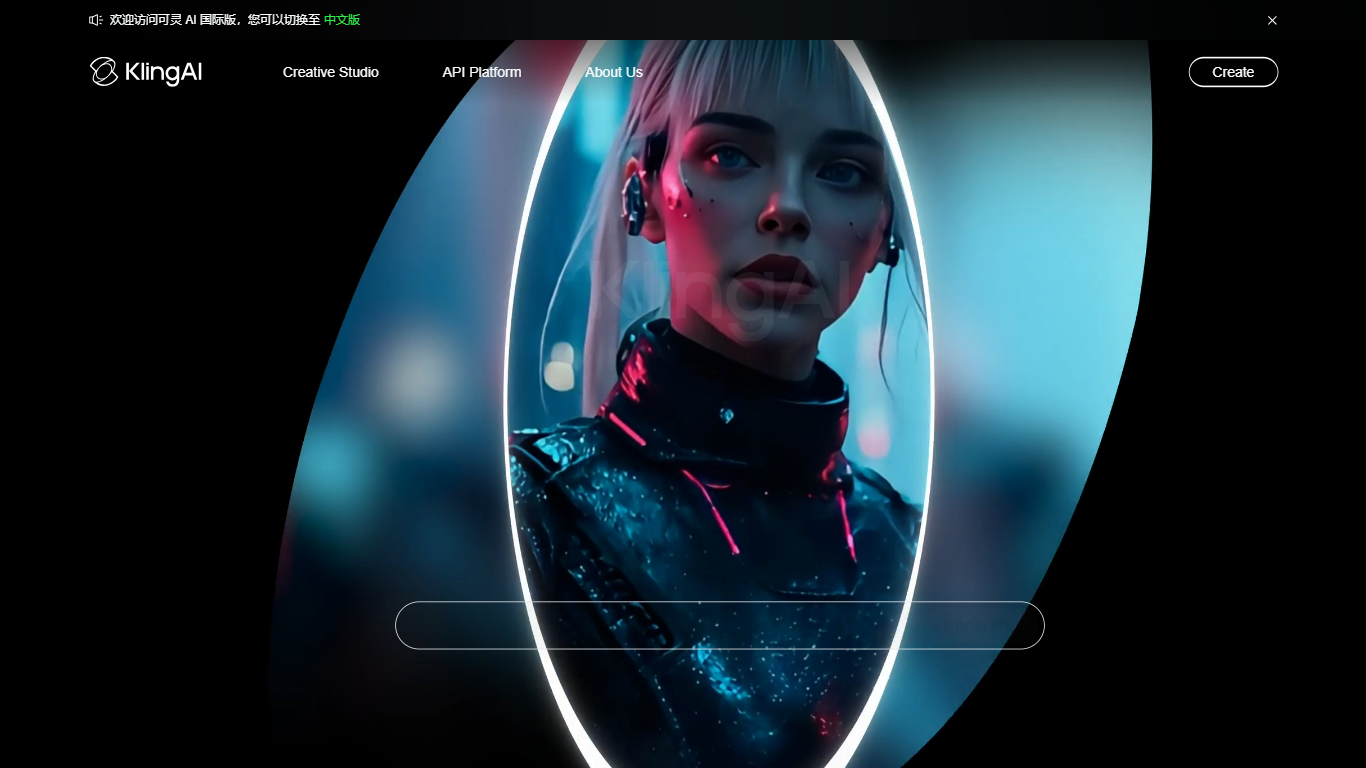
KlingAI is a creative studio for generating videos and images from text, reference photos, and other inputs. Built around the Kling 3.0 model family, it targets filmmakers, marketers, and solo creators who want cinematic motion, consistent characters, and native audio in one place.
The platform combines video generation, image generation, sound generation, motion control, digital humans, and special effects inside a single web studio. You can also integrate through its developer API, which bills per second for video and per image for stills across multiple model tiers and resolutions up to 4K.
KlingAI runs in the browser and offers native apps for iOS, Android, macOS, and Windows. The site reports more than 60 million users and over 600 million AI videos generated, with desktop and mobile clients for creating on the go.
For teams that need programmatic access, the API console offers prepaid usage-based pricing for Kling 3.0 video and image models, separate from the consumer membership plans.
Turn text prompts or still images into up to 15-second videos with native audio, lip-sync, and multilingual dialogue
Lock characters with Element Reference so faces and outfits stay stable across shots instead of morphing mid-clip
Direct multi-shot storyboards, camera moves, and motion control from one generation instead of stitching clips externally
Generate images, sound effects, talking avatars, restyles, and special effects inside the same Omni creative studio
Export at 1080p on the free tier or unlock native 4K video, watermark removal, and commercial rights on paid memberships
Native audio and lip-sync are built into video generation, including multi-character dialogue assignment
Element Reference and the element library keep characters and objects visually consistent across complex shots
Output scales from 1080p on the free tier to native 4K on paid memberships
Available on iOS, Android, macOS, Windows, and the browser studio
Credit-based memberships scale from hobby use through a 26,000-credit Ultra tier
Free tier output is watermarked and cannot be used commercially
Monthly subscription credits do not roll over if unused
Membership page shows introductory discounts that revert to standard renewal pricing
Credit consumption varies widely by model, resolution, and feature settings
Is KlingAI free to use?
Yes. KlingAI offers a Basic plan at $0 with daily login credits for testing. Free generations include a watermark, and the site states generated content on the free tier is not for commercial use.
Does KlingAI have mobile and desktop apps?
Yes. KlingAI provides iOS and Android apps, plus macOS (Intel and Apple Silicon) and Windows desktop clients alongside the browser studio.
Can I use KlingAI videos for commercial projects?
Paid memberships include commercial use rights. The free Basic plan explicitly prohibits commercial use of generated content.
How long can KlingAI videos be?
Kling Video 3.0 supports up to 15 seconds of continuous video per generation. Paid plans also include video extension features that can lengthen output further.
Does KlingAI offer an API?
Yes. KlingAI has a developer API platform with prepaid billing for video and image models. API pricing is listed per second for video and per image for stills at resolutions up to 4K.