
Last updated 08-13-2026
Category:
Reviews:
Join thousands of AI enthusiasts in the World of AI!
Koast.ai
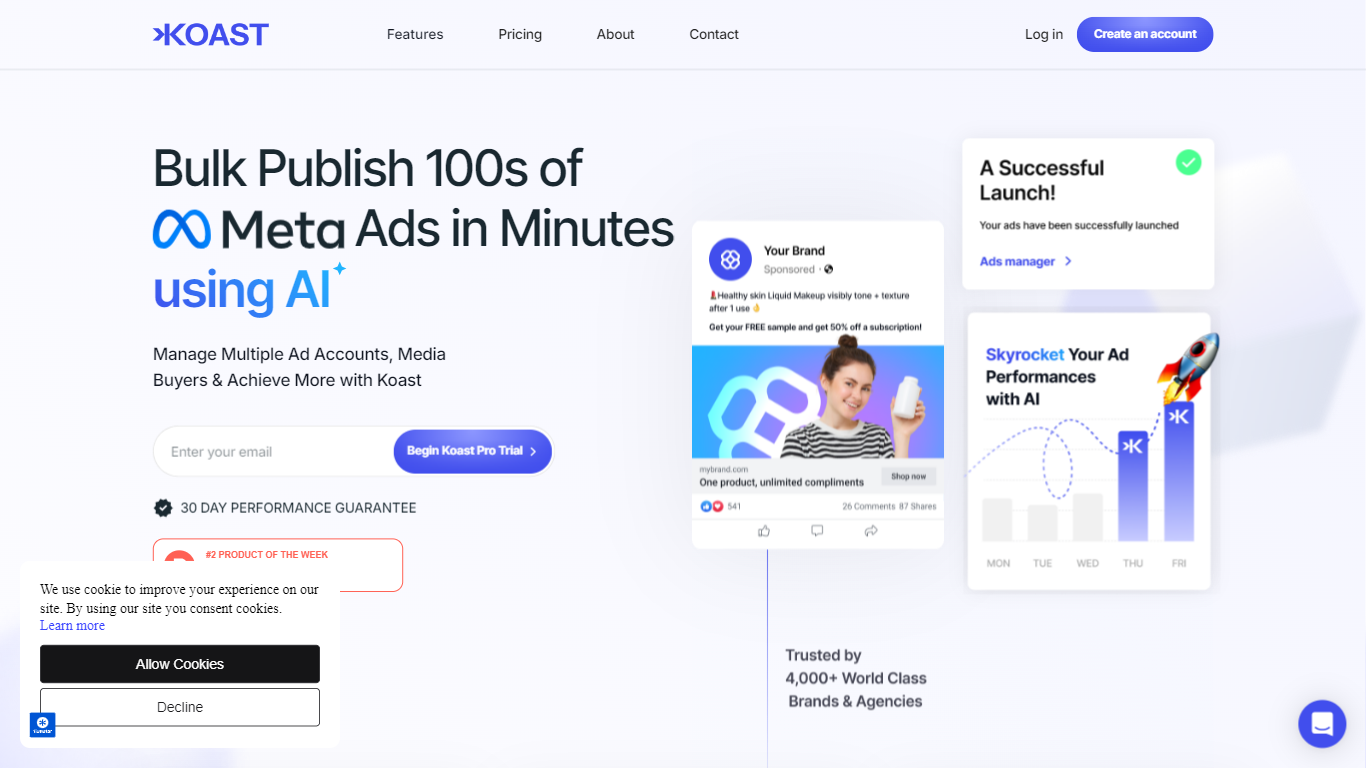
Koast.ai lets performance marketing teams run every Meta ad account, buyer workflow, and creative pipeline from one tab. AI agents handle triage, stop-losses, daily recaps, and batch launches around the clock, then stage sensitive moves for your sign-off at login. Teams spending roughly $50k to $5M+ per month on Meta ads are the sweet spot.
Most Meta tooling stops at publishing. Koast adds the operating layer Ads Manager never built: portfolio KPIs across Business Managers without profile switching, agent tasks that queue overnight and finish by morning, and batch launches that stack 9:16, 1:1, and 4:5 creatives into placement-ready ads with shared post IDs across accounts. Flat pricing with no percentage of ad spend is another split from agency-style tools that bill on media.
Media buyers, agency teams, and in-house growth leads use it to cut hours in Ads Manager and catch overspending ads on a five-minute cadence instead of after lunch. Strategists, editors, and buyers share one pipeline from brief through Frame.io approval to live ads.
Batch launch hundreds of ads across up to 10 Growth-plan accounts with one post ID per ad shared across destinations
Agent tasks run on schedules, metric triggers, or Frame.io approvals with 5-minute stop-loss checks on Growth
Portfolio view shows spend, ROAS, CPA, and CTR side by side across every connected Meta account
Integrations include Meta, Slack, Frame.io, Google Drive, Dropbox, Cometly, and Hyros
Creative pipeline tracks briefs from requested through published with role-based team access
7-day self-serve trial on Growth before month-to-month billing with no percentage of ad spend
Batch launches cut hand-building time that Ads Manager bills at roughly one hour per five ads
Stop-loss agents can pause overspending ads on a 5-minute cadence instead of waiting for manual checks
Flat pricing keeps profit margin since Koast never takes a cut of ad spend
Frame.io approvals can trigger launches minutes after creative sign-off
Cross-account KPI strip surfaces spend, ROAS, CPA, and CTR without profile hopping
Focused on Meta buying, so teams on Google, TikTok, or other channels need separate tools
Growth plan caps accounts at 10 and limits agent credits and automation frequency
Enterprise onboarding is required for unlimited scale and custom integrations
Whop native ad account creation is marked coming soon, not live yet
What does Koast.ai do for Meta advertisers?
Koast.ai is an operating system for Meta ad teams. It unifies accounts on one dashboard, runs AI agents for triage, stop-losses, recaps, and fatigue audits, and batch-launches creatives with naming templates and shared post IDs.
How many ad accounts can Koast.ai connect?
Koast.ai supports up to 10 ad accounts on the Growth plan and unlimited accounts on Enterprise. Teams can also create new ad accounts natively through the upcoming Whop partnership.
Does Koast.ai replace a media buyer?
No. Koast.ai automates routine buying tasks like stop-losses, daily recaps, and creative fatigue checks. Strategy and sensitive budget moves stay with your team through staged sign-offs.
What integrations does Koast.ai support?
Koast.ai connects to Meta for buying, Slack for alerts and recaps, Frame.io for creative approvals, Google Drive and Dropbox for assets, plus Cometly and Hyros for attribution data in tables and triggers.
How does Koast.ai pricing work?
Koast.ai uses flat plans with no percentage of ad spend. Growth is self-serve with a 7-day trial, limited agent credits, and up to 10 accounts. Enterprise adds unlimited accounts, credits, teammates, and hands-on onboarding.
Can Koast.ai manage multiple Meta profiles?
Yes. Koast.ai lets multiple profiles and Business Managers feed one portfolio view so buyers check numbers without switching browser profiles or logins.