
Last updated 08-12-2026
Category:
Reviews:
Join thousands of AI enthusiasts in the World of AI!
Krea Ai
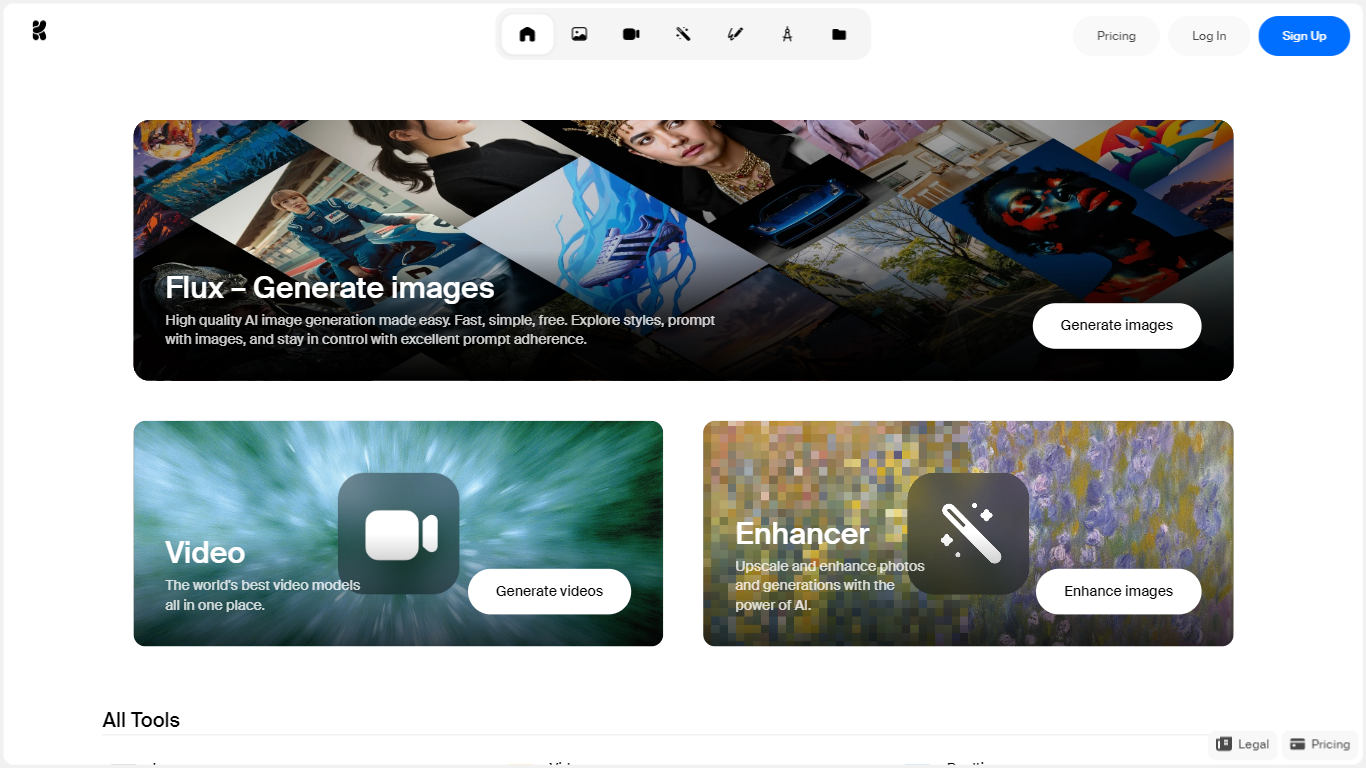
Krea Ai combines image, video, and 3D generation in one browser workspace built for creative production. You can write a text prompt or upload a reference image, compare outputs from multiple models in the same session, upscale results, and train custom LoRA styles without switching tools. Real-time image mode renders changes as you adjust prompts, which helps when you are iterating on ad concepts or storyboards.
Most generators lock you into one model family. Krea Ai routes jobs across its in-house Krea 2 model plus third-party image and video models like Flux and Seedance, then adds a node-based editor (Krea Nodes) for chaining steps visually. That mix matters for teams who need both quick social assets and heavier video clips from the same account, especially with compute-unit billing instead of separate subscriptions per model.
Designers, marketers, and studio teams use Krea Ai for campaign visuals, product shots, short-form video, and custom brand styles. The free tier refills 100 compute units daily; paid Basic, Pro, and Max plans raise monthly pools to 5,000, 20,000, or 60,000 units with commercial licensing on paid tiers.
Free tier refills 100 compute units per day for image, video, and 3D generation
Krea 2 in-house image model plus access to Flux, Seedance, and other third-party models
Realtime image mode renders prompt changes live without waiting for full batch jobs
Image LoRA and video LoRA finetuning lets teams train custom styles from reference sets
Enhancer upscales images with basic 2K upscaling on Free and higher resolutions on paid plans
Krea Nodes visual editor chains models, prompts, and processing steps into reusable workflows
Business plan at $200 per month includes 80,000 shared compute units with unlimited workspace members
One workspace covers image, video, 3D, upscaling, and LoRA training instead of separate apps.
Realtime mode speeds up concept iteration before committing compute units to full renders.
Business pricing shares one compute pool across unlimited members rather than per-seat fees.
Node-based workflows can be saved as reusable apps for repeat production tasks.
Paid tiers include a commercial license for client and marketing deliverables.
Free tier caps video concurrency at zero and limits daily compute to 100 units.
Individual plan compute units do not roll over month to month.
Heavy Seedance or third-party video renders burn through monthly pools quickly on lower tiers.
Is Krea Ai free to use?
Yes. Krea Ai offers a Free plan with 100 compute units per day, access to Krea 2 and selected third-party models, and limited LoRA training. Paid Basic, Pro, and Max plans start at $9, $35, and $70 per month with larger monthly compute pools and commercial licensing.
What can you create with Krea Ai?
Krea Ai generates AI images, videos, and 3D objects from text or reference inputs. The workspace also includes upscaling, background removal, motion transfer, video style transfer, frame interpolation, and an asset manager for organizing outputs.
How do Krea Ai compute units work?
Krea Ai bills usage through compute units that each generation consumes. Free accounts get 100 units daily; Basic includes 5,000 units monthly, Pro includes 20,000, and Max includes 60,000. Business workspaces share one pool, such as 80,000 units on the $200 per month team plan.
Does Krea Ai support real-time image generation?
Yes. Krea Ai includes a Realtime Image Generation mode that updates the canvas as you change prompts or references. That mode is separate from standard text-to-image batches and is aimed at fast concept exploration.
Can Krea Ai train custom styles?
Yes. Krea Ai supports image and video LoRA finetuning so teams can teach the platform a specific product, character, or art direction. Free accounts get limited training capacity; paid plans expand concurrency and images per LoRA.
Does Krea Ai include a commercial license?
Yes on paid plans. Krea Ai Basic, Pro, Max, Business, and Enterprise subscriptions include a commercial license for generated images, videos, and other assets used in marketing, client work, and products. The Free plan is intended for personal exploration.