
Last updated 08-13-2026
Category:
Reviews:
Join thousands of AI enthusiasts in the World of AI!
Lovify
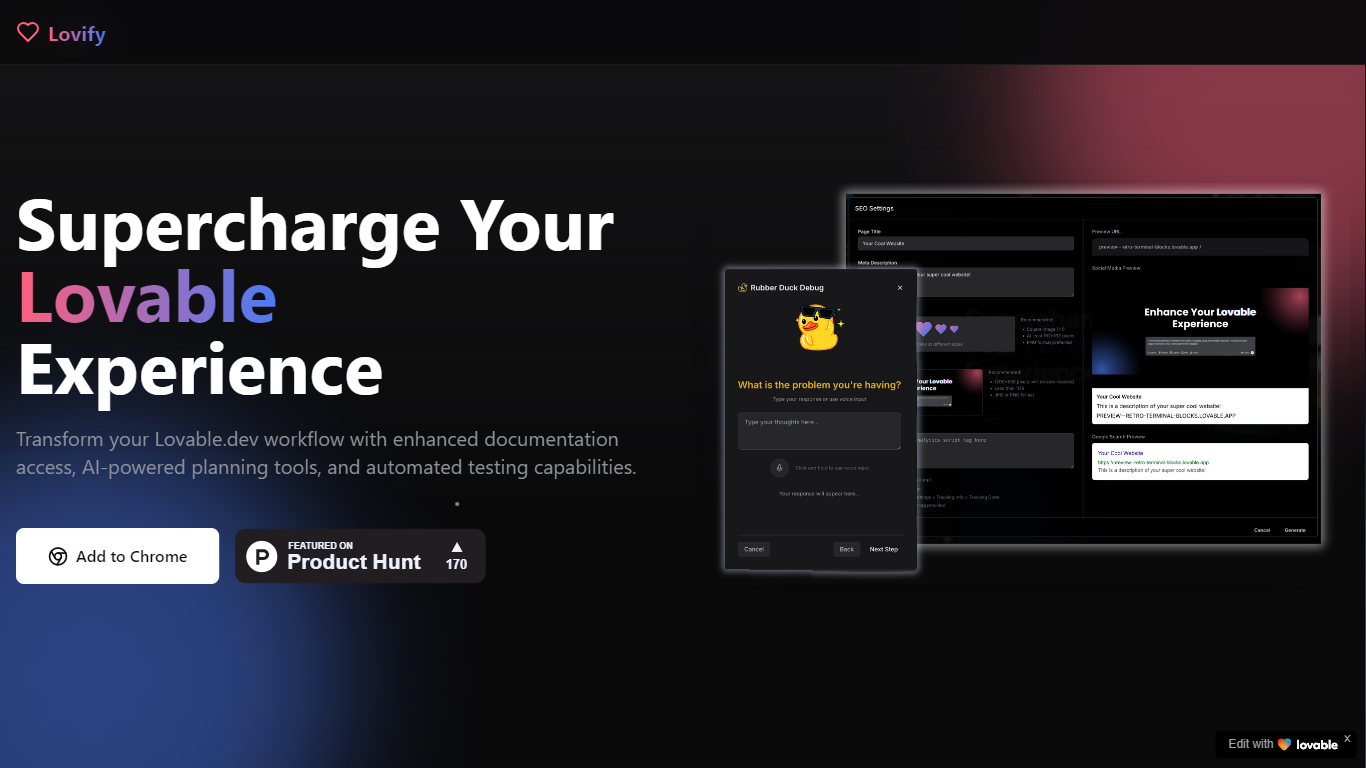
Lovify is a Chrome extension that layers extra workflow tools on top of Lovable.dev, the AI app builder. It adds GitHub repo import, slash commands for docs and auth templates, PRD and action plan generation, voice coding mode, and an in-editor AI assistant so you spend less time context switching while building in Lovable.
Most Lovable users rely on the built-in chat and editor alone. Lovify narrows in on repeat friction points: pulling a GitHub project in with one click, running /test to generate tests, saving prompt templates, and using rubber duck voice debugging without leaving the tab. That makes it closer to a power-user overlay than a separate IDE.
Developers already building on Lovable.dev who want faster imports, structured planning tabs, and hands-free debugging are the core audience. You need a Lovable account and the Chrome extension from the Web Store to get started.
One-click GitHub repository import with automatic Lovable project setup
Slash commands include /docs, /auth, /test, /prompt, and /integrations
PRD and action plan generation with a built-in Plan tab for task tracking
Voice mode supports hands-free coding and rubber duck debugging
Smart prompt enhancement with context-aware suggestions and saved templates
Documentation search and screen sharing through the in-editor AI assistant
Adds GitHub import and planning tools without leaving Lovable.dev
Slash commands speed up docs, auth templates, and test generation
Voice mode and rubber duck debugging support hands-free troubleshooting
Free to try from the Chrome Web Store
Chrome extension only, no Firefox or Safari builds listed
Requires an active Lovable.dev account to connect
Some features are behind a waitlist before full launch
What is Lovify?
Lovify is a Chrome extension that enhances the Lovable.dev AI app builder with GitHub import, slash commands, project planning tools, voice debugging, and an AI assistant. It runs inside your browser while you work in Lovable.
Is Lovify free to use?
Lovify is free to try from the Chrome Web Store according to its homepage. A waitlist is open for upcoming launch features, and you need a Lovable.dev account to connect the extension.
How do I install Lovify?
Lovify installs from the Chrome Web Store extension listing. After adding it to Chrome, sign in to your Lovable account and grant the permissions needed to enhance your Lovable.dev workflow.
What slash commands does Lovify support?
Lovify supports slash commands including /docs for documentation links, /auth for authentication templates, /test to generate tests, /prompt for saved prompts, and /integrations to add integrations quickly.
Do I need a Lovable account for Lovify?
Yes, Lovify requires a Lovable.dev account. The extension connects to Lovable to import GitHub repos, run planning tools, and use voice and AI assistant features inside your projects.
Is my code secure with Lovify?
Lovify states it implements technical and organizational measures to protect personal information in its privacy policy. Contact [email protected] for data handling questions.