
Last updated 07-28-2026
Category:
Reviews:
Join thousands of AI enthusiasts in the World of AI!
MagicWP
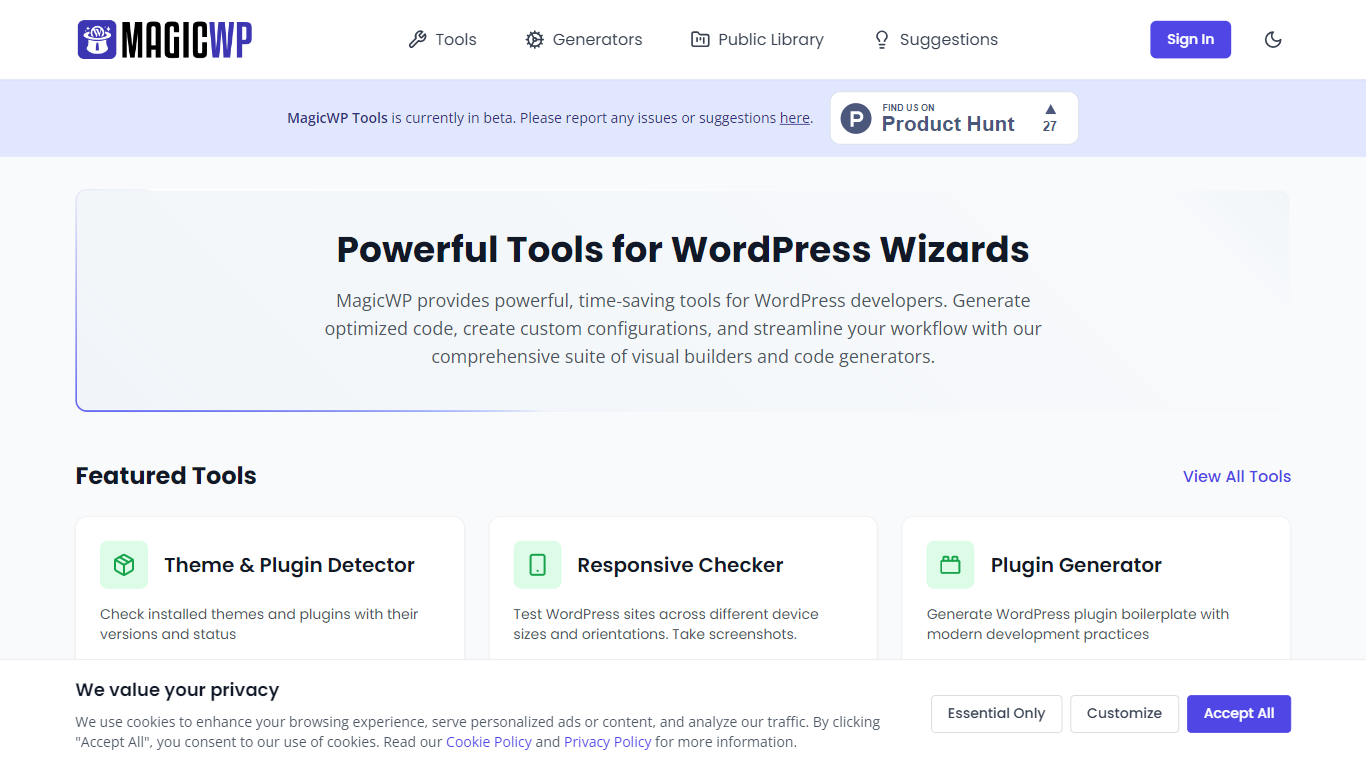
MagicWP provides a collection of tools that help WordPress developers generate code, configure projects, and test site functionality efficiently. It includes generators for custom post types, taxonomies, widgets, shortcodes, and plugins, along with utilities for SEO markup and responsive testing.
What sets MagicWP apart is its integration with popular development environments like Visual Studio Code and its focus on automating repetitive tasks while offering real-time previews. Unlike basic code editors, MagicWP combines visual builders with code generation, enabling both beginners and experienced developers to streamline their workflows.
MagicWP also offers specialized tools such as a Theme & Plugin Detector that identifies active themes and plugins with version details, and a Schema Generator to create structured data markup for SEO. Supported by WP Academy, the platform ensures alignment with WordPress best practices and continuous updates.
With features like a VS Code theme generator and REST API testing tools, MagicWP covers a broad range of development needs, making it a versatile resource for building, managing, and optimizing WordPress sites more effectively.
🛠️ Plugin Generator: Create modern WordPress plugin boilerplate code with login required for access.
📱 Responsive Checker: Test WordPress sites across devices and orientations with screenshot capabilities.
📊 Schema Generator: Generate structured data markup to improve SEO and enable rich search results.
🎨 VS Code Theme Generator: Design and export custom Visual Studio Code themes optimized for WordPress coding.
🔍 Theme & Plugin Detector: Identify active themes and plugins on any WordPress site with version details.
Wide range of specialized WordPress development tools in one platform
User-friendly visual builders with real-time previews
Includes utilities for SEO optimization and responsive testing
Integration with popular development environments like VS Code
Supported by WP Academy ensuring up-to-date WordPress best practices
Some advanced tools require user login to access
Limited public code snippets available in the library
How can MagicWP help speed up WordPress development?
MagicWP offers generators and visual builders that automate code creation and configuration, reducing repetitive tasks and saving development time.
Do I need to log in to use all MagicWP tools?
MagicWP requires login for some advanced tools, but many core features and generators are available publicly without an account.
Can MagicWP improve my site's SEO?
Yes, MagicWP includes schema and meta tag generators that help create structured data and optimized meta information for better search engine visibility.
Is MagicWP suitable for beginners?
Yes, MagicWP is designed with user-friendly interfaces and real-time previews, making it accessible for both novice and experienced WordPress developers.
What development environments does MagicWP integrate with?
MagicWP offers tools like the Indigo Vibes VS Code theme and VS Code theme generator to enhance coding experience within Visual Studio Code.
Can I detect which themes and plugins a WordPress site uses with MagicWP?
MagicWP's Theme & Plugin Detector tool identifies active themes and plugins along with their versions and status.
Does MagicWP provide support or learning resources?
MagicWP is powered by WP Academy, which offers courses and resources to help users improve their WordPress skills.