
Last updated 08-03-2026
Category:
Reviews:
Join thousands of AI enthusiasts in the World of AI!
marimo
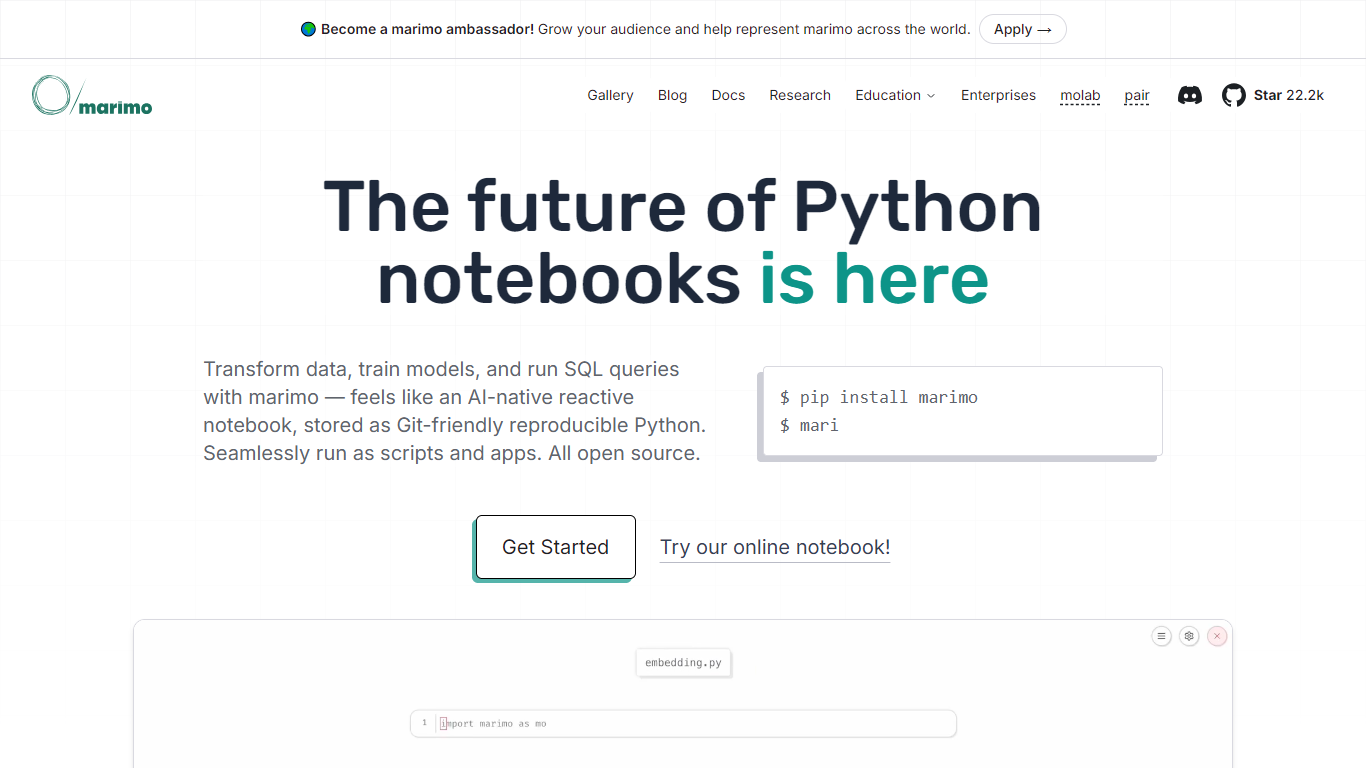
marimo is an open source reactive Python notebook for data work, model training, and SQL queries. Cells run in a dependency graph, so when one value changes, every downstream cell updates without manual reruns. Each notebook is stored as a plain .py file you can commit to Git, execute with python, or publish as an interactive app.
Where Jupyter keeps code, outputs, and execution counts in a JSON .ipynb file, marimo writes one reproducible Python program with no hidden state. Delete a cell and its variables disappear from memory while dependents refresh. That design trades Jupyter's huge extension catalog for cleaner diffs, pytest-friendly notebooks, and fewer "works on my machine" surprises after reordering cells.
Data scientists, ML engineers, and analysts use marimo for exploratory SQL, training workflows, and dashboard prototypes. Web developers query PostgreSQL or MySQL from the same environment they use for app debugging. Research teams at Stanford, Berkeley, and SLAC share notebooks through molab, marimo's free browser editor, and ship WASM exports that run without a Python server.
GitHub repo lists 22.2k stars for the Apache 2.0 open source project
Notebooks save as .py files you can diff in Git and test with pytest
Reactive cells rerun dependents automatically when a variable changes
SQL cells query DuckDB, PostgreSQL, MySQL, SQLite, and Snowflake backends
marimo run turns a notebook into a widget-driven web app from the CLI
marimo export html-wasm ships browser notebooks through Pyodide WebAssembly
marimo pair connects Claude Code, Cursor, and other agents to live sessions
Stores notebooks as plain .py files instead of JSON, which makes Git diffs and code review practical.
Reactive execution removes hidden notebook state by rerunning dependents when values change.
One notebook file can run interactively, as a CLI script, as marimo run web app, or as WASM HTML.
Built-in SQL cells cover DuckDB, PostgreSQL, MySQL, and major cloud warehouses in the same UI.
marimo pair lets coding agents edit live notebook sessions instead of guessing from static files.
Python-only notebooks with no built-in R or Julia kernels like Jupyter supports.
WASM exports depend on Pyodide, so not every pip package available locally will run in the browser.
Local setup still requires a Python environment, unlike fully hosted Colab sessions.
Enterprise hosting is contact-based on marimo.io rather than a self-serve paid cloud tier.
Is marimo free to use?
Yes, marimo is free and open source under the Apache 2.0 license. You can install it locally with pip or uv, try notebooks in the free molab browser editor, and use marimo pair without paying marimo for the software itself.
How is marimo different from Jupyter?
marimo stores notebooks as reactive Python .py files instead of JSON .ipynb files. When you edit a cell, marimo reruns dependent cells automatically and removes hidden state, whereas Jupyter leaves execution order and stale variables up to the user.
What databases does marimo support for SQL?
marimo SQL cells default to in-memory DuckDB and also connect to PostgreSQL, MySQL, SQLite, and warehouses such as Snowflake, BigQuery, and Redshift through Python connectors. Query results become Python variables other cells can reference.
Can marimo notebooks run as web apps?
Yes, marimo can serve a notebook as a web app with marimo run notebook.py, which hides the editor and exposes widgets and outputs to end users. You can also export self-contained WASM HTML that runs in a browser without a Python server.
Does marimo work with AI coding assistants?
marimo includes TAB completion, error auto-fix diffs, and a sidebar chat that supports OpenAI, Anthropic, Gemini, and Ollama models. marimo pair is a free skill that lets agents like Claude Code or Cursor add cells and inspect live notebook variables.
How do you install marimo?
marimo installs with pip or uv, for example uv pip install marimo or pip install marimo. The homepage also links to a molab.marimo.io demo if you want to try notebooks in the browser before installing locally.