
Last updated 08-14-2026
Category:
Reviews:
Join thousands of AI enthusiasts in the World of AI!
MaxAI
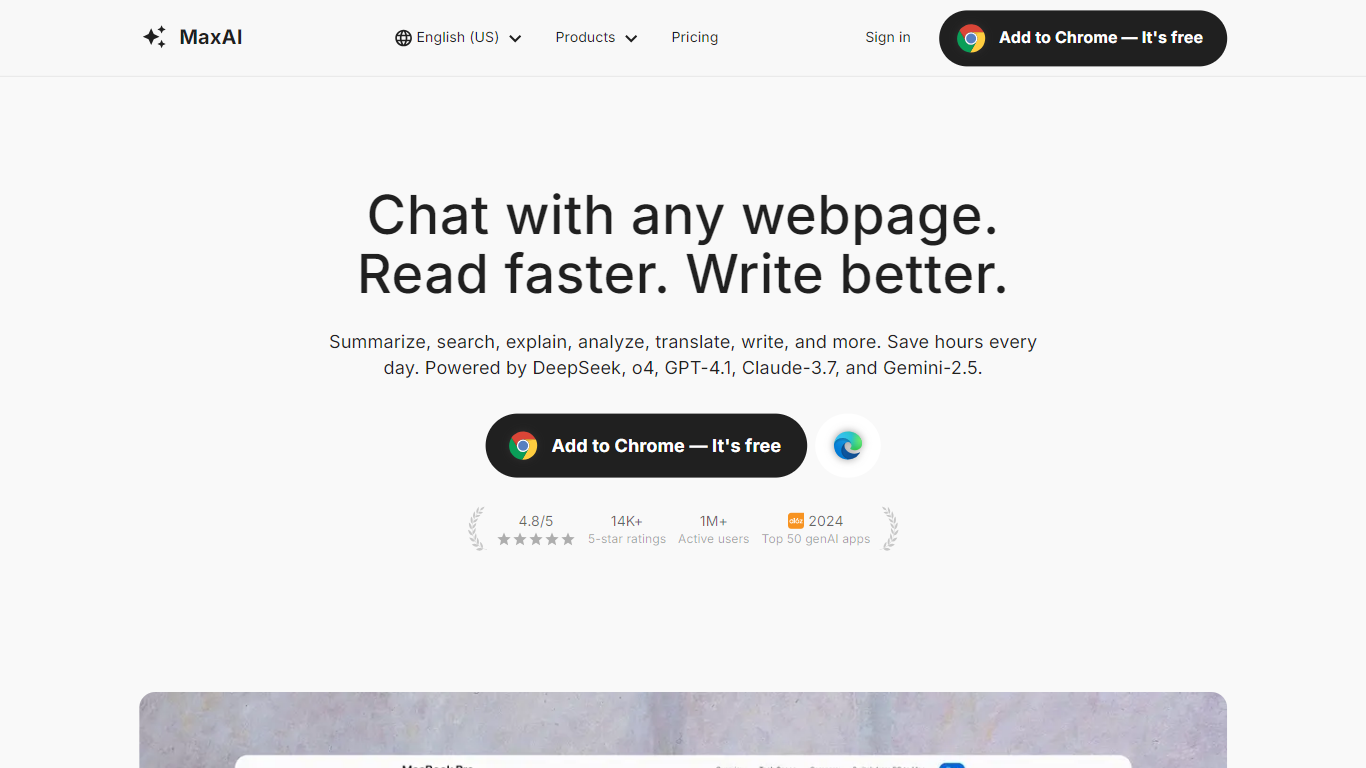
MaxAI is a Chrome browser extension that adds an AI sidebar to any webpage you visit. Highlight text, open the sidebar, and summarize, translate, rewrite, explain, or ask questions about the page without copying content into a separate chat tab. The extension works on Chromium browsers like Chrome and Edge and reports over 1 million active users.
Unlike standalone chatbots, MaxAI reads the page you are on as context, cites sources in answers, and switches between models such as GPT-5.1, Claude Sonnet 4.5, Gemini 2.5 Pro, DeepSeek, and Grok from one interface. You can chat with PDFs, YouTube videos, emails, and images, generate pictures with DALL-E 3 and FLUX models, and draft replies inside Gmail, LinkedIn, Slack, and other apps.
Students, marketers, researchers, and office workers use MaxAI to draft posts, summarize long articles, explain code snippets, and translate foreign pages side by side. The free plan includes unlimited basic chat and three Pro chats per day; paid upgrades unlock smarter models, unlimited Pro chat, higher file upload limits, and team member management.
AI sidebar on any webpage without tab switching
Access GPT-5.1, Claude Sonnet 4.5, Gemini 2.5 Pro, and DeepSeek in one extension
Chat with PDFs, YouTube videos, emails, images, and audio files
Side-by-side bilingual page translation with one click
AI reply drafts for Gmail, LinkedIn, Slack, WhatsApp, and 10+ apps
Image generation via DALL-E 3, FLUX, and GPT-Image-1 models
Works on any webpage without copying text into another tab
Switches between GPT, Claude, Gemini, Grok, and DeepSeek models
Cites sources and reads PDFs, YouTube, and email in context
Free tier includes unlimited basic chat
One-click AI replies inside Gmail, LinkedIn, and Slack
Free plan limited to 3 Pro chats per day
Chromium browsers only; no Firefox or Safari extension listed
Paid plan price not published on the pricing page
All payments are final with no refunds per terms of service
Is MaxAI free to use?
MaxAI offers a free plan with unlimited basic chat and three Pro chats per day on fast free AI models. Advanced models, unlimited Pro chat, and higher file upload limits require a paid upgrade.
Which browsers support MaxAI?
MaxAI runs as a Chrome extension on Chromium-based browsers including Google Chrome and Microsoft Edge. You can use it on any website to summarize, translate, rewrite, or reply to text.
What AI models does MaxAI include?
MaxAI lets you switch between models including GPT-5.1, Claude Sonnet 4.5, Gemini 2.5 Pro, Grok 4, DeepSeek R1, and Llama 3.1 405B. Free users get fast-tier models; Pro unlocks smart and thinking models.
Can MaxAI summarize YouTube videos?
Yes. MaxAI can chat with YouTube video pages to pull key takeaways without watching the full video. It also supports PDFs, webpages, emails, files, images, and audio as chat sources.
Does MaxAI offer team plans?
Yes. MaxAI paid plans support adding team members with shared billing through Stripe. Team member management appears in the paid plan comparison on maxai.co/pricing.
How do I cancel a MaxAI subscription?
Open Your Plan inside MaxAI and click Manage my subscription to reach the Stripe customer portal. MaxAI states all payments are final and non-refundable per its terms of service.