
Last updated 08-10-2026
Category:
Reviews:
Join thousands of AI enthusiasts in the World of AI!
Memtime
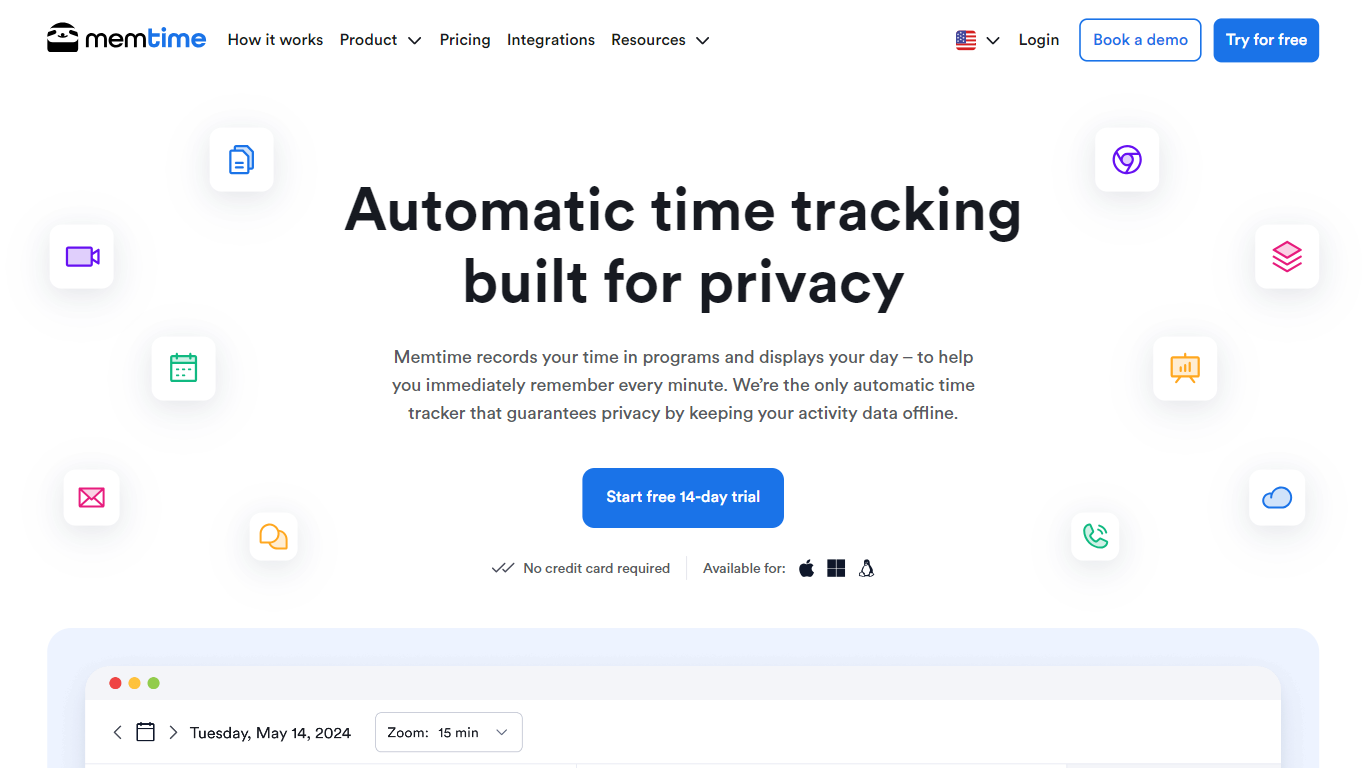
Memtime passively records which programs you use on desktop, then rebuilds any past workday so you can log project hours in seconds. Activity data stays on your device only, which is the core pitch for teams that refuse cloud-based employee monitoring. Mac, Windows, and Linux builds are listed on the site.
Timer-based trackers depend on remembering to start and stop for every task. Memtime runs in the background and lets you scroll back to any date with 5 or 6 minute intervals, which legal teams on the site cite for six minute billing blocks. The homepage references Harvard Business Review research putting manual hindsight accuracy between 36% and 67%, which is the gap automatic capture tries to close.
Agencies, consultants, law firms, accountants, and remote teams use Memtime to recover billable hours, sync entries into project software, and compare planned versus actual delivery time. Freelancers on the pricing page start on Basic when they do not need integrations; Connect adds 100 plus software syncs for teams already running Jira, Asana, or accounting tools.
100+ project software integrations on Connect plans and above
Activity timeline in 5 or 6 minute intervals for precise billing blocks
14-day free trial with no credit card required on signup
Annual Basic plan is $14 per user per month in USD
Automatic activity data stored offline on device, not uploaded to cloud
Works on Mac, Windows, and Linux with unlimited historical recall
Keeps automatic activity timelines offline on each device for privacy-first teams.
Rebuild any past day without timers and assign hours in seconds.
100+ integrations on Connect plans sync entries into existing project stacks.
14-day trial requires no credit card before purchase.
Activity timelines do not sync across devices because data stays local.
Phone call integrations require the Premium tier or above.
Enterprise pricing is custom and only listed for teams with 50+ seats.
What is Memtime?
Memtime is a desktop automatic time tracker that records which programs you use and rebuilds any past workday. You review the timeline locally, assign hours to projects, and export entries to project or accounting software without relying on start stop timers.
Is Memtime free to try?
Memtime offers a free 14-day trial on every plan with no credit card required. After the trial, paid subscriptions start at $12 per user per month on Basic when billed every two years, or $18 monthly on quarterly billing.
How does Memtime protect privacy?
Memtime stores automatically captured activity data offline on each user's device and does not upload that timeline to the cloud. Bosses cannot monitor live screens through Memtime, and users can erase local activity data at any time.
What project tools does Memtime integrate with?
Memtime Connect syncs time entries with 100+ tools including Jira, Asana, Xero, QuickBooks Time, FreshBooks, and legal practice software. Basic covers offline tracking and built-in projects when you do not need external sync.
Which platforms does Memtime support?
Memtime runs on Mac, Windows, and Linux desktops. The site notes you can install on unlimited devices, but activity timelines do not sync across machines because data stays local for privacy.
Who is Memtime built for?
Memtime targets agencies, consultants, law firms, accountants, freelancers, and remote teams that bill by the hour. Use cases on the site highlight recovering billable minutes, capacity planning, and exporting clean timesheets without timer friction.