
Last updated 07-17-2026
Category:
Reviews:
Join thousands of AI enthusiasts in the World of AI!
Maestro (formerly mobile.dev)
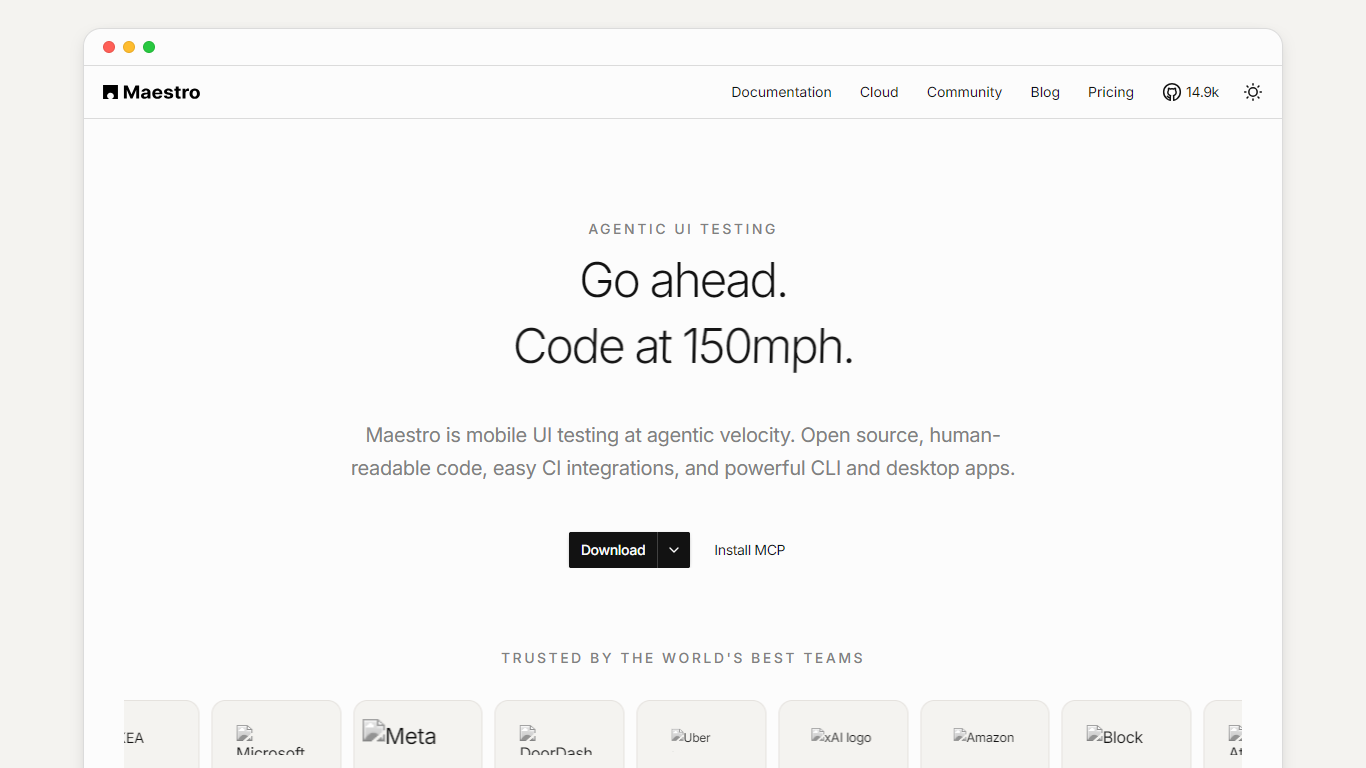
Maestro is an open-source mobile UI testing framework built by mobile.dev. Teams write end-to-end tests in human-readable YAML and run them on local iOS simulators, Android emulators, or hosted devices through Maestro Cloud.
The platform targets agentic development workflows. Maestro MCP connects coding agents such as Cursor, Claude Code, Codex, and GitHub Copilot to live device screens so they can inspect UI hierarchy, take screenshots, and execute flows while building features.
Three surfaces cover different workflows. Maestro CLI runs YAML flows from the terminal and fits CI pipelines. Maestro Studio is a visual IDE for Mac and Windows with autocomplete, tap-to-generate YAML, and embedded emulators. Maestro Cloud runs test suites in parallel across hosted iOS, Android, and web devices with video playback, logs, and flake detection.
Write mobile E2E tests in human-readable YAML with commands like launchApp, tapOn, and assertVisible
Run flows locally through Maestro CLI on iOS simulators and Android emulators
Build tests visually in Maestro Studio with autocomplete, selector inspection, and embedded emulators
Connect coding agents via Maestro MCP to inspect screens, take screenshots, and run flows in real time
Scale suites on Maestro Cloud with parallel runs across hosted iOS, Android, and web devices
Plug into CI with cloud upload, PR integration, step-by-step video playback, and flake detection
Local CLI, Studio, Viewer, and MCP are free and open source with no usage cap.
YAML flows are human-readable and easy to review in version control alongside app code.
Maestro MCP gives coding agents direct device access for building and verifying UI coverage.
Maestro Cloud starts at $250 per concurrent device per month, which scales quickly for large parallel matrices.
Cloud tools such as run_on_cloud require Maestro Cloud authentication via maestro login or an API key.
Is Maestro free to use?
Yes. The local stack is free and open source, including Maestro CLI, Maestro Studio, Maestro Viewer, and Maestro MCP. Maestro Cloud is a paid service for parallel runs on hosted devices.
How much does Maestro Cloud cost?
Maestro Cloud is priced at $250 per device per month based on max concurrent executions. Enterprise Cloud uses custom pricing with SSO, dedicated support, and managed test cases.
Which platforms does Maestro support?
Maestro runs on local iOS simulators and Android emulators through the CLI and Studio. Maestro Cloud adds hosted Android, iOS, and web (Chromium) devices for parallel execution.
Does Maestro work with AI coding agents?
Yes. Maestro MCP exposes device and flow tools to agents including Cursor, Claude Code, Codex, GitHub Copilot, Gemini CLI, and Windsurf. Agents can inspect screens, run YAML flows, and open Maestro Viewer.
Do I need Maestro Cloud to run tests?
No. You can build, run, and debug flows locally at no cost with Maestro CLI or Maestro Studio. Cloud is optional when you want parallel hosted runs and richer CI reporting.