
Last updated 07-28-2026
Category:
Reviews:
Join thousands of AI enthusiasts in the World of AI!
Mosaic
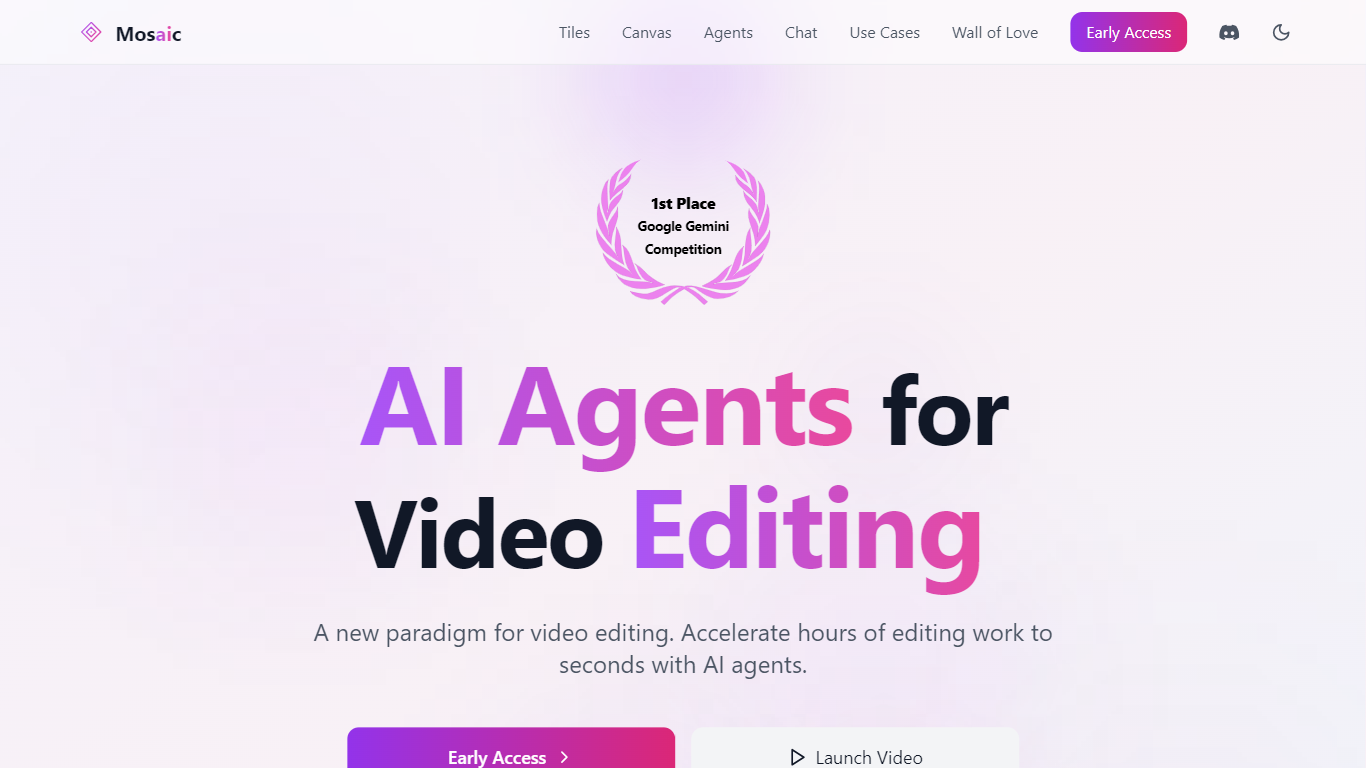
Mosaic enables users to automate video editing by creating customizable workflows using a visual canvas where editing operations, called tiles, are dragged and dropped to build automated sequences. It allows simultaneous generation of multiple video variants and provides instant previews for every edit, streamlining the editing process.
What sets Mosaic apart is its agentic AI that understands video content multimodally, including visuals, audio, and timing, allowing natural language chat commands to edit and analyze videos contextually. It integrates seamlessly with popular editing software like Adobe Premiere Pro, Final Cut Pro, and DaVinci Resolve, and supports API access and automation triggers for scalable workflows.
Mosaic is designed for content creators, marketers, and video professionals seeking to accelerate production while maintaining high-quality outputs. Its platform supports brand customization, team collaboration, and enterprise-grade security and compliance, making it suitable for both individual creators and organizations.
Overall, Mosaic combines a flexible visual editor, powerful AI-driven automation, and extensive integration capabilities to transform traditional video production workflows into efficient, scalable processes.
🎬 Visual Canvas: Build and automate video editing workflows by dragging and dropping configurable editing tiles.
🤖 AI Chat Editing: Use natural language to command the AI to edit and analyze videos based on content it sees and hears.
🔄 Parallel Variants: Generate multiple video versions simultaneously to test and select the best for your audience.
⚙️ API & Automation: Integrate with external tools and trigger automated editing workflows via API and webhooks.
📤 Export & Integration: Export timelines to Adobe Premiere Pro, Final Cut Pro, and DaVinci Resolve for further editing.
💳 Pricing Plans: Creator plan starts at $40/month with 2,500 credits; Pro plan at $125/month with 10,000 credits.
📹 Upload Limits: Supports up to 120 minutes (10GB) per video on Creator plan, 300 minutes (20GB) on Pro plan.
Automates complex video editing workflows with a visual drag-and-drop canvas.
Natural language chat interface enables intuitive video editing commands.
Supports multiple video variants and parallel workflow execution for efficient testing.
Integrates with popular editing software and social media platforms for seamless publishing.
Offers enterprise-grade security, compliance, and team management features.
Pricing may be high for casual or low-volume users.
No completely free tier; requires subscription to access core features.
Upload limits per video vary by plan, which may restrict very long videos.
Advanced customization may require learning the tile-based workflow system.
What types of video formats does Mosaic support?
Mosaic supports common video formats such as MP4 and MOV, compatible with major editing software like Adobe Premiere Pro and Final Cut Pro.
Can I customize the AI editing preferences?
Yes, Mosaic allows users to configure editing tiles and workflows to match their unique styles and project needs through its visual canvas and chat interface.
Is there a limit to the number of videos I can edit with the free version?
Mosaic does not offer a free tier but provides demo or trial options to explore features before subscribing to paid plans.
How does Mosaic ensure the quality of the edited videos?
Mosaic uses advanced AI models that analyze video content deeply, applying professional editing techniques to maintain high-quality outputs.
Is Mosaic suitable for beginners in video editing?
Mosaic's intuitive visual canvas and natural language chat interface make it accessible for beginners while offering advanced features for professionals.
What kind of support is available for users?
Mosaic offers tutorials, FAQs, a Discord community, priority support on higher plans, and dedicated Slack support for enterprise customers.
Can I use Mosaic for commercial projects?
Yes, Mosaic is designed for both personal and commercial video production, providing professional-grade outputs and enterprise features.