
Last updated 08-21-2026
Category:
Reviews:
Join thousands of AI enthusiasts in the World of AI!
mTarsier
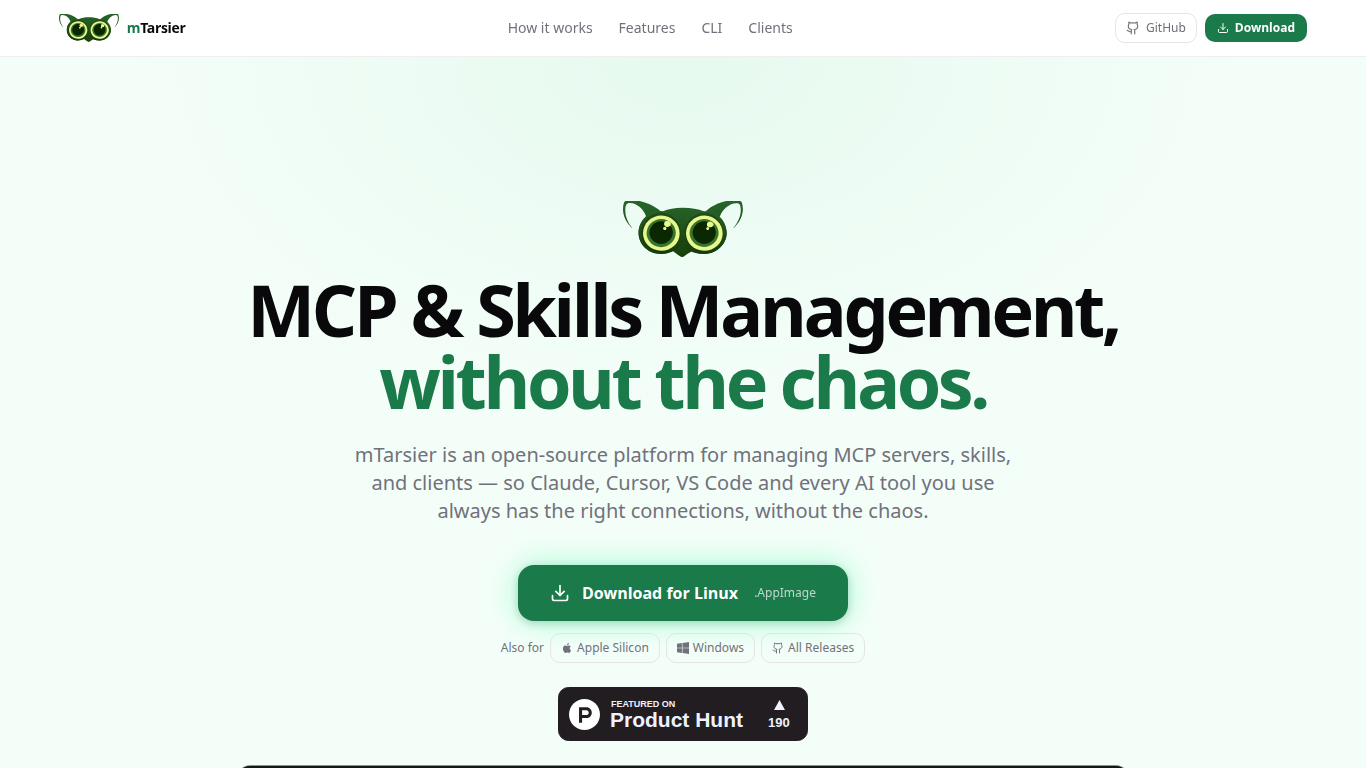
mTarsier is a free, open-source desktop app for managing MCP servers, agent skills, and client configs across every AI tool on your machine. It auto-detects Claude Desktop, Cursor, Windsurf, VS Code, and other clients, then gives you one place to see what's installed, edit configs safely, and install new servers from a marketplace. Built for developers who rely on MCP but are tired of hunting through scattered JSON files.
Hand-editing MCP JSON in ~/Library, ~/.cursor, and ~/.codeium folders means one typo can break every tool in a client with no warning. mTarsier narrows the job to one local dashboard with live validation, auto-backup before every edit, and a marketplace that installs servers with a click instead of pasted snippets.
mTarsier also ships a CLI called tsr for terminal-based management, plus tools to discover agent skills, deploy them to multiple clients at once, and export .tsr snapshots teammates can import in a single click. It runs entirely on your machine with no account, no cloud sync, and no subscriptions.
Auto-detects Claude Desktop, Cursor, Windsurf, VS Code, and 12+ other AI clients
One dashboard for every MCP server and skill across all installed clients
Config editor with syntax highlighting and live JSON validation
Marketplace to browse and install MCP servers into any client in a few clicks
Ships with the
tsrCLI for listing, installing, and syncing from the terminalAuto-backup before every config change with one-click rollback
Export
.tsrsnapshots so teammates import a full setup in one click
Completely free and MIT-licensed with no account or subscription required.
Runs locally on your machine so MCP configs never leave your device.
Unified view across a dozen AI clients instead of editing JSON in multiple folders.
Built-in validation and auto-backup reduce the risk of silent config breakage.
Desktop-only app with no web or mobile version available.
Square logo asset on the site returned a 404 during asset capture.
Newer project with a small domain footprint compared to established dev tools.
Is mTarsier free to use?
Yes. mTarsier is free, open-source software under the MIT License. The site states it is free forever with no accounts, cloud services, or subscriptions required.
Does mTarsier send my MCP config data anywhere?
No. mTarsier runs entirely on your local machine and does not collect or store your MCP configurations. Its privacy policy says it does not gather personal data, analytics, or usage telemetry, and all config data stays on your device.
Which operating systems does mTarsier support?
mTarsier supports macOS (including Apple Silicon), Windows, and Linux. Downloads are available as DMG, Windows installer, and Linux AppImage from the GitHub releases page.
What AI clients does mTarsier detect?
mTarsier auto-detects major desktop, IDE, CLI, and web AI clients including Claude Desktop, Cursor, Windsurf, VS Code Copilot, GitHub Copilot, ChatGPT Desktop, Codex, Claude Code, Gemini CLI, and more without manual configuration.
How do I install the mTarsier `tsr` CLI tool?
Install the `tsr` CLI from inside the mTarsier app by going to Settings, then CLI Tool, then Install tsr CLI. Once installed, you can manage MCP servers and skills from your terminal.
Can I share my MCP and skills setup with my team?
Yes. mTarsier lets you export a `.tsr` snapshot of your MCP and skills configuration. Teammates can import that snapshot in one click so every client is pre-configured without hand-copying JSON files.
What happens if I accidentally break an MCP config in mTarsier?
mTarsier creates an automatic backup before every config change. If something breaks, you can roll back to the previous version in one click instead of manually restoring scattered JSON files.