
Last updated 08-11-2026
Category:
Reviews:
Join thousands of AI enthusiasts in the World of AI!
n8nChat
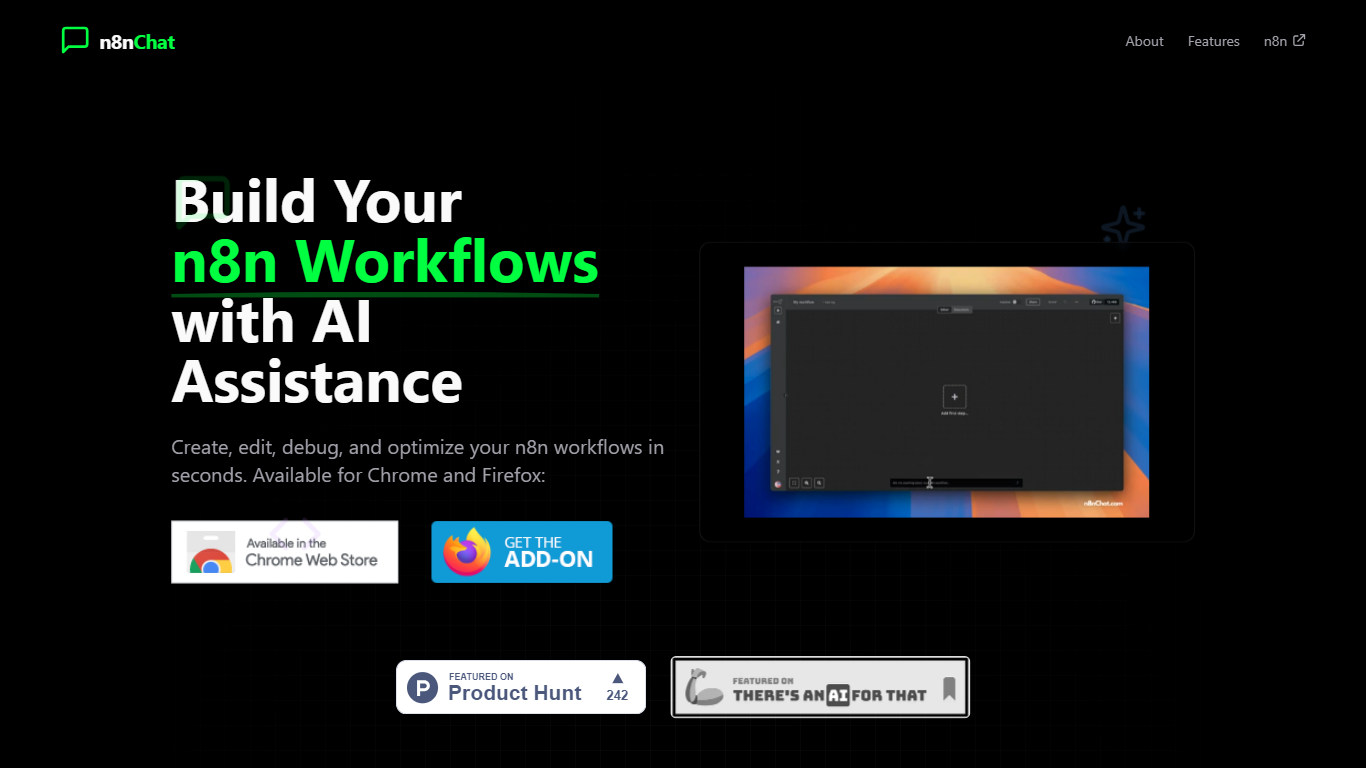
n8nChat is a browser chat extension that sits inside the n8n workflow editor and builds automations from plain-language prompts. Install it in Chrome or Firefox, connect your own OpenAI or Google API key, and describe the workflow you want. The extension drops configured nodes and connections directly onto your n8n canvas instead of handing you text instructions to copy.
Generic chatbots answer questions about automation. n8nChat generates real n8n nodes, full multi-step workflows, and JavaScript Code nodes inside the editor you already use. It can also read a workflow screenshot and recreate the layout, search the web through Gemini when a request needs fresh data, and self-correct missing node parameters before you run the flow.
The tool targets n8n beginners who do not want to memorize every node setting and experienced builders who want to prototype HubSpot-to-Slack integrations or scheduled reports faster. It works with n8n.cloud and self-hosted instances, stores conversations locally, and is developed independently by Cameron Wills (not affiliated with n8n.io).
Chat panel embeds inside n8n.cloud and self-hosted workflow editors in Chrome and Firefox
Generates complete multi-node workflows with automatic connections from natural language prompts
Supports OpenAI and Google Gemini models using your own API keys (BYOK)
Clones workflows from attached screenshots and can trigger Gemini web search for up-to-date answers
Builds n8n Code nodes with custom JavaScript when you need logic beyond built-in nodes
Agentic self-correction checks new nodes for missing parameters and adds fix instructions as sticky notes
Premium subscribers get early access to custom system prompt instructions per the changelog
Drops generated nodes directly on the n8n canvas with connections already wired.
Works with both cloud and self-hosted n8n, including community nodes.
BYOK model keeps workflow data off third-party AI billing unless you choose a provider.
Screenshot-to-workflow cloning saves time rebuilding flows you only have as images.
Requires your own OpenAI or Google API key before the chat panel will generate anything.
Chrome Web Store rating sits at 2.7 out of 5 across 97 reviews, suggesting mixed user satisfaction.
Premium subscription pricing is not published on the main site, only referenced in the changelog.
Is n8nChat affiliated with n8n?
No. n8nChat is a third-party browser extension built by Cameron Wills and is not affiliated with n8n or n8n.io. The homepage and Chrome listing both state it is an unofficial companion tool for existing n8n users.
Which browsers support n8nChat?
n8nChat ships as a Chrome Web Store extension and a Firefox add-on. The homepage links to both stores, and the changelog notes the Firefox build reached feature parity in v0.2.7.
What AI models does n8nChat support?
n8nChat connects to OpenAI and Google Gemini using your own API keys. The changelog lists GPT-5.2, GPT-5.2-Pro, Gemini 3, and Gemini 3 Flash among supported models, with Gemini as the default provider.
Does n8nChat work with self-hosted n8n?
Yes. n8nChat supports both n8n.cloud and self-hosted n8n instances. The Chrome listing notes compatibility with native, custom, and community nodes on either deployment.
How does n8nChat handle my workflow data?
n8nChat uses your own API keys for AI calls and stores conversation data locally on your device. The Chrome Web Store privacy disclosure lists authentication information as the only collected category and states data is not sold.
Does n8nChat cost money?
n8nChat is free to install from the browser stores, but the Chrome listing notes in-app purchases and the changelog references a Premium subscription with early-access features like custom system prompts. You also pay your chosen AI provider directly for API usage.