
Last updated 07-26-2026
Category:
Reviews:
Join thousands of AI enthusiasts in the World of AI!
Onvo AI
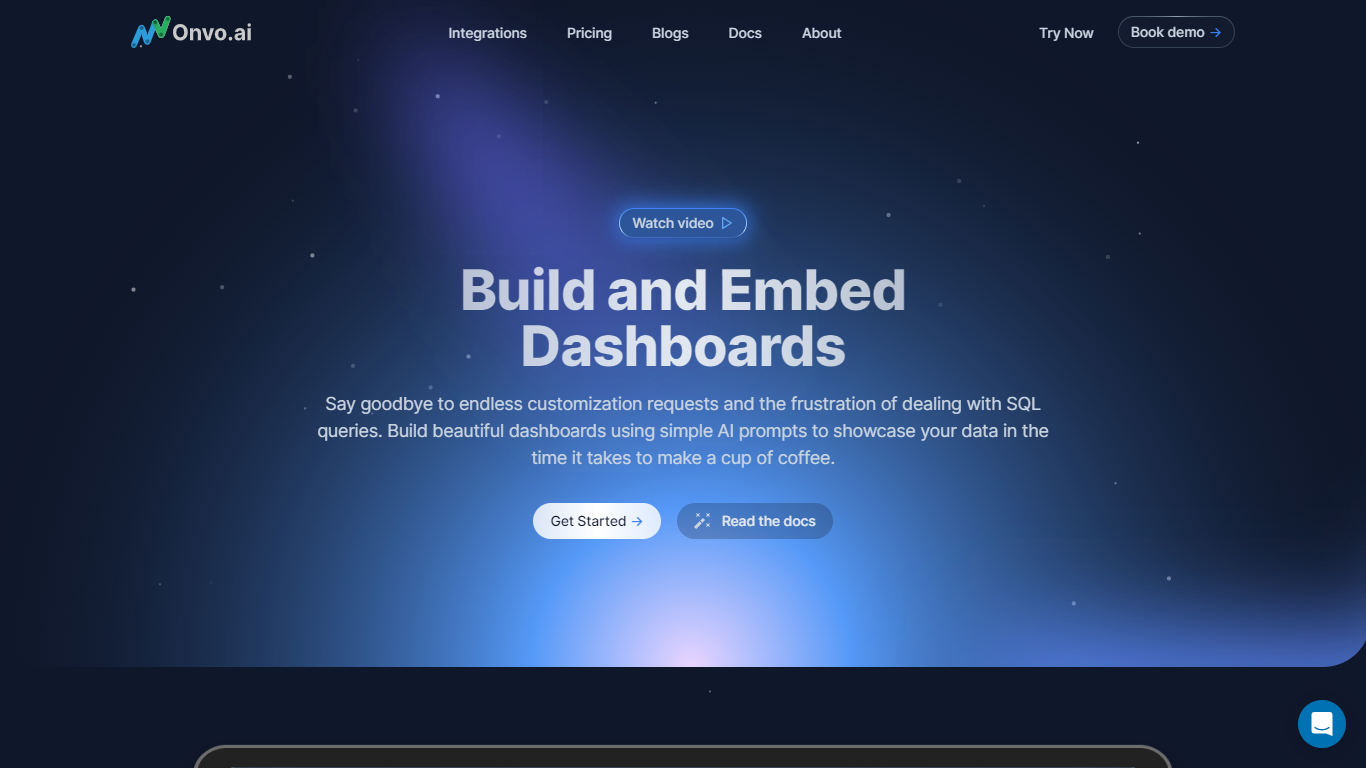
Onvo AI simplifies data visualization by connecting your databases and spreadsheets to create live, shareable dashboards instantly. It automatically cleans messy data like merged cells and inconsistent dates, so your charts always show accurate numbers without manual fixes. The platform understands relationships between tables and applies your brand's colors and terminology consistently across all visuals. You can ask questions in plain English and get clear answers with supporting charts, making data exploration accessible without SQL knowledge. Onvo AI supports embedding dashboards into your products with per-user data isolation and customizable styling, enabling you to share insights securely with clients or teams. Scheduled reports and anomaly alerts keep you informed automatically, while multiple tabs and metadata features help organize and filter your dashboards effectively. With integrations to over 500 systems and support for various data sources, Onvo AI is designed for fast setup and scalable use across industries.
🔗 Connect any data source quickly including databases and spreadsheets
🧹 Automatic data cleaning fixes errors and inconsistencies for accurate charts
💬 Ask questions in plain English and get instant visual answers
📊 Embed live, branded dashboards with per-user data isolation
📅 Schedule reports and receive alerts on key metric changes
Instant connection to multiple data sources with no setup hassle
Automatic data cleaning saves time and improves accuracy
Natural language querying makes data accessible to non-technical users
Flexible embedding options with strong data isolation for clients
Comprehensive alerting and reporting features keep teams informed
Enterprise pricing requires contacting sales, no public rates available
Advanced AI usage limits may require higher-tier plans
Do I need to know SQL or coding to use Onvo AI?
No, Onvo AI lets you ask questions in plain English and builds dashboards without any coding or SQL knowledge.
What data sources and file formats does Onvo AI support?
Onvo AI supports databases like PostgreSQL, MySQL, Snowflake, MongoDB, as well as spreadsheets like Excel, Google Sheets, CSV files, and REST APIs.
How does Onvo AI clean my data automatically?
It detects and fixes issues like merged cells, broken dates, empty rows, and inconsistent formats before building dashboards.
Can I share dashboards with people who don't have an Onvo account?
Yes, you can share dashboards via public links or export them as PDFs without requiring recipients to log in.
How does embedding dashboards work in Onvo AI?
You can embed live dashboards into your own products using iFrame or SDK with customizable branding and per-user data isolation.
What alerting features does Onvo AI offer?
You can set thresholds on metrics to receive anomaly alerts and schedule regular reports delivered by email.
Is my data secure with Onvo AI?
Yes, Onvo AI keeps your data private with role-based access control and per-user data scoping, ensuring secure management.