
Last updated 08-15-2026
Category:
Reviews:
Join thousands of AI enthusiasts in the World of AI!
OpenAI Sora 2 AI Video Generator
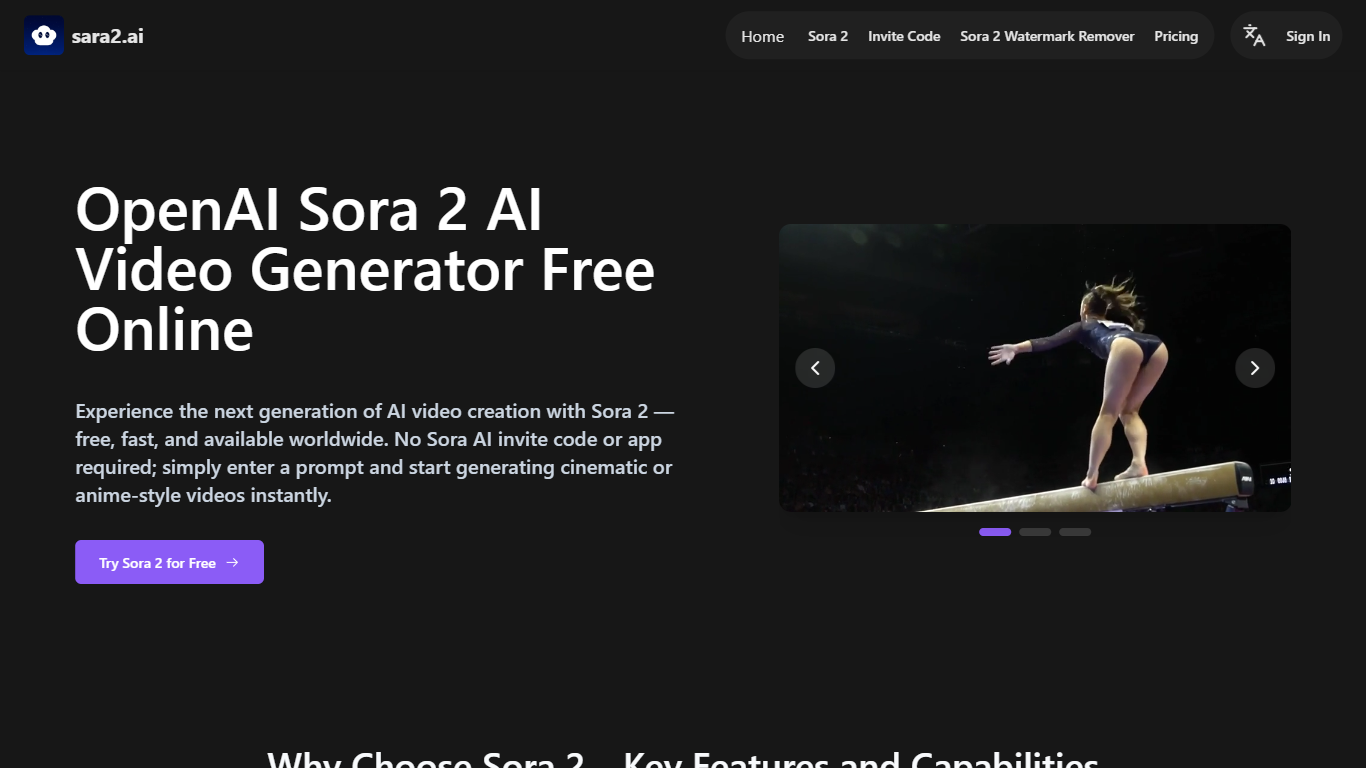
Sara2.ai runs OpenAI Sora 2 and Sora 2 Pro in the browser so you can turn text prompts or reference images into short videos with synced audio, without the official Sora app or invite code. Pick portrait or landscape, choose 10 or 15 second clips, and export up to 1080p on paid tiers.
The official Sora release stays invite-only and region-locked on iOS. Sara2.ai is a third-party gateway that trades OpenAI branding for instant web access worldwide, including Android browsers. You still get storyboard mode, cameo inserts, and lip-synced dialogue, but billing and support go through Sara2.ai rather than OpenAI directly.
Short-form creators, anime editors, and marketing teams use it for TikTok reels, anime scenes, product ads, and cameo clips. Paid annual plans add watermark-free downloads, private generations, commercial rights, and up to six concurrent jobs on the Ultra tier.
Text-to-video and image-to-video with Sora 2 and Sora 2 Pro model options
Native audio generation with lip sync and ambient sound in one pass
Clip lengths of 10 or 15 seconds at up to 1080p resolution
Sora Storyboard mode for multi-shot sequences with consistent scenes
Cameo uploads let you place a real face and voice into generated footage
Ultra plan supports 3000 monthly credits and up to 6 concurrent jobs
No OpenAI invite code required; runs in browser on desktop and mobile
Instant browser access without OpenAI Sora invite codes or iOS app limits
Synced dialogue, ambient audio, and lip movement in one generation pass
Portrait and landscape outputs up to 1080p with 10 or 15 second clips
Storyboard and cameo tools for multi-shot and personalized clips
Annual plans include commercial use rights and private generations
Third-party service; billing and support are through Sara2.ai, not OpenAI
Free tier exports carry a watermark and limited public storage
Full commercial rights require annual billing, not monthly subscriptions
Site DNS was unreachable from some networks during research checks
Does OpenAI Sora 2 AI Video Generator need an invite code?
No. OpenAI Sora 2 AI Video Generator on Sara2.ai opens Sora 2 without the official Sora invite code. Sign in on sara2.ai, open the Sora 2 feature page, and start generating from a prompt or image.
What can OpenAI Sora 2 AI Video Generator create?
OpenAI Sora 2 AI Video Generator turns text or uploaded images into short videos with synced speech and sound effects. Sara2.ai lists cinematic, realistic, and anime styles plus portrait or landscape framing.
How much does OpenAI Sora 2 AI Video Generator cost?
OpenAI Sora 2 AI Video Generator offers a free tier with watermarked outputs. Paid annual plans on Sara2.ai start at $7.90 per month for 100 credits, $39.90 for 1000 credits, and $59.90 for 3000 credits.
Is OpenAI Sora 2 AI Video Generator free to try?
Yes. OpenAI Sora 2 AI Video Generator includes a free plan with limited generations and a watermark on Sara2.ai. It is meant for testing prompts before upgrading to private, watermark-free exports.
Can OpenAI Sora 2 AI Video Generator run on Android?
Yes. OpenAI Sora 2 AI Video Generator works in mobile browsers through Sara2.ai, so Android users avoid the iOS-only official Sora app. No app install is required on any platform.
How long does OpenAI Sora 2 AI Video Generator take?
OpenAI Sora 2 AI Video Generator on Sara2.ai typically finishes a clip within about 3 minutes. Ultra subscribers get priority rendering during busy periods per Sara2.ai support docs.