
Last updated 09-02-2026
Category:
Reviews:
Join thousands of AI enthusiasts in the World of AI!
Parseflow
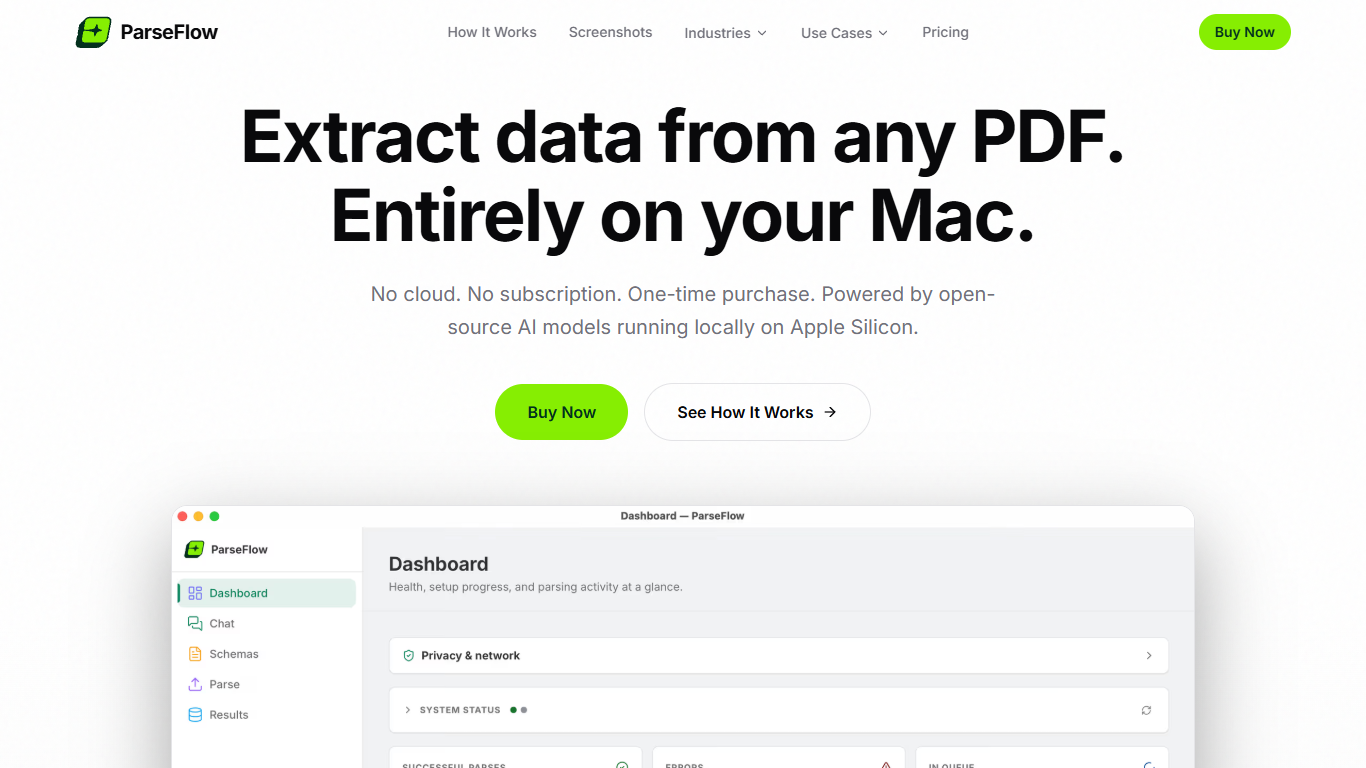
ParseFlow pulls structured fields from PDFs on your Mac using local AI models. You define what to extract in a visual schema editor, drop in documents, and export to CSV, JSON, or Excel without sending anything to the cloud.
The workflow has three steps: build a reusable schema, batch process up to 100 PDFs at once, then review extractions side by side with the original file before export. Scanned PDFs are handled with Apple's Vision framework for OCR, and fillable forms are supported alongside standard text documents.
Where cloud PDF extractors charge monthly fees and upload your files, ParseFlow runs entirely on-device via Gemma 3 and llama.cpp with Metal GPU acceleration. The site states there is no cloud upload, no telemetry, and no network activity during document parsing. After a one-time model download of about 3GB, the app works fully offline.
ParseFlow targets professionals in accounting, legal, healthcare, banking, and government who need document automation without exposing sensitive data. It is a one-time purchase at €17.99 with no subscription or per-page fees, and it requires macOS 13+ on Apple Silicon with at least 8GB RAM.
Build custom extraction schemas in a visual editor for invoices, receipts, contracts, and other document types
Batch process up to 100 PDFs at once with real-time progress in the background
Review extracted fields side by side with the original PDF and edit values before export
Ask questions about any PDF in plain language with on-device chat that does not save sessions
Export results to CSV, JSON, or Excel, with support for native text PDFs, scanned OCR, and fillable forms
One-time purchase at €17.99 with no subscription, per-page fees, or usage limits.
Documents stay on your Mac, which suits sensitive legal, healthcare, and financial workflows.
Works offline after the initial model download.
macOS only on Apple Silicon; not available for Windows or Intel Macs.
Requires about 4GB of disk space and 8GB RAM minimum for the app and local AI model.
Is ParseFlow really private?
Yes. ParseFlow runs entirely on your Mac. PDFs are processed by a local AI model using Apple Metal GPU acceleration. The site states that no data is uploaded to any server, there is no telemetry, and there are no network calls during document processing.
Do I need an internet connection to use ParseFlow?
Only for the initial AI model download of about 3GB on first launch. After that, ParseFlow works completely offline.
What AI model does ParseFlow use?
ParseFlow uses Google's Gemma 3 multimodal model, running locally via llama.cpp with Metal GPU acceleration on Apple Silicon Macs.
Can I install ParseFlow on multiple Macs?
Yes. After purchase, you can install and use ParseFlow on any of your personal Macs with no extra license restrictions listed on the site.
What are the system requirements for ParseFlow?
ParseFlow requires macOS 13 (Ventura) or later, Apple Silicon (M1, M2, M3, M4 or later), at least 8GB RAM, and about 4GB of disk space for the app and AI model.
What PDF types does ParseFlow support?
ParseFlow handles native text PDFs, scanned documents using Apple's Vision framework for OCR, and fillable PDF forms. It supports single-page and multi-page files and can batch process up to 100 PDFs at once.