
Last updated 07-01-2026
Category:
Reviews:
Join thousands of AI enthusiasts in the World of AI!
PDF to Word AI
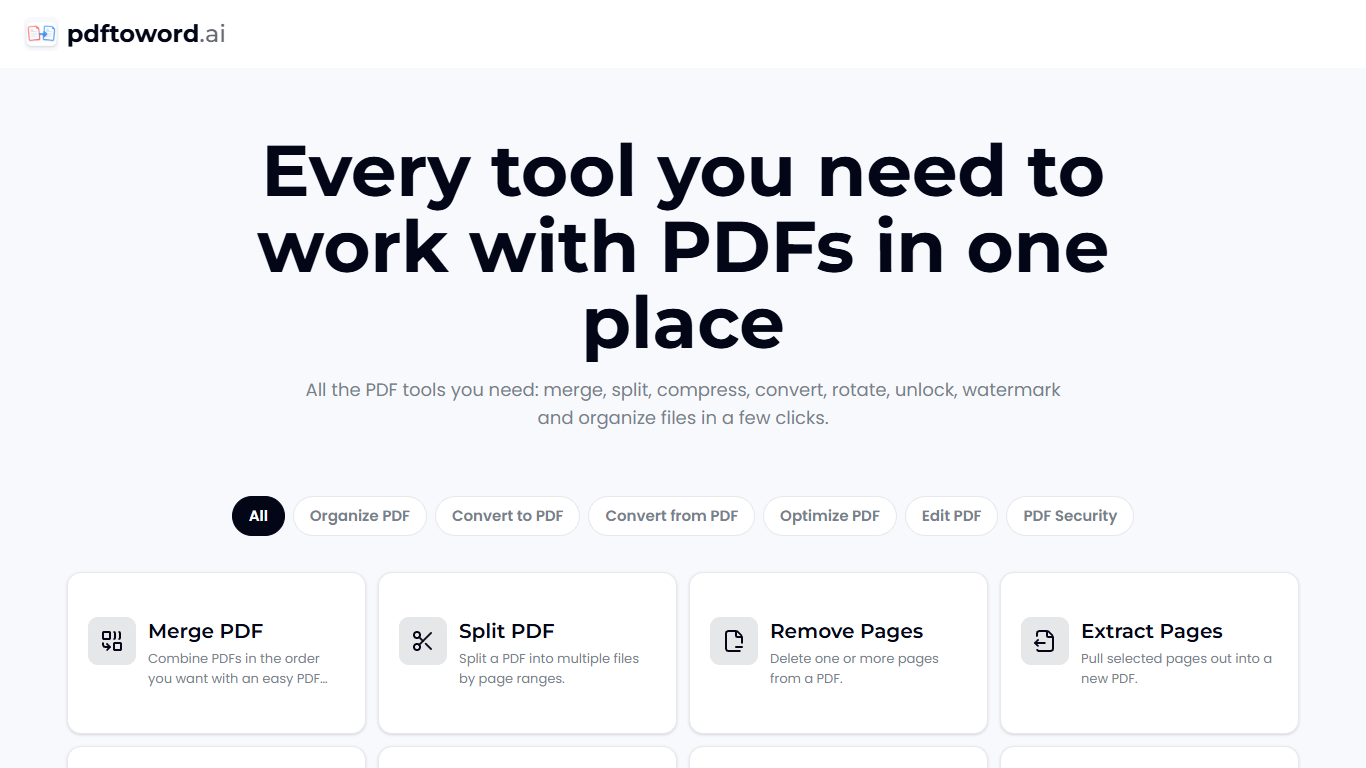
PDF to Word AI offers a comprehensive suite of 24 online PDF tools designed to handle a wide range of PDF tasks. Users can merge, split, compress, convert, rotate, unlock, watermark, and organize PDF files quickly and easily without installing software or creating an account. The platform targets a broad audience including students, researchers, business professionals, legal and HR teams, and anyone needing reliable PDF management. pdftoword.ai stands out by providing all essential PDF functions in one place, eliminating the need to juggle multiple apps. It supports conversions between PDFs and common file formats like Word, Excel, PowerPoint, JPG, and HTML, as well as PDF/A archival format. The tools also include editing capabilities such as page removal, extraction, rotation, cropping, and adding page numbers or watermarks. The service emphasizes ease of use and accessibility, working on any device or browser with no watermarks on output files. Security is addressed through AES-256 encryption for protected PDFs and automatic deletion of files after processing. The platform processes over 120 million files from users in more than 190 countries, highlighting its global reach and reliability. Technically, pdftoword.ai operates entirely online, requiring users only to upload their documents and download results within seconds. This cloud-based approach ensures compatibility and convenience without local resource demands. The inclusion of OCR functionality allows scanned PDFs to become searchable, enhancing document usability. Overall, pdftoword.ai provides a versatile, user-friendly, and free PDF toolkit that meets the needs of diverse users by combining conversion, editing, optimization, and security features in a single accessible platform.
Merge PDFs easily in any order 📄➕📄
Convert files between PDF and Word, Excel, PowerPoint, JPG 🔄
Compress PDFs to reduce file size without losing quality 📉
Add page numbers and watermarks for document organization 🔢💧
Secure PDFs with password protection and unlock owned files 🔒
Offers 24 PDF tools in one online platform with no installation
Supports a wide range of file conversions and PDF editing tasks
Free to use with no watermarks on output files
Works on any device or browser without account creation
Includes security features like AES-256 encryption and file deletion
No mention of offline or desktop application availability
Limited information on advanced customization or batch processing
Are the PDF tools on pdftoword.ai really free to use?
Yes, all 24 PDF tools on pdftoword.ai are completely free to use with no watermarks and no account required.
Do I need to install any software or create an account to use pdftoword.ai?
No installation or account creation is needed. You simply pick a tool, upload your file, and download the result online.
How does pdftoword.ai ensure the security of my files?
Files are encrypted in transit using AES-256 encryption and are automatically deleted from the servers after processing.
Can I use multiple PDF tools on the same file with pdftoword.ai?
Yes, you can apply several tools to the same file by uploading it to different tools as needed.
Which devices and browsers support pdftoword.ai’s PDF tools?
pdftoword.ai works on any device or browser, including phones, tablets, and desktops.
What file formats can I convert to and from PDF using pdftoword.ai?
You can convert Word, Excel, PowerPoint, JPG, and HTML files to PDF and export PDFs back to editable Word, Excel, and image formats.
Does pdftoword.ai support OCR for scanned PDFs?
Yes, pdftoword.ai includes OCR functionality to add searchable text layers to scanned PDF documents.