
Last updated 07-16-2026
Category:
Reviews:
Join thousands of AI enthusiasts in the World of AI!
ListenDock (formerly PDFToMP3)
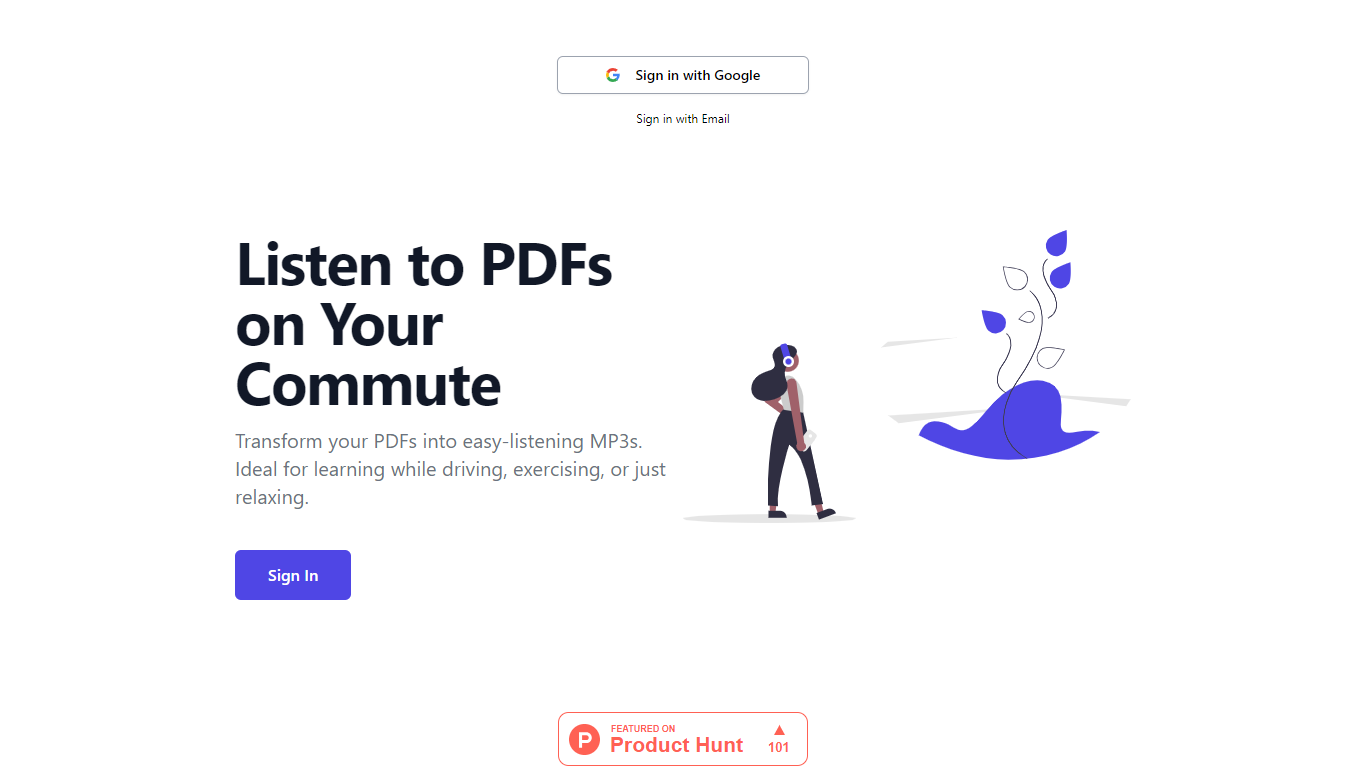
ListenDock, formerly PDFToMP3, turns PDFs, DOCX files, EPUBs, and other documents into structured audio you can listen to on the web, iPhone, or Android. Upload a file and get chapter-by-chapter episodes instead of one long read-aloud track, so long reads fit into a commute or workout.
It goes beyond plain text-to-speech. Choose the full original text or an explained version that breaks down complex material, including math, in a teacher-style narration. You can also turn YouTube links, TikTok videos, and web pages into audio, or export shareable videos from key ideas.
Built for commuters, students, researchers, and anyone who wants to absorb technical books and reports away from a screen. Ask live questions in the mobile apps or request on-demand explanations in the web player without losing your place in the document.
Splits PDFs into chapter-by-chapter audio episodes instead of one long file
Hear the full original text or a clear explained version of each section
Outputs audio in 40+ languages regardless of the source document language
Free text-to-speech with credits only for document processing and premium voices
Ask live questions in the iOS and Android apps while you listen
Converts YouTube, TikTok, URLs, DOCX, EPUB, TXT, and Markdown to audio
Download MP3s or keep listening in the web player and mobile apps
Free text-to-speech with no credit card required to start uploading.
Chapter-by-chapter episodes keep long PDFs and reports manageable.
Original and explained modes let you choose how deeply to learn each section.
Web, iOS, and Android apps make it easy to listen while commuting or exercising.
Supports PDF, DOCX, EPUB, TXT, Markdown, URLs, YouTube, and TikTok sources.
Document processing and explained mode consume credits beyond free text-to-speech.
Live Q&A is available in the mobile apps, while the web player offers on-demand explanations.
Larger documents use more credits than smaller uploads.
Is ListenDock free to use?
ListenDock offers free text-to-speech with no credit card required. Document processing, explained mode, and premium voices use credits. You can upload a document and choose later if you do not want to generate audio right away.
What file formats does ListenDock support?
ListenDock supports PDF, DOCX, EPUB, TXT, and Markdown files. It also converts URLs, web pages, YouTube links, and TikTok videos into audio on dedicated format pages.
Does ListenDock have mobile apps?
Yes. ListenDock has iOS and Android apps where you can continue listening on the go. The web player is also available for streaming and MP3 downloads.
What is the difference between original and explained mode?
Original mode reads the source text as closely as possible. Explained mode, also called teacher mode, delivers a simplified narration that is easier to follow and uses more credits because of extra processing.
How does ListenDock credit pricing work?
ListenDock sells one-time credit packs starting at for 50 credits and .99 for 300 credits. The Pro plan is .99 per month and includes 600 credits that refresh each month. Larger documents generally use more credits than smaller ones.
Can I use my own API key with ListenDock?
Yes. ListenDock offers a one-time Bring Your Own Key option that lets you connect your own Gemini API key. Usage after that is billed by Google rather than through ListenDock credits.
What languages does ListenDock support for audio output?
ListenDock can generate audio in more than 40 languages. You can listen in a different language than the source document, which is useful for multilingual learners and commuters.