
Last updated 09-01-2026
Category:
Reviews:
Join thousands of AI enthusiasts in the World of AI!
Ping
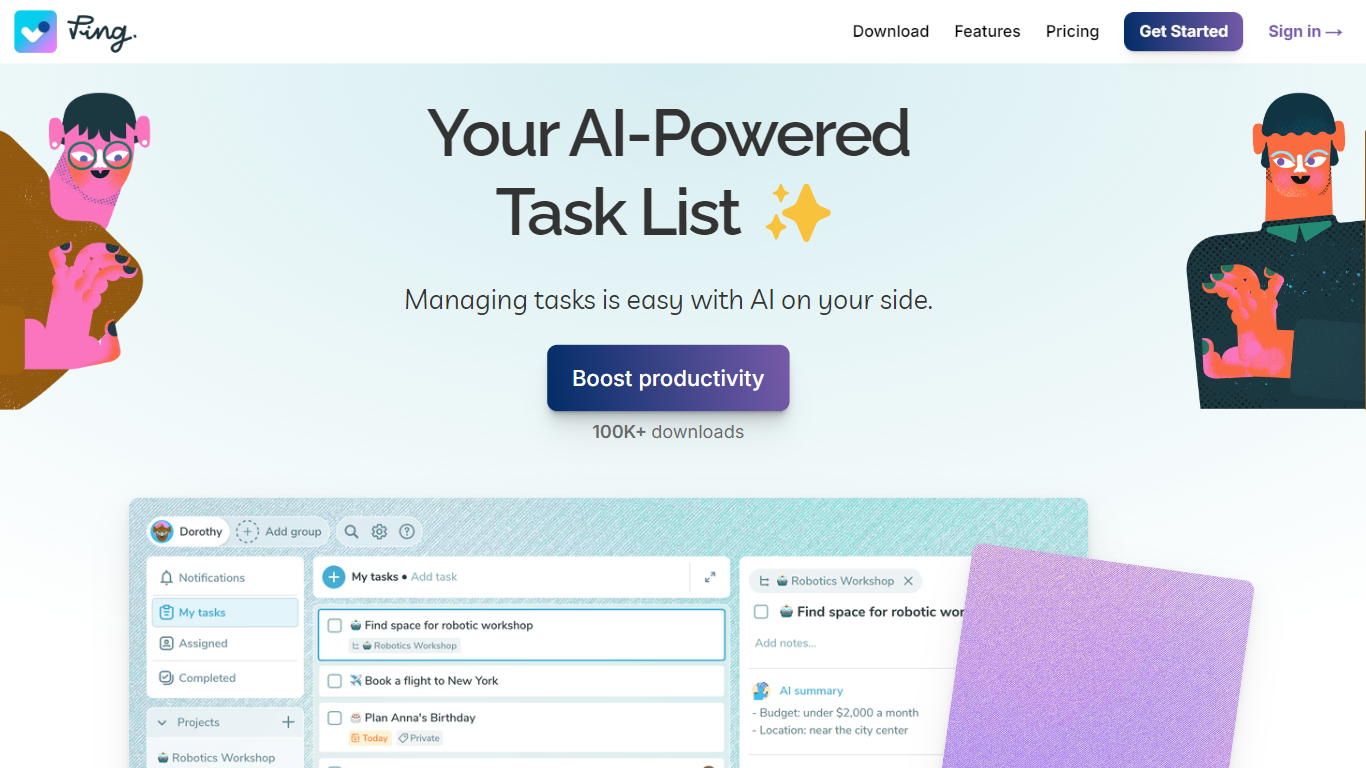
Small teams often split private to-dos and shared project work across two apps. Ping keeps both in one task manager, with capture from voice, photos, starred Gmail messages, Slack, and ChatGPT so you are not retyping context into a board. Each input becomes a titled task with deadlines, reminders, and summaries you can assign or keep private.
Where most project tools charge per seat, Ping Team bills one flat annual price for up to 15 people with full Pro features for everyone. That makes it a better fit for agencies and startups watching headcount costs than tools that scale monthly fees with every new teammate.
Beyond capture, Ping supports Today, Tomorrow, This week, and Later planning, recurring tasks, colored tags, Kanban boards, and project grouping with status steps like Waiting for or For approval. Google Calendar sync runs both ways, and the app is available on web, iOS, Android, Windows, and Mac. The site reports more than 100,000 users.
Dictate tasks in natural speech and let the assistant set titles, deadlines, reminders, and assignees
Star a Gmail message to create a task with a bullet summary and a link back to the original thread
Snap photos or screenshots from WhatsApp or email and Ping extracts phone numbers, addresses, and action items
Run shared work on Kanban boards while each teammate keeps a private task view
Team plan covers up to 15 seats for $14.99 per month billed annually, not per-seat pricing
Sync Google Calendar deadlines both ways and create tasks directly from Slack messages or ChatGPT
Free tier covers unlimited tasks, tags, reminders, and three projects without a seat fee.
Captures tasks from voice, photos, starred Gmail messages, Slack, and ChatGPT in one workflow.
Team plan charges one flat annual price for up to 15 members instead of per-seat billing.
Available on web, mobile, and desktop with Google Calendar two-way sync.
Gmail email-to-task capture and full calendar sync require the paid Pro plan.
The free plan limits you to three projects, which may feel tight for multi-project teams.
Team pricing caps at 15 members, so larger organizations need another tool or custom arrangement.
Does Ping have a free plan?
Yes. Ping's Free plan includes unlimited tasks, unlimited colored tags, recurring tasks, reminders, three projects, and Slack and ChatGPT integrations. Pro and Team plans add voice, photo, and email capture, calendar and Gmail sync, unlimited projects, Kanban boards, and team seats.
How much does Ping Pro cost?
Ping Pro is $3.66 per month when billed annually on ping.tm/pricing. Pro unlocks AI task capture from voice and photos, the AI Task Assistant, Google Calendar and Gmail integration, unlimited projects, Kanban boards, and task snoozing.
How does Ping turn emails into tasks?
In Gmail, star any message that contains work you need to do. Ping reads the subject, body, and thread context, then creates a task with a clear title, bullet summary, and a link back to the original email so you can reply without hunting through your inbox.
What platforms does Ping support?
Ping offers iOS and Android apps, a web app at web.ping.tm, and desktop downloads for Windows and Mac in both Apple Silicon and Intel builds. You can sign in from any supported device to access the same tasks and team workspaces.
What integrations does Ping include?
Ping integrates with Google Calendar, Gmail, Slack, and ChatGPT. Calendar sync shows task deadlines as all-day events and surfaces calendar events in your task list. Slack lets you create tasks from messages, and the Ping Task Manager GPT can add, edit, or browse tasks in chat.
How does Ping pricing work for teams?
Ping Team costs $14.99 per month billed annually for up to 15 seats under one flat price on ping.tm/pricing. Every team member gets Ping Pro features, so you are not paying a separate per-seat fee like many project management tools.