
Last updated 07-29-2026
Category:
Reviews:
Join thousands of AI enthusiasts in the World of AI!
Planning Poker
Planning Poker helps agile teams estimate the effort required for tasks during sprint planning by facilitating collaborative, consensus-based voting. Teams discuss each task, submit anonymous estimates using customizable decks, and iterate until they reach agreement. It supports both remote and in-person teams with features like pointing plans to estimate tasks in order and stored voting results for review.
What sets Planning Poker apart is its simplicity and flexibility. It offers quick session creation without sign-up for temporary rooms limited to 5 participants and 5 voting rounds, while named rooms created after login have no participant or round limits. The tool also provides multiple themes and custom decks such as Fibonacci, T-shirt sizes, and linear sequences to fit different team preferences.
Planning Poker requires no installation and works on any device with internet access. It emphasizes a clean, ad-free interface and unlimited usage in named rooms, making it a fast and enjoyable experience for teams worldwide. The host role allows managing decks and sessions, enhancing control during planning meetings.
This tool is ideal for teams seeking a straightforward, efficient way to improve estimation accuracy and reduce bias through anonymous voting and iterative discussion. Stored results help teams analyze past estimates and improve future planning and retrospectives.
Quick session creation with one click and no sign-up for temporary rooms
Permanent named rooms with unlimited participants and voting rounds after login
Multiple themes (25+) to customize the user interface
Custom decks including Fibonacci, T-shirt sizes, and linear sequences
Stored voting results for review and retrospectives
Pointing plans to estimate tasks in order within sessions
Host role to manage decks and session settings
No sign-up required for temporary sessions enabling fast access
Supports both temporary and permanent rooms with no participant limits in named rooms
Allows changing votes before reveal and multiple voting rounds for accuracy
Offers custom decks and pointing plans to tailor estimation to team needs
Clean, ad-free interface with multiple themes enhances user experience
Temporary rooms limit participants to 5 and voting rounds to 5
Some advanced features require logging in and creating named rooms
How do I create a new session?
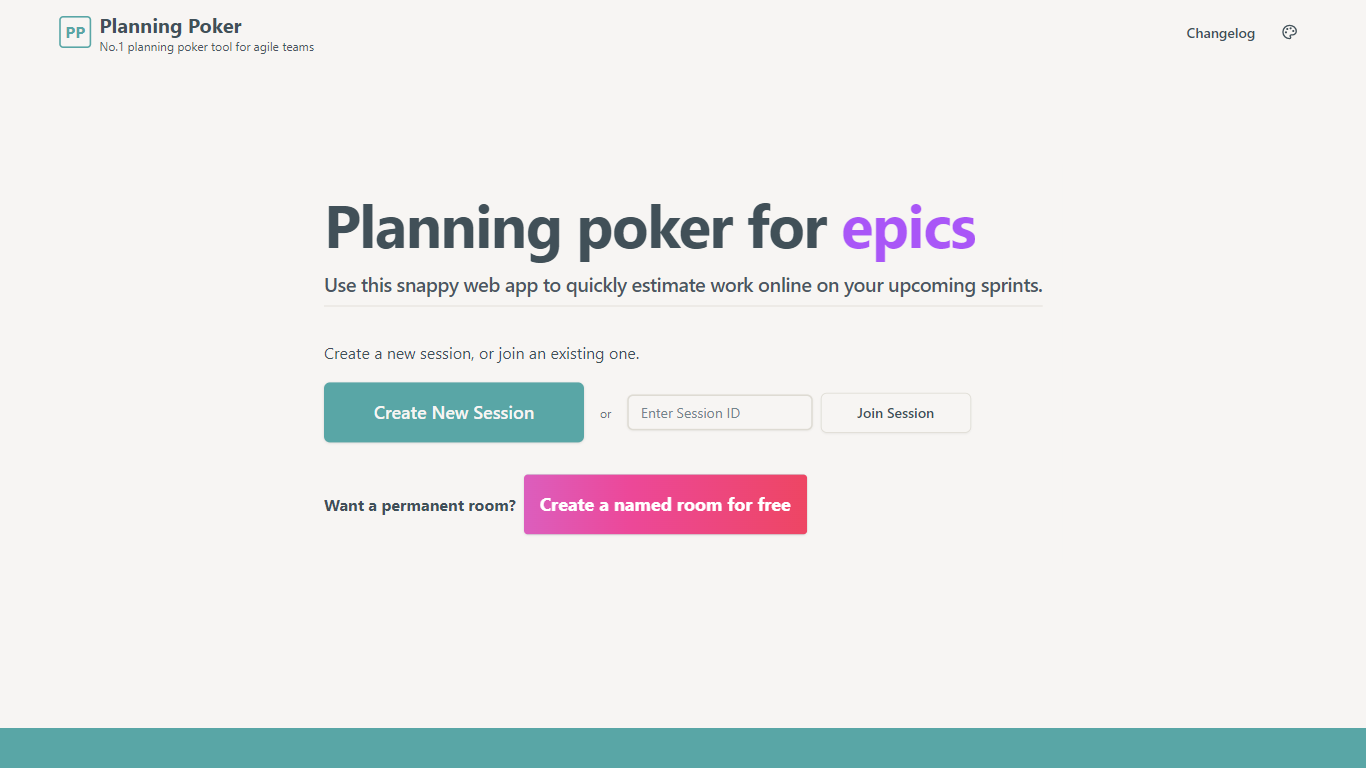
Planning Poker lets you create a new session by clicking the 'Create New Session' button on the homepage and sharing the link with your team.
Can I join an existing session?
Planning Poker allows you to join an existing session by entering the session ID or using a link shared by the session creator.
What types of decks can I use for estimation?
Planning Poker supports Fibonacci, T-shirt sizes, and linear sequence decks, and the host can change decks during sessions.
Are there participant limits?
Planning Poker temporary rooms allow up to 5 participants; named rooms created after login have no participant limits.
Can I change my vote after submitting it?
Planning Poker lets you change your vote while votes are hidden and cast a second vote after reveal within a short cooldown period.
What does the crown icon next to a user's name mean?
Planning Poker uses the crown icon to indicate the session host, who can manage decks and session settings.
Is Planning Poker free to use?
Planning Poker is free to use with no ads or usage limits in named rooms; temporary rooms require no sign-up.