
Last updated 07-22-2026
Category:
Reviews:
Join thousands of AI enthusiasts in the World of AI!
Radon (formerly Radon IDE)
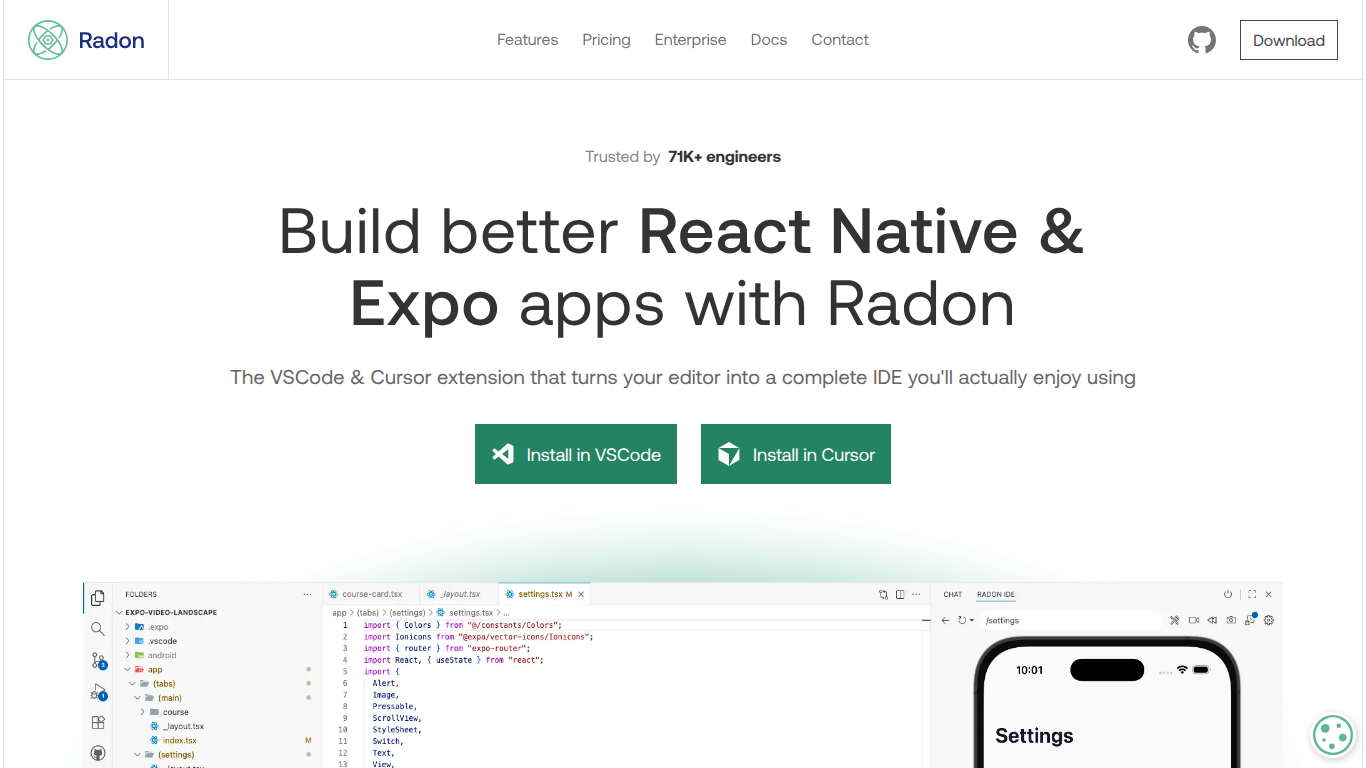
Radon is a VS Code and Cursor extension that turns your editor into a full React Native and Expo IDE. It runs iOS Simulator and Android emulator previews directly inside your project, so you can see your app without leaving the editor.
The extension includes an element inspector that jumps from preview to source code, a network inspector, breakpoints and runtime exception handling, Expo Router and React Navigation integration, and devtools for Redux, React Query, and React Profiler. Pro adds screen recording with replays, Storybook and Maestro integration, and a React Native AI assistant.
Radon is built by Software Mansion, the team behind Reanimated, Gesture Handler, and React Native Screens. It is available for macOS with Windows and Linux support in beta.
Runs iOS Simulator and Android emulator previews directly inside VS Code and Cursor
Element inspector jumps from preview to the React Native component source file
Built-in network inspector, logging console, and breakpoints with runtime exception stops
Expo Router and React Navigation integration for deep-link navigation inside the editor
DevTools for Redux, React Query, React Profiler, and React Scan render highlighting
Pro adds screen recording with replays, Storybook, Maestro testing, and a React Native AI assistant
Runs simulators and previews inside VS Code or Cursor without switching windows.
Built by Software Mansion, core contributors to the React Native ecosystem.
Tight integration with Expo Router, React Navigation, Redux, and React Query devtools.
Full feature set is macOS-only; Windows and Linux support is beta with limited features.
Commercial developers must use the paid Pro tier per the subscription agreement.
WebStorm is not supported.
Is Radon free to use?
Yes. Radon offers a Free plan at $0/month for non-commercial use, including element inspector, debugging, dev tools, and basic device emulator. Professional developers working on commercial projects should use the Pro tier per the subscription agreement.
How much does Radon Pro cost?
Radon Pro costs $25/month or $252/year (about $21/month billed annually). It includes a 14-day free trial and adds screenshots, screen recording, replays, tablet emulator, advanced device settings, Storybook, Maestro, and the Radon AI assistant.
Does Radon work with Cursor?
Yes. Radon installs as an extension in both Visual Studio Code and Cursor. Install links are available on the Radon homepage for each editor.
Can I use Radon on Windows or Linux?
Windows and Linux support is in beta with limited features. Builds are not distributed via the VS Code marketplace on those platforms; manual installation is required. Beta use on Windows and Linux does not require a paid license.
Who builds Radon?
Radon is built and maintained by Software Mansion, a software company known for open-source React Native libraries including Reanimated, Gesture Handler, and React Native Screens.