
Last updated 08-22-2026
Category:
Reviews:
Join thousands of AI enthusiasts in the World of AI!
RemoveFrom.Video
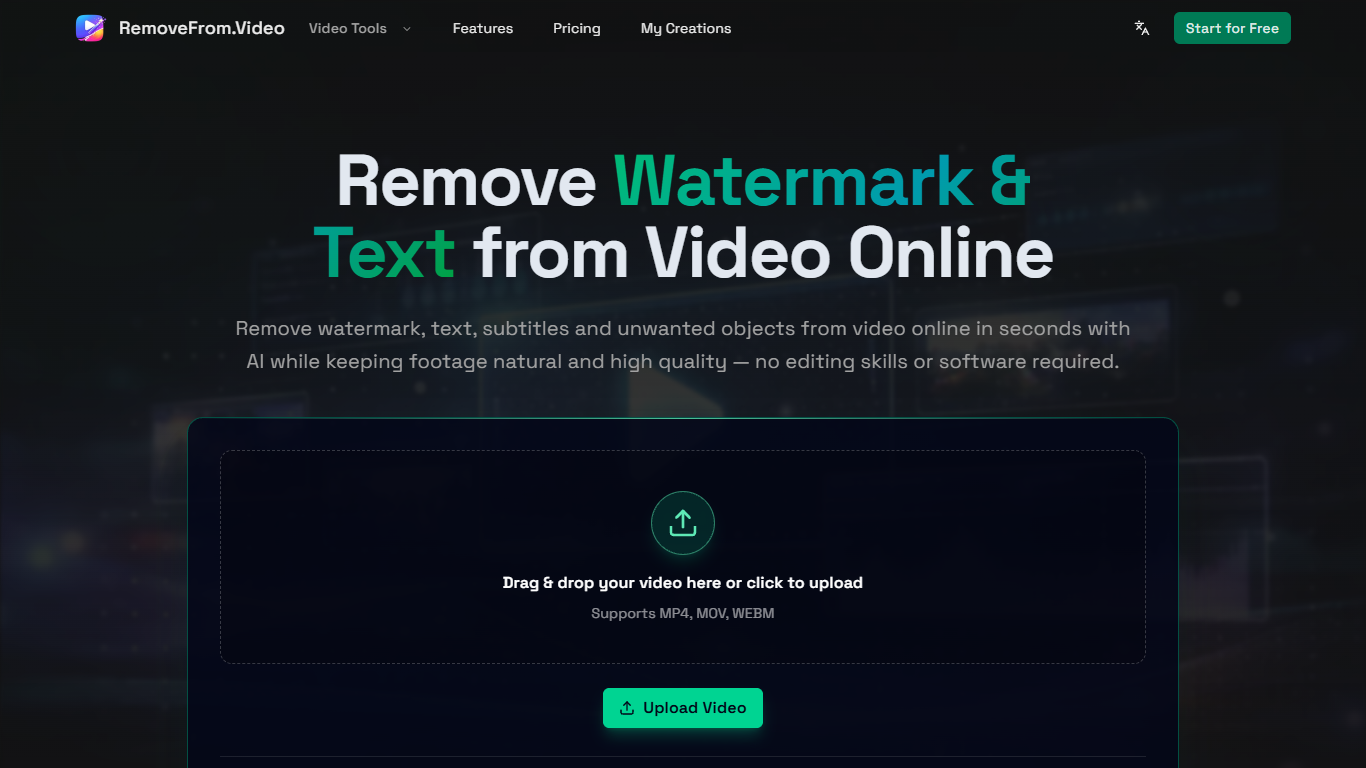
RemoveFrom.Video cleans burned-in text, watermarks, logos, and objects from MP4, MOV, and WEBM files in your browser. Upload a clip, mark the overlay area, and the AI rebuilds the covered pixels instead of blurring them. Each finished text removal includes two free adjustment passes before you download.
Dedicated watermark apps usually handle one overlay type at a time. RemoveFrom.Video routes text, subtitles, logos, objects, backgrounds, and audio through separate online tools while charging one credit per second of output video. Credit packs last twelve months with no subscription, which fits editors who clean a handful of clips per month rather than running a daily pipeline.
The service targets social creators, localization teams, and marketers repurposing stock or archived footage. Short-form editors erase hardcoded captions before re-dubbing, while agencies strip lower thirds from client b-roll without cropping the frame.
Removes hardcoded text, captions, watermarks, and logos from MP4, MOV, and WEBM uploads
Credit pricing at 1 credit per second of generated output video
Lite Pack is $6.90 for 180 credits covering up to 3 minutes at 1080p
Basic Pack is $24.90 for 900 credits with 4K export and commercial license
Pro Pack is $59.90 for 2,400 credits covering up to 40 minutes of video
Two free adjustment passes included on every completed text removal job
Dedicated tools for background, object, and audio removal beyond text cleanup
Rebuilds covered pixels instead of applying a blur over text and watermarks
One credit pool covers text, watermark, logo, object, and background removal tools
No subscription lock-in with twelve-month credit validity
Basic and Pro packs include commercial license and priority support
Two included adjustment passes reduce rework cost on tricky overlays
Per-second credit metering can get expensive on long clips
Lite tier caps export resolution at 1080p
Browser-only workflow with no desktop app for batch jobs
What does RemoveFrom.Video do?
RemoveFrom.Video is an online AI video editor that erases burned-in text, captions, watermarks, logos, and objects from footage. It rebuilds the covered area so the scene looks natural instead of blurred.
How much does RemoveFrom.Video cost?
RemoveFrom.Video sells credit packs with no subscription. The Lite Pack is $6.90 for 180 credits, Basic is $24.90 for 900 credits with 4K export, and Pro is $59.90 for 2,400 credits. Credits cost 1 per second of output video.
Which video formats does RemoveFrom.Video support?
RemoveFrom.Video accepts MP4, MOV, and WEBM uploads through the browser uploader. You mark the text or overlay region, preview the AI cleanup, and download the finished file.
Can RemoveFrom.Video remove subtitles from video?
Yes. RemoveFrom.Video can erase burned-in captions and hardcoded subtitles so you can localize or re-edit footage. The tool detects visible text automatically or lets you select a precise region.
Does RemoveFrom.Video require a subscription?
No. RemoveFrom.Video uses one-time credit packs that stay valid for twelve months. You buy credits when needed and spend them at 1 credit per second of processed video.
What resolution can RemoveFrom.Video export?
RemoveFrom.Video Lite Pack exports up to 1080p, while Basic and Pro packs unlock up to 4K output with faster processing and a commercial license on those tiers.