
Last updated 08-15-2026
Category:
Reviews:
Join thousands of AI enthusiasts in the World of AI!
Replit Agent
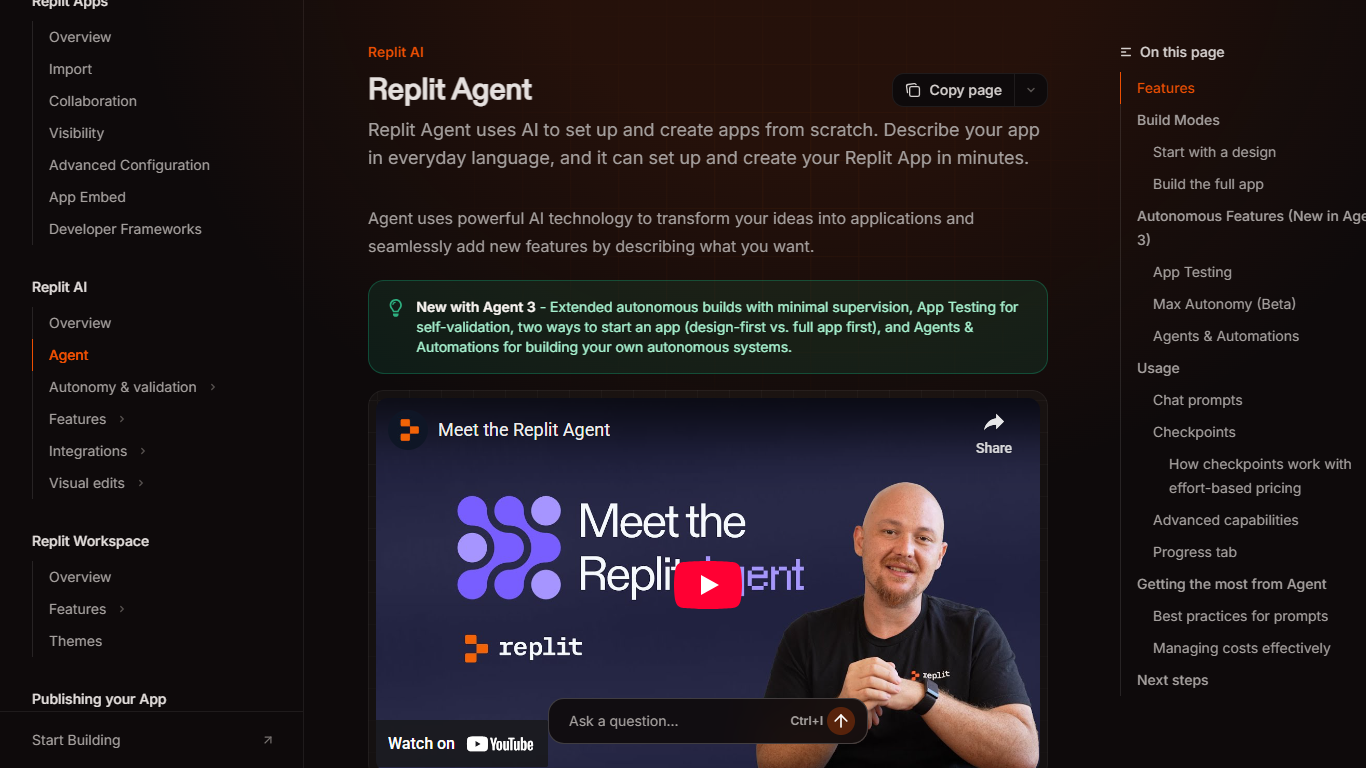
Replit Agent is an AI coding agent inside Replit that builds apps, slide decks, designs, and data visualizations from plain-language chat. You describe what you want in the Project Editor and the agent writes code, sets up infrastructure, tests the result, and helps you publish when you are ready.
Unlike a chatbot that only answers questions, Replit Agent takes action in your Replit project. It can spin up web and mobile apps, add multiple artifact types to one project, query connected services like Slack or Notion from chat, and roll back via checkpoints when something goes wrong. The trade-off is usage-based billing tied to effort, so heavy Power-mode builds cost more than quick Lite edits.
Replit Agent fits founders, students, and product teams who want to ship prototypes without managing servers or local dev setups. Plan Mode lets you map tasks on a Kanban board before any code changes, and Agent modes (Lite, Economy, Power) let you balance speed, cost, and model capability per build.
Lite, Economy, and Power agent modes with optional Turbo on Pro (up to 2.5x speed at higher cost)
Plan Mode breaks complex builds into ordered task lists you approve before code changes
Multiple artifacts in one project: web apps, mobile apps, slides, videos, and data viz sharing one backend
Connectors pull data from BigQuery, Slack, Notion, and Linear directly from Agent chat
Effort-based checkpoint billing bundles each completed request into one transparent charge
Core plans allow 1 active background task; Pro allows 10 concurrent background tasks
Automatic app testing and code optimization in Economy and Power Advanced settings
Builds and publishes multiple artifact types from one chat without local setup
Plan Mode and Kanban task board let you approve work before code changes land
Checkpoints and rollbacks make it easy to undo agent mistakes
Connectors query Slack, Notion, BigQuery, and Linear without separate API keys
Three agent modes plus Turbo give clear cost versus capability trade-offs
Every Agent interaction is billable, including Plan Mode text-only guidance
Starter tier limits full builds to Lite mode with a daily chat cap
Turbo mode and 10 background tasks require a Pro subscription
Usage dashboard data can lag up to 30 minutes behind real-time spend
Do I need to code to use Replit Agent?
No. Replit Agent handles code, infrastructure, and database setup from plain-language prompts in the Project Editor. You describe apps, slides, or designs in chat and the agent builds, tests, and helps you publish without writing code yourself.
What are Lite, Economy, and Power modes on Replit Agent?
Lite on Replit Agent targets quick edits in about 10 to 60 seconds for visual tweaks and scoped fixes. Economy is the default for everyday builds with cost-optimized models. Power uses the most capable models for larger changes, and Pro subscribers can enable Turbo for up to 2.5x faster runs.
How does Replit Agent billing work?
Replit Agent uses effort-based pricing where each completed request creates one checkpoint charge scaled to complexity. All Agent interactions are billable, including Plan Mode guidance without code changes. Costs draw from monthly Replit credits or purchased credit packs, viewable on the usage dashboard.
Can Replit Agent build more than one output per project?
Yes. Replit Agent lets you add web apps, mobile apps, slides, animated videos, and data visualizations as separate artifacts inside the same Replit project. All artifacts share the same backend and data, and you publish them together.
Which Replit plans include full Replit Agent builds?
Starter on Replit limits Agent to Lite builds and caps daily chat. Core and Pro unlock full builds, Plan Mode, connectors, and Kanban task planning. Pro adds Turbo mode and raises active background tasks from 1 on Core to 10 on Pro.
What happens if Replit Agent makes a mistake?
Replit Agent tests its own work and creates checkpoints as it builds, so you can roll back to any previous state. You can also chat with the agent to describe what went wrong and request a fix without starting over manually.