
Last updated 08-14-2026
Category:
Reviews:
Join thousands of AI enthusiasts in the World of AI!
Role Model AI
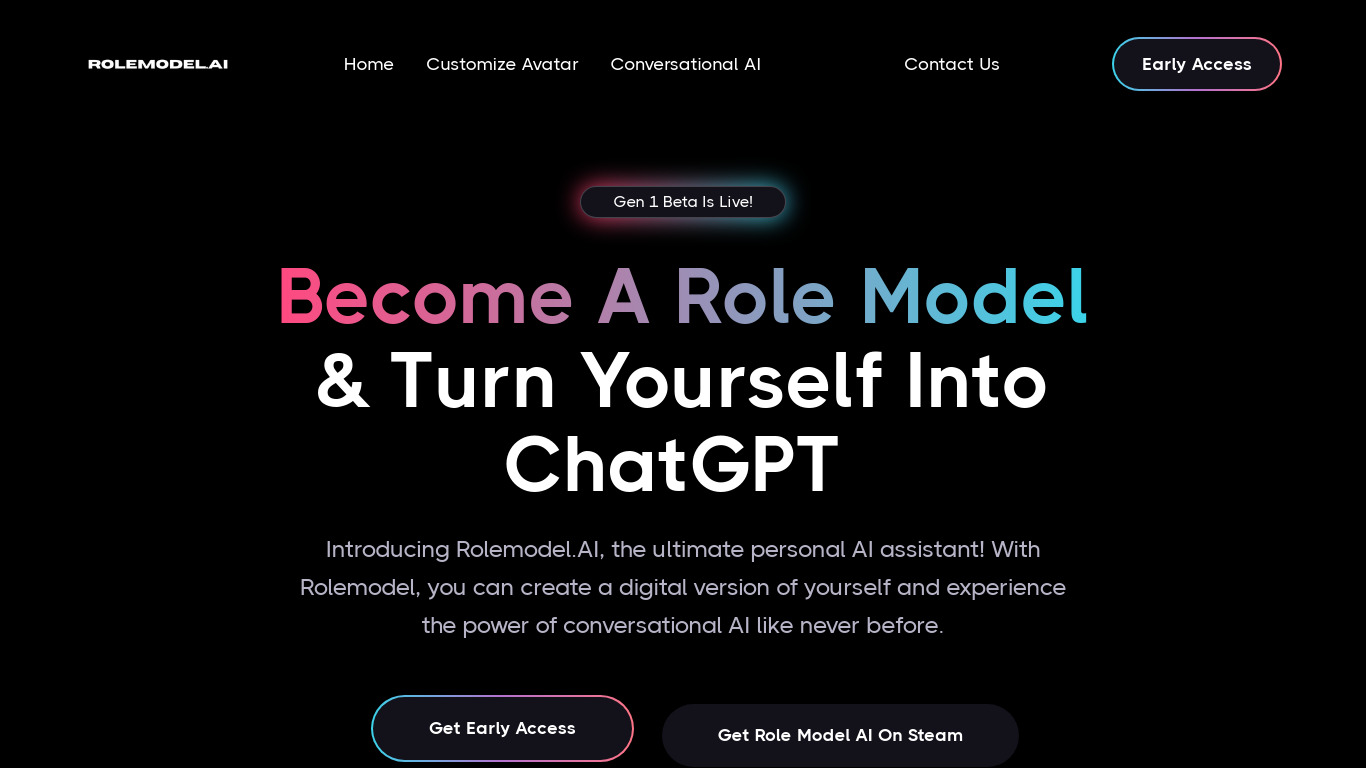
Upload a portrait photo in Concierge 2.4 and Role Model AI turns it into a photorealistic talking avatar you can speak with face to face. That same character can join Zoom, Google Meet, or Teams calls, stream through OBS, and host a public Living Bio page at rolemodel.ai/@you. Talk time runs on credits at 3 credits per minute, with a free plan that includes 15 welcome credits and one custom avatar. The marketplace lists 101+ community-made characters you can chat with for casual or creative sessions.
Most avatar tools stop at generating a face clip or a prerecorded greeting. Role Model AI pushes toward a single persistent presence you can route into meetings, live streams, and your link page while it remembers goals, daily briefs, and personal facts across sessions. The vibe coding hook is unusual too: on Pro, Concierge MCP lets you talk to your avatar from Cursor or Claude while it stays in the loop on your project.
Creators, founders, and streamers are the clearest fits, especially anyone who wants visitors or viewers to talk with a version of them instead of scrolling static copy. Developers who already live in Cursor or Claude may also treat the avatar as a hands-free coworker during coding sessions. If you only need a one-off talking head video, the credit model and multi-channel setup may be more than you need.
Upload a portrait in Concierge to create your first custom avatar at no extra credit cost on signup
Avatar talk time uses 3 credits per minute; Pro includes 2,000 monthly credits (~11 hours)
Pro plan ($20/month) adds voice cloning, OBS Browser Source streaming, and Zoom, Google Meet, and Teams attendance
Expert plan ($99/month) adds website embed modes (bubble, fullscreen, or iframe) and 10,000 monthly credits (~55 hours)
Concierge MCP on Pro connects Notion, LinkedIn, Home Assistant, and vibe coding in Cursor or Claude
Living Bio hosts a public page at rolemodel.ai/@you where visitors start face-to-face conversations
Generate images and videos during Talk sessions on Pro and Expert; outputs save to My Creations
First custom avatar is free on signup with 15 welcome credits to start talking
One avatar deploys across OBS streams, Zoom or Meet or Teams, and Living Bio pages
Concierge MCP on Pro lets you talk to your avatar while coding in Cursor or Claude
Marketplace offers 101+ community avatars to explore beyond your own character
Avatar talk time costs 3 credits per minute beyond included monthly credits
Website embed requires the $99/month Expert plan
Extra custom avatars cost 300 credits each after the first free one
Google Calendar connector is pending Google verification and not live for everyone
How much does Role Model AI cost?
Role Model AI offers a Free plan at $0/month with 15 welcome credits, a Pro plan at $20/month (or $200/year), and an Expert plan at $99/month (or $999/year). Avatar talk time uses 3 credits per minute on every plan.
How do credits work on Role Model AI?
Role Model AI charges 3 credits per minute of avatar talk time. Free includes 15 welcome credits (~5 minutes), Pro includes 2,000 monthly credits (~11 hours), and Expert includes 10,000 monthly credits (~55 hours). You can also buy credit packs or add a custom dollar amount with a $5 minimum.
Can Role Model AI join Zoom meetings?
Yes. Role Model AI on the Pro and Expert plans can send a ready avatar to Zoom, Google Meet, and Microsoft Teams. The Meetings feature is documented at rolemodel.ai/meetings and requires a paid subscription.
What is a Living Bio on Role Model AI?
Role Model AI Living Bio gives you a public page at rolemodel.ai/@you where visitors talk to your avatar, browse your links, and learn what you do. It turns a static link page into a face-to-face conversation with your digital presence.
Does Role Model AI work with Cursor or Claude?
Yes. Role Model AI Pro includes Concierge MCP for vibe coding, which lets you talk to your avatar while coding in Cursor or Claude. Setup docs live at rolemodel.ai/rolemodelmcp and the Tools hub also connects Notion, LinkedIn, and Home Assistant.
Can Role Model AI stream to OBS?
Yes. Role Model AI Pro and Expert support Stream with Avatar using an OBS Browser Source plus a Mute dock for public-safe streaming. Documentation is at rolemodel.ai/stream and the feature is included on paid plans.
What do you get on the free Role Model AI plan?
Role Model AI Free includes 15 welcome credits (~5 minutes of talk time), one free custom avatar, live video avatar chat, Memory, Daily Brief, Goals, and Reminders in the Concierge app. You can add credit packs or custom top-ups with a $5 minimum anytime.