
Last updated 09-02-2026
Category:
Reviews:
Join thousands of AI enthusiasts in the World of AI!
SaneBox
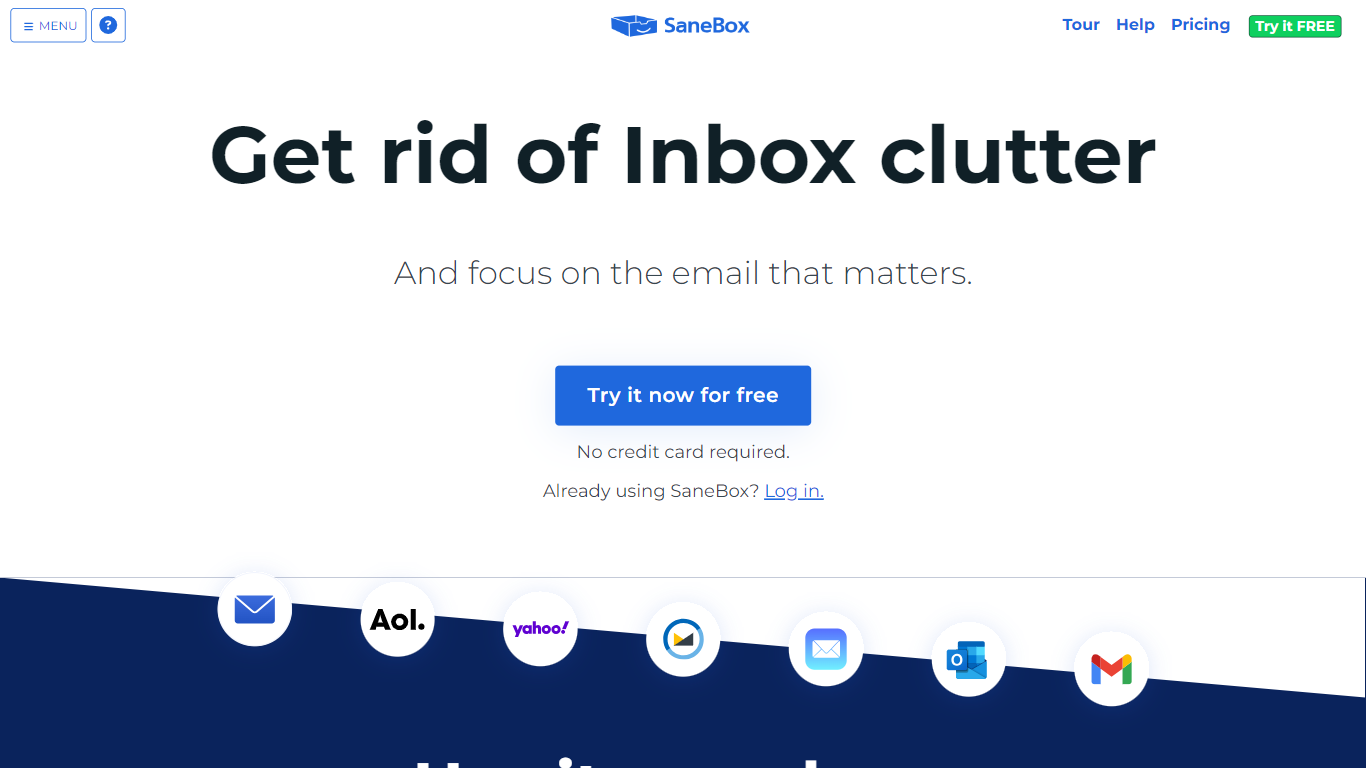
SaneBox sorts incoming mail into folders inside the email account you already use, so your inbox stays focused on what matters. It connects to Gmail, Microsoft 365, Apple iCloud, Yahoo Mail, Fastmail, and IMAP or Exchange servers without replacing your mail client. Important messages stay in your Inbox while newsletters, notifications, and low-priority mail move into Sane folders you review on your schedule.
Unlike rules you build yourself in Outlook or Gmail, SaneBox learns from how you open, skip, and reply to mail over time. It classifies mail from header metadata only and never stores full message bodies on its servers. That lets the filters adapt when senders or priorities change without you rewriting dozens of manual rules.
BlackHole permanently blocks unwanted senders, Snooze hides mail until a set time, follow-up Reminders flag unanswered threads, and Daily Digest batches unopened low-priority mail into one summary. Training is as simple as dragging a misfiled message to another folder.
The company launched in 2010 and publishes annual Google Cloud security assessments, Qualys SSL Labs A+ ratings, and a HackerOne bug bounty. Professionals buried in email use SaneBox to reclaim roughly 3 to 4 hours per week. A 7-day trial unlocks every feature across up to four accounts before you pick a paid plan.
Snack plan costs $4.54 per month when paid biyearly; Lunch is $7.46 and Dinner is $22.04
7-day free trial includes all features across up to 4 email accounts
Lunch plan covers 2 accounts with 6 SaneBox features per account; Dinner unlocks all features
Works with Gmail, Outlook, Apple Mail, Yahoo, Fastmail, IMAP, and Exchange with no download
Classifies mail from headers only; your emails never leave your mail server
iOS app rated 4.6 on the App Store according to SaneBox pricing page
Daily Digest summarizes unopened low-priority mail in one batch
Works with every major email provider without changing your client.
7-day free trial includes all features across up to four accounts.
Reads only email headers, not full message bodies or attachments.
Google-verified security with Qualys SSL Labs A+ and HackerOne testing.
Machine learning improves folder sorting as you train it over time.
No permanent free plan beyond the 7-day trial.
Lower-tier plans cap how many SaneBox features you can enable per account.
Default pricing is billed biyearly; monthly rates are higher on the pricing page toggle.
Requires granting SaneBox access to your email account via OAuth or app password.
Does SaneBox work with Gmail?
Yes. SaneBox works with Gmail, Microsoft 365, Apple iCloud, Yahoo Mail, Fastmail, and any IMAP, Microsoft Exchange, or ActiveSync server. You keep using your existing email client with no download or manual configuration required.
How much does SaneBox cost?
SaneBox offers three paid plans when billed biyearly: Snack at $4.54 per month, Lunch at $7.46 per month, and Dinner at $22.04 per month. Snack covers 1 account with 2 features, Lunch covers 2 accounts with 6 features each, and Dinner covers 4 accounts with every feature.
Does SaneBox offer a free trial?
Yes. SaneBox includes a 7-day free trial with access to all features across up to four email accounts. The pricing page notes you can contact support to request extra trial time if needed.
What data does SaneBox access from my email?
SaneBox analyzes header metadata such as sender, subject line, and date. It does not store full emails or attachments on its servers. Credentials are encrypted, and most providers authorize SaneBox through OAuth without sharing your password.
Can I cancel SaneBox easily?
Yes. SaneBox publishes a help article that walks through cancellation, including whether to keep or remove your Sane folders. You can manage your subscription from your SaneBox account settings.
Does SaneBox have a mobile app?
Yes. SaneBox lists an iOS app rated 4.6 on the App Store on its pricing page. The core service also works inside your existing email client on desktop and mobile without replacing how you read mail.