
Last updated 08-22-2026
Category:
Reviews:
Join thousands of AI enthusiasts in the World of AI!
Seedance 2.5 AI Video Generator
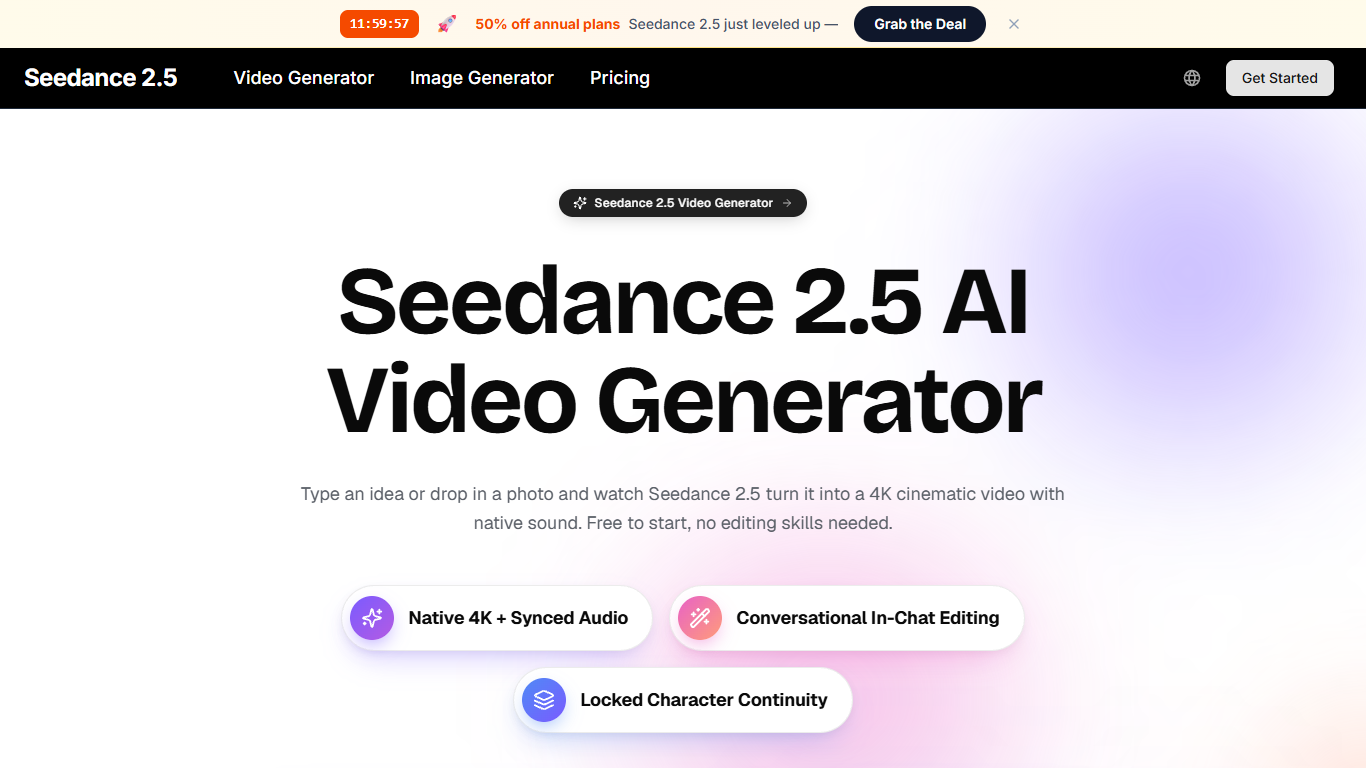
Seedance 2.5 AI Video Generator turns text, photos, clips, and audio into short cinematic videos with native sound, all inside a browser. You describe a scene or upload references, and the model builds motion, lighting, camera work, and synced audio in one pass. Output runs up to 4K at 30fps, with clips from about 4 to 30 seconds depending on the workflow.
Where many video generators bolt sound on after the fact, Seedance 2.5 generates picture and audio together and lets you refine shots through plain-language chat edits. Its 2.5 release also raises the reference ceiling to 50 assets per generation, well above the 10-plus limit on Seedance 2.0, which matters when you are blending multiple character photos, motion clips, and audio cues into one take.
The tool targets creators, marketers, educators, and small teams who need publish-ready clips without learning a timeline editor. Use it for TikTok and Reels posts, product demos from a single photo, lesson explainers, or quick ad variations when you want to test ideas in minutes rather than booking a shoot.
Combines up to 50 reference assets (images, video, audio) in a single 2.5 generation
Renders up to 4K resolution at 30fps with native lip-synced dialogue and ambient sound
Accepts up to 12 multimodal inputs per generation for text, image, video, and audio briefs
Edits or extends clips through conversational prompts without a timeline editor
Yearly Standard plan includes 1,500 credits per month at $24.95 per month (50% launch discount)
Seedance 2.5 video generations start at 40+ credits on the published rate card
Generates video and native audio in one pass, so lip sync and ambient sound match the scene
Supports up to 50 reference assets in 2.5, useful for character-locked multi-input scenes
Conversational editing lets you tweak lighting, camera, or pacing without keyframes
Browser-only workflow with a free tier and no credit card required to start
Includes additional video and image models (Kling, Wan, Seedream, GPT Image) under one credit wallet
Individual clips cap around 30 seconds, so longer pieces require stitching multiple renders
Premium Seedance 2.5 renders cost 40+ credits each, which adds up quickly on the Lite plan
Monthly billing charges 1.4x more credits on premium video than the advertised yearly rates
No desktop app; everything depends on the web interface and your account credits
Does Seedance 2.5 offer a free tier?
Yes. Seedance 2.5 AI Video Generator includes a free tier for first clips, and you can sign up with email only. Paid yearly plans add monthly credits, batch tasks, and commercial licensing when you need higher volume or longer outputs.
What inputs does Seedance 2.5 accept?
Seedance 2.5 AI Video Generator reads text, images, video clips, and audio together in one brief. Version 2.5 supports up to 50 reference assets in a single generation, and the core workflow accepts up to 12 multimodal inputs per run.
How long can Seedance 2.5 videos be?
Seedance 2.5 AI Video Generator produces clips from about 4 to 30 seconds depending on the mode, with multi-shot prompts keeping characters and lighting consistent across cuts. For longer stories, you generate several clips and place them back to back.
What resolution does Seedance 2.5 output?
Seedance 2.5 AI Video Generator exports up to true 4K at 30fps, with 720p and 1080p options on the comparison table. Native audio, including dialogue and ambient sound, is generated alongside the picture rather than added later.
How much does Seedance 2.5 cost?
Seedance 2.5 AI Video Generator lists yearly Lite at $14.95 per month for 600 credits, Standard at $24.95 for 1,500 credits, Pro at $49.95 for 3,600 credits, and Max at $99.95 for 8,000 credits. A Seedance 2.5 video render starts at 40+ credits on the pricing page.
Does Seedance 2.5 run in the browser?
Yes. Seedance 2.5 AI Video Generator runs entirely in the browser with no install step. Projects stay in your account so you can start on one device and continue on another without exporting project files.