
Last updated 07-02-2026
Category:
Reviews:
Join thousands of AI enthusiasts in the World of AI!
Sigma AI Browser
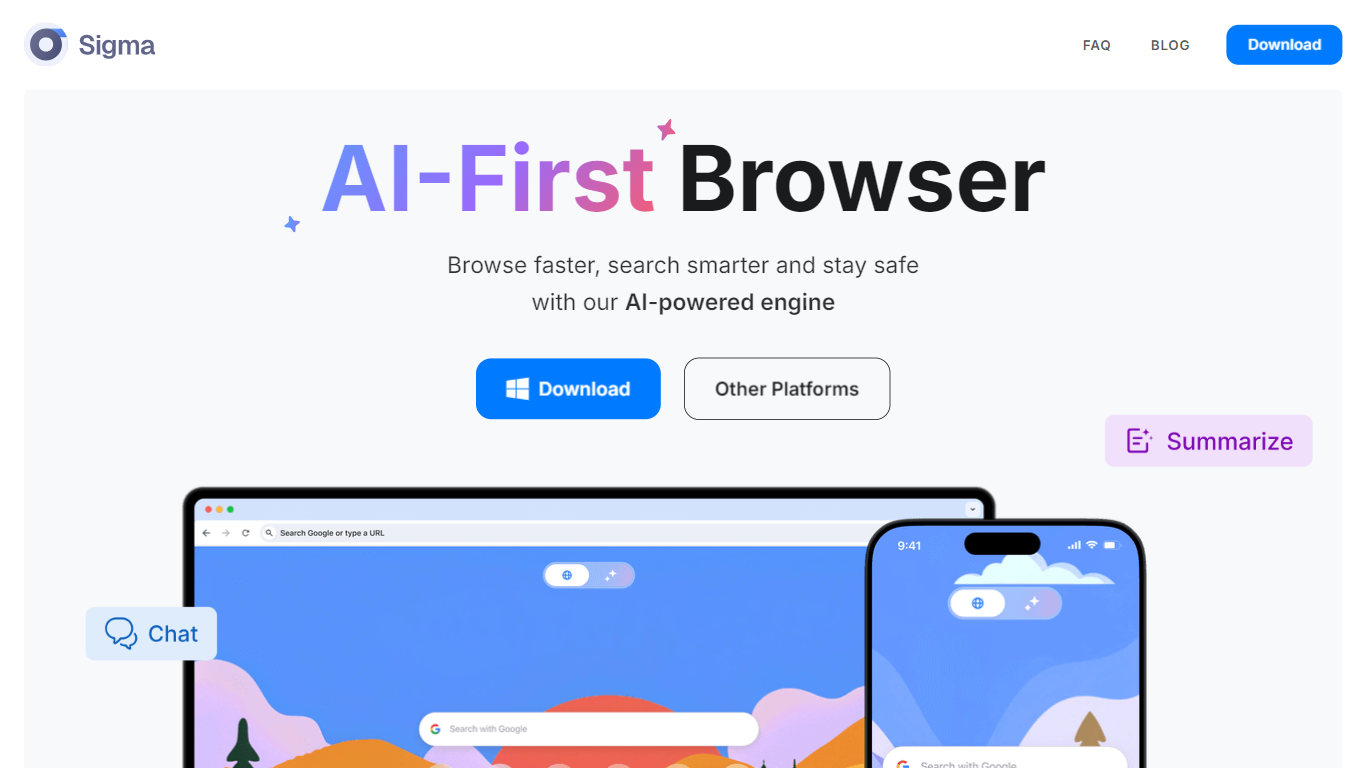
Sigma AI Browser is a Chromium-based web browser with built-in AI chat, agents, and privacy controls. It is aimed at people who want research, page-aware assistance, and browser automation in one desktop app instead of juggling a separate AI tool alongside Chrome or Firefox.
Inside the browser you get Sigma AI Chat, Deep Research, Chat With Page, image generation, and an AI agent that can navigate sites, click buttons, and fill forms on your behalf. Eclipse, the local LLM, runs offline on your device so prompts and summaries can stay on your machine. The browser also ships with a built-in ad blocker, quick on-page translation, encrypted private profiles, and phishing warnings.
Sigma is free to download on macOS and Windows, with iOS, Android, and Linux listed as coming soon. A free plan covers basic chat and limited agent use; Plus and Pro subscriptions raise limits on research, image generation, file uploads, and agent runs.
Describe a goal and let the AI agent navigate pages, fill forms, and finish web tasks for you
Run Deep Research in AI Chat to pull from multiple sources and return structured answers
Use Eclipse, the built-in local LLM, for offline prompts and summaries that stay on your device
Chat with any open page to ask questions and get summaries without leaving the tab
Browse with a built-in ad blocker, encrypted private profiles, and phishing site warnings
Bundles AI chat, agents, Deep Research, and a local LLM inside one browser.
Free tier covers core chat and page tools without requiring signup on the marketing site.
Built-in ad blocker, private profiles, and phishing warnings are enabled by default.
Linux packages and official mobile store listings are still marked coming soon on the download page.
Full AI agent and research limits require a paid Plus or Pro subscription.
Agent workflows in standard mode need your own API key for OpenClaw or Hermes.
Is Sigma AI Browser free to use?
Yes. Sigma offers a free plan at $0 per month with chat on all platforms, Chat With Page, and limited access to the AI agent, image generation, and Deep Research. Plus ($10/month, or $8/month billed annually) and Pro ($75/month, or $60/month billed annually) raise those limits.
What platforms does Sigma AI Browser support?
Sigma provides direct downloads for macOS and Windows. The download page lists iOS, Android, and Linux packages as coming soon, though the homepage also notes availability on iOS and Android.
What is Sigma Eclipse?
Sigma Eclipse is a local LLM built into Sigma Browser. It runs on your device without sending prompts to the cloud, supports offline use, and is available as a separate download for Windows and macOS from sigmabrowser.com/local-ai-chat.
How is the AI Agent different from AI Chat?
AI Chat is for conversation, research, and content creation. The AI Agent acts inside the browser: it can open pages, read content, click buttons, type into fields, and work through multi-step site tasks. Agents like OpenClaw and Hermes can run with an API key or with local models in Private Mode.
Does Sigma AI Browser store my browsing data?
Sigma says sensitive parts of interactions can stay local, tasks use end-to-end encryption, and credentials or task data are not stored after execution. The company is based in Estonia and states compliance with GDPR and CCPA.