
Last updated 08-10-2026
Category:
Reviews:
Join thousands of AI enthusiasts in the World of AI!
Skylight
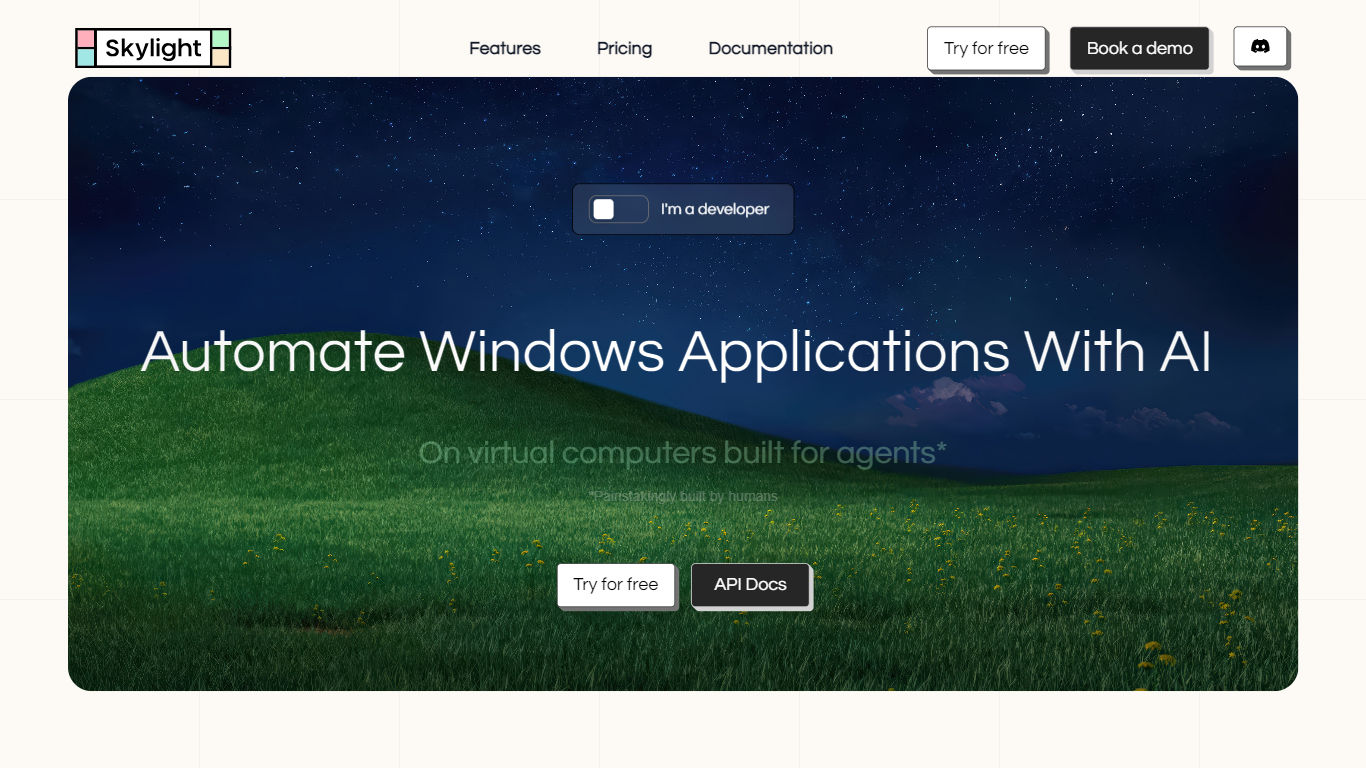
Skylight hosts virtual Windows computers that AI agents operate through screenshots, clicks, and keyboard commands. You spin up isolated instances in the cloud, install desktop apps, and drive them from REST APIs or natural-language tasks in the Playground. It targets teams automating legacy Windows software without running their own VM infrastructure.
Unlike generic browser automation tools, Skylight targets full Windows desktop apps. You install supported applications on each instance, let an agent operate the UI, and stream the session live when you want to supervise or take over. The built-in playground runs tasks from natural language with human-in-the-loop confirmations before destructive steps.
Developers integrate through REST APIs, Python and TypeScript SDKs, or an MCP server hook for agent frameworks. Pricing is usage-based on top of a free tier that includes $5 in credits, so you pay mainly for active VM minutes and per-step agent actions rather than a flat seat license.
Spin up unlimited concurrent Windows instances with remote control APIs
Built-in agent accepts natural language tasks in the Playground with human-in-the-loop safety checks
Interactions API supports screenshots, clicks, typing, and keyboard commands per step at $0.003
Active VMs cost $0.005 per minute; hibernated instances cost $0.0005 per minute
Python and TypeScript SDKs ship with native MCP server support
Upload and download files between local machines and instances for $0.05 per transfer
Full Windows desktop automation, not just browser tabs
Free tier includes $5 credits and unlimited concurrent VMs
Live session streaming with human takeover and safety guardrails
SDKs expose an MCP server for quick agent framework integration
Usage fees add up quickly on long-running or high-step workflows
Windows-only focus limits teams that need macOS or Linux desktop automation
Enterprise pricing requires a sales conversation with no public rate card
Is Skylight free to try?
Yes. Skylight gives new accounts $5 in free credits with no credit card required. The Free plan also includes unlimited concurrent computers, API access, and community support while credits last.
What does Skylight automate?
Skylight automates Windows desktop applications through AI agents on cloud VMs. Agents take screenshots, click, type, and run keyboard commands via the Interactions API, so they can operate legacy or installed software a browser bot cannot reach.
How does Skylight pricing work?
Skylight charges usage on top of plan credits. Active computers cost $0.005 per minute, hibernated computers cost $0.0005 per minute, each agent step costs $0.003, and file uploads or downloads cost $0.05 each. Pro adds $20 monthly credits and priority support.
Does Skylight support human oversight?
Yes. Skylight VMs include human-in-the-loop controls. You can stream sessions live, define safety guardrails, confirm destructive actions in the Playground, and take manual control at any time.
Can developers integrate Skylight via API?
Yes. Skylight exposes REST APIs plus Python and TypeScript SDKs for programmatic control. The SDKs can run as an MCP server, so agent frameworks can launch tasks with one line of code.
Does Skylight offer an enterprise plan?
Yes. Skylight Enterprise runs on your own virtual machines with custom pricing and connections to your internal APIs. Contact the Skylight team through the site for enterprise quotes.