
Last updated 09-01-2026
Category:
Reviews:
Join thousands of AI enthusiasts in the World of AI!
Steer
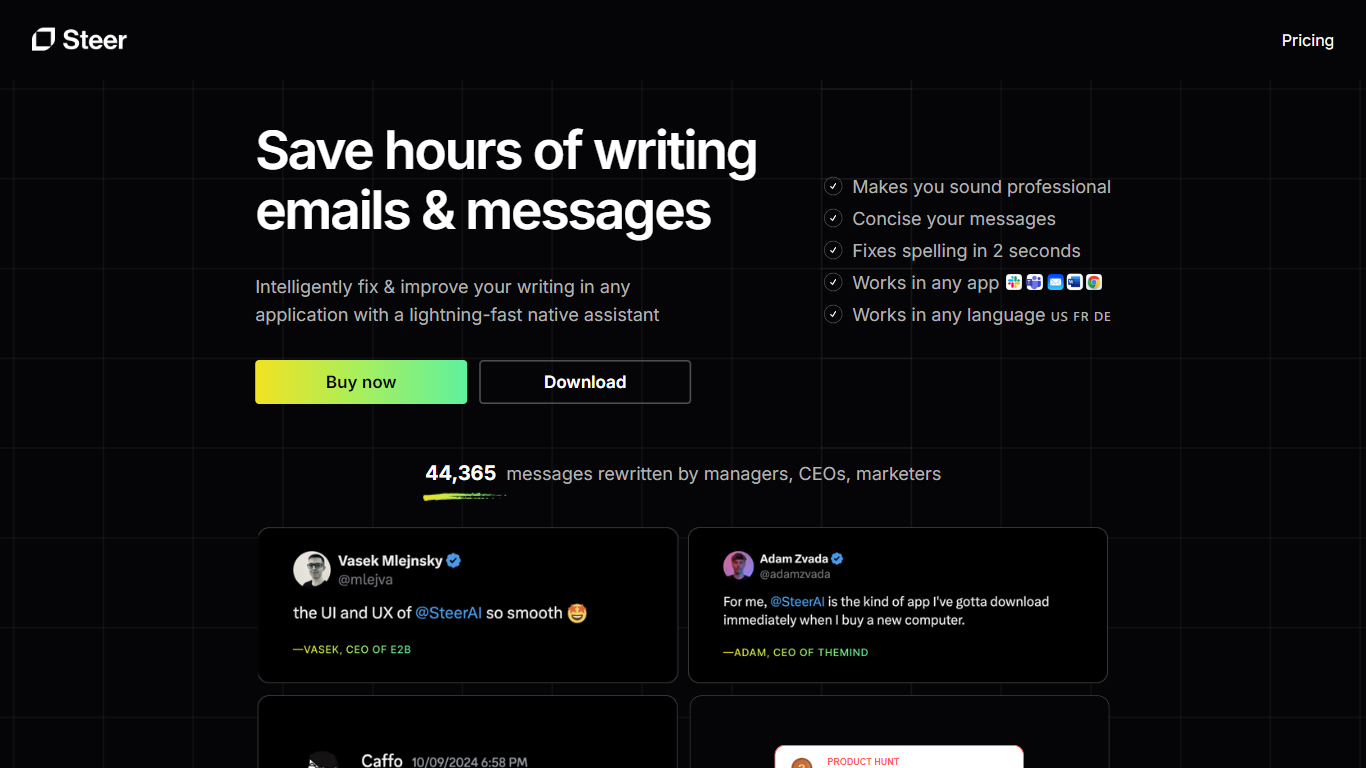
Steer rewrites text you select inside Slack, Teams, Apple Mail, Word, Chrome, and other macOS and Windows apps. Highlight a passage, run a keyboard shortcut, and it returns polished copy in about two seconds without opening a separate editor or browser tab.
Most grammar tools live in the browser or a dedicated editor. Steer automates proofreading at the system level, so it works wherever you type and adjusts tone based on which app you are in. Its improve mode reads the goal of a message, shows the detected tone while it rewrites, and highlights changes in green so you can spot edits quickly.
Selected text goes through Steer's open-source backend to OpenAI's GPT-4 API, and Steer only processes text you explicitly choose. A free Starter plan includes 10 fast requests per day, while Pro removes the cap for $3.60 per month on annual billing.
The product fits managers, marketers, CEOs, and non-native English speakers who spend their day on emails and chat messages. Steer reports 59,418 rewritten messages from that audience and supports macOS 12 or later plus Windows 10 and 11.
Rewrites selected text in about 2 seconds inside Slack, Teams, Mail, Word, and Chrome
Press Cmd+Shift+F to proofread or Cmd+Shift+G to improve writing on macOS
Free Starter plan includes 10 fast requests per day
Pro plan costs $3.60 per month on annual billing with unlimited fast requests
Adjusts tone automatically based on which app you are writing in
Follows US, British, or Australian English based on your system locale
Works inside Slack, Teams, Mail, Word, and Chrome without opening a separate editor
Free Starter tier includes 10 fast requests per day before you upgrade
Open-source backend on GitHub documents how selected text is processed
Improve mode shows detected goal and tone while rewriting selected text
Desktop-only with no browser extension or mobile app listed on the site.
Free tier limits you to 10 fast requests per day.
Non-English languages are supported through GPT-4 but English delivers the best results.
Does Steer have a free plan?
Yes. Steer's Starter plan is free and includes 10 fast requests per day, grammar and wording improvements, app-based tone adjustment, and support across any application. You can download it without paying upfront.
What platforms does Steer support?
Steer runs on macOS 12 and above and on Windows 10 and Windows 11. The changelog lists macOS version 3.4.2 as the latest release, and the Windows installer on the downloads page is version 0.9.6.
Is my writing data private with Steer?
Steer only processes text you explicitly select for rewriting. That text is sent to OpenAI's API through Steer's open-source backend on GitHub, and Steer's privacy policy states rewritten text is not stored after the result is returned.
What languages does Steer support?
Steer uses GPT-4, which handles multiple languages out of the box. The site notes that English delivers the best results and that quality in other languages may vary.
How much does Steer Pro cost?
Steer Pro is listed at $3.60 per month when billed yearly, with unlimited fast requests and everything in Starter. A Lifetime plan is also available for a one-time $149 payment with lifetime updates.
Does Steer need accessibility permissions on macOS?
Yes. Steer needs macOS accessibility permission to work across applications. The site links to a Notion help guide that walks through granting that permission during setup.