
Last updated 08-30-2026
Category:
Reviews:
Join thousands of AI enthusiasts in the World of AI!
Stivio
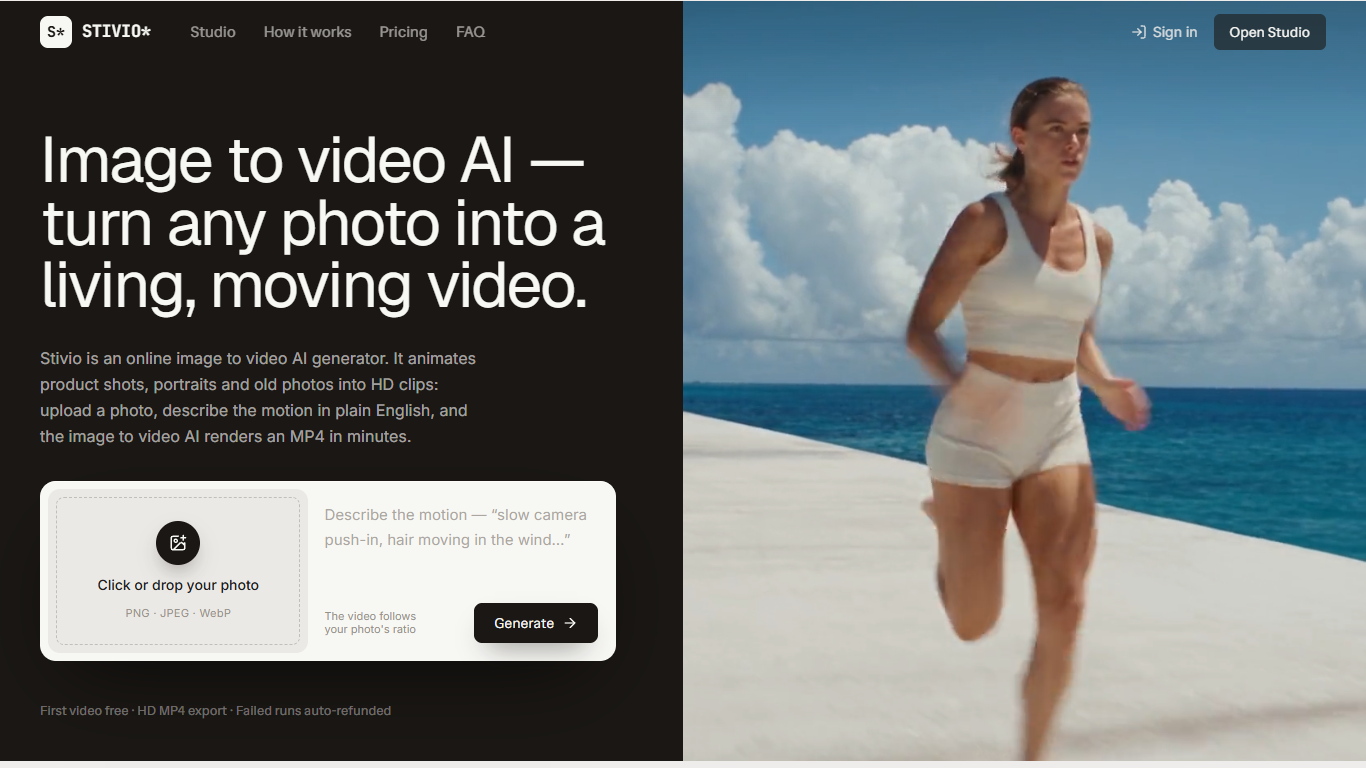
Stivio turns a single uploaded photo into a short HD video clip. You pick an image (PNG, JPEG, or WebP up to 10 MB), write a plain-English motion prompt, and the site renders a 3 to 30 second MP4. It sits in the video generation category as a browser-based image-to-video studio, not a full editor.
Most text-to-video tools start from scratch with a prompt. Stivio locks the first frame to your photo and only generates motion on top of it, which keeps product shots and portraits recognizable. It routes jobs through six third-party models (Kling, Seedance, Wan, MiniMax) behind one credit meter, so you pick speed versus cinematic quality without juggling separate accounts.
E-commerce sellers use it to animate catalog photos for listings and ads. Creators batch stills into Reels and TikTok clips without opening an NLE. Anyone with old family photos can upload a scan, describe the movement, and download a shareable clip in a few minutes.
Six video models in one studio: Kling O3, Wan 2.6, MiniMax H3, Kling 2.6, Seedance 2.5, and Seedance 2.0
Standard-tier clips cost 2 credits per second, so a 5-second Kling render starts at 10 credits
Accepts PNG, JPEG, and WebP uploads up to 10 MB and keeps your photo's aspect ratio
Clips run 3 to 30 seconds with 720p, 1080p, or 4K output options in the studio
Finished videos get a CDN share link that stays live for one year
Sign-up includes 10 free credits, enough for one 5-second video before you pay
Six video models (Kling, Seedance, Wan, MiniMax) behind one credit-based studio
Failed generations refund credits automatically
Paid plans export watermark-free HD MP4 files with commercial rights
Share links on the CDN stay live for one year without re-uploading
Google sign-in is required; there is no email-only account option listed
Free-tier videos carry a stivio.ai watermark
Monthly plan credits reset each billing cycle rather than rolling over
Is Stivio free to use?
Stivio grants 10 free credits when you sign in with Google, enough for one 5-second video at no cost. Free renders carry a small stivio.ai watermark. Any paid plan or one-time credit pack removes the watermark from future exports.
How much does a 5-second Stivio video cost?
Stivio charges 2 credits per second on standard models such as Kling, Wan, and MiniMax, so a 5-second clip costs 10 credits. Premium Seedance models cost more per second, and the studio shows the exact credit total on the Generate button before you commit.
What video models does Stivio include?
Stivio bundles six models: Kling O3, Wan 2.6, MiniMax H3, Kling 2.6, Seedance 2.5, and Seedance 2.0. You switch models inside the studio with one click, and pricing updates before each render.
What image formats does Stivio accept?
Stivio accepts PNG, JPEG, and WebP files up to 10 MB. The output video follows your photo's aspect ratio, so portrait product shots and landscape travel photos both stay framed correctly.
Can I use Stivio videos commercially?
Stivio grants full personal and commercial use rights on paid plans, including Pro and Team. You can place clips in ads, product listings, client work, or your own social feeds without extra licensing.
How long does Stivio take to render a clip?
Stivio typically finishes a clip in 1 to 5 minutes depending on queue load and clip length. You can watch the preview in the browser tab, and completed videos also land in your dashboard history if you navigate away.
Does Stivio train on my uploaded photos?
Stivio does not train on your uploads and keeps photos, prompts, and videos private by default. Your image and prompt are sent only to the third-party AI providers that render the video, as described in the privacy policy.