
Last updated 07-02-2026
Category:
Reviews:
Join thousands of AI enthusiasts in the World of AI!
Supavoice
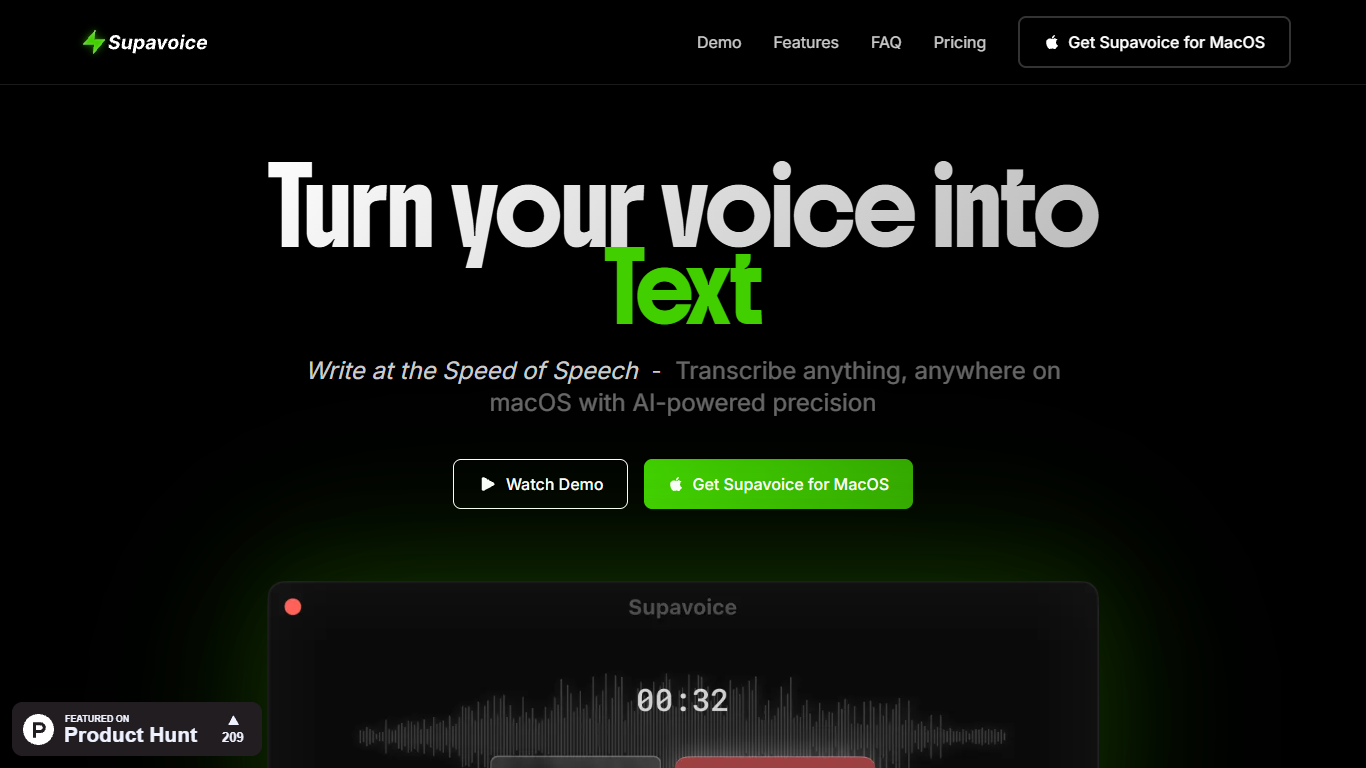
Supavoice is a macOS menu bar app that turns speech into formatted text inside any application. Press a keyboard shortcut, talk, and get back clean copy, structured emails, casual messages, or organized notes without leaving the app you are already in.
Transcription runs through OpenAI's GPT-4o and GPT-4o mini audio models using your own API key. Audio goes from your Mac to OpenAI directly, so Supavoice does not host or store your recordings. You pay OpenAI only for the tokens you use after a one-time app license.
The app targets professionals who dictate often: writers drafting long-form content, developers speaking prompts into tools like Cursor, and anyone who wants faster email, Slack, or meeting notes on macOS without a monthly subscription to the dictation software itself.
Trigger dictation from any macOS app with Command+Option+V
Built-in Simple, Email, Note, and Message modes plus custom formats
Runs on GPT-4o and GPT-4o mini through your own OpenAI API key
Teach custom vocabulary for names, jargon, and technical terms
Lightweight native app that stays in the menu bar and uses minimal resources
One-time lifetime license with no recurring fee to Supavoice itself.
Bring-your-own OpenAI key keeps audio off Supavoice servers and limits vendor lock-in.
Dictation works inside any macOS app via a global keyboard shortcut.
macOS only, with no Windows or Linux release yet.
Requires a separate OpenAI API key and ongoing API usage costs.
All sales are final with no refunds per the terms of service.
Does Supavoice require an OpenAI API key?
Yes. Supavoice requires your own OpenAI API key to transcribe audio. You pay OpenAI directly for usage, set your own limits, and audio is sent from your device to OpenAI without passing through Supavoice servers.
How much does Supavoice cost?
Supavoice sells a lifetime macOS license for a one-time payment of $19 USD (plus applicable taxes), listed as a limited-time deal from $119. OpenAI API usage is billed separately by OpenAI after purchase.
Is Supavoice available for Windows or Linux?
No. Supavoice is macOS only today. The site says Windows and Linux versions are under consideration based on user demand, with a feedback form for platform requests.
How does Supavoice protect my privacy?
Supavoice stores your OpenAI API key locally on your device and does not access your audio or transcriptions on its servers. Audio is transmitted to OpenAI for processing and is not stored beyond what processing requires.
What transcription modes does Supavoice include?
Supavoice includes Simple Format, Email Mode, Note Mode, and Message Mode out of the box. You can also create custom modes for formats you use often, such as LinkedIn posts or formal documents.
Does Supavoice offer refunds?
No. Supavoice states that all digital sales are final with no refunds. The terms encourage reviewing features, compatibility, and suitability before buying through Gumroad.
How do I start dictating with Supavoice?
After installing from the DMG and adding your OpenAI key in Settings, press Command+Option+V from any app to record. Press the shortcut again when finished, or use the menu bar Record and Done controls.