
Last updated 08-11-2026
Category:
Reviews:
Join thousands of AI enthusiasts in the World of AI!
Symvol
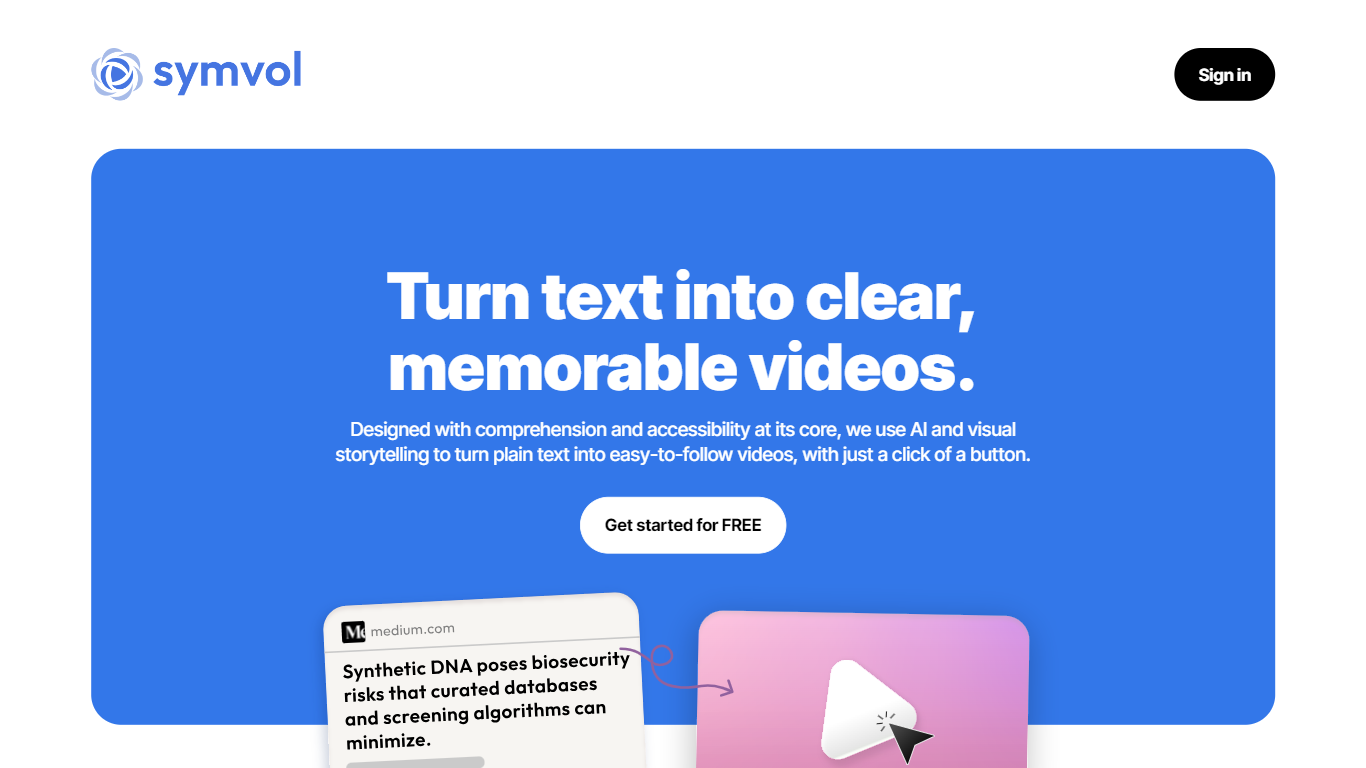
Symvol converts text and documents into teaching-quality video for schools, universities, and training teams. Institutions book working sessions for branded, human-reviewed videos in 30+ languages, while individuals can use the self-serve web app or Chrome extension to turn pages into video in minutes.
Most text-to-video tools optimize for social clips. Symvol targets lesson delivery: human review on institutional projects, cloned voices, neurodiverse-friendly pacing, and a roadmap toward a multimodal AI tutor that talks with learners around each video. That focus on classroom-ready output is the gap general generators rarely fill.
Symvol serves educators, L&D teams, and solo creators who need accessible video without a production studio. The free self-serve tier includes 50,000 monthly text characters, while paid plans add downloads, branding, and higher character limits up to a custom Business tier.
Institutional videos ship in 30+ languages with premium or cloned voice options
Human-reviewed quality on teaching videos rather than raw AI output alone
Self-serve plans include Lumina v1 through v3.5 video models plus 200+ premium voices
Free tier allows 50,000 text characters per month with paid plans up to 1,200,000
Creator plan includes 20 monthly video downloads; Creator Pro includes 80
Chrome extension converts documents and webpages to video from the browser
Roadmap includes a multimodal AI tutor that adapts lessons per learner
Human-reviewed institutional videos aim at teaching quality, not just clip generation.
30+ language support with premium and cloned voice options for global classrooms.
Free self-serve tier lets creators test before upgrading to paid download limits.
Chrome extension turns existing documents and webpages into video quickly.
Free plan includes zero monthly video downloads, so exports require a paid tier.
Full institutional branding and tutor roadmap require booking a working session.
Business-tier API access and unlimited downloads need custom sales conversations.
What does Symvol do?
Symvol turns text and documents into teaching-quality video for education and training. Institutions get branded, human-reviewed videos, while individuals can use the self-serve app or Chrome extension.
How much does Symvol cost?
Symvol offers a free plan with 50,000 monthly text characters. Paid self-serve plans start at $4.10 per month for Starter, $15 for Creator, and $84 for Creator Pro, with custom Business pricing for larger teams.
Who is Symvol built for?
Symvol targets schools, universities, foundations, and training organizations that need classroom-ready video. It also serves solo creators through the self-serve platform and Chrome extension.
Does Symvol support multiple languages?
Yes, Symvol produces institutional videos in 30+ languages with premium natural voices. Self-serve plans also list support for 25+ languages on generated videos.
Can I use Symvol without booking a session?
Yes, Symvol runs a self-serve web app and Chrome extension that converts documents or webpages into video in minutes. Institutional teams can also book a working session for custom branded projects.
What video models does Symvol offer?
Symvol self-serve plans include Lumina v1, Lumina v2.5, and Lumina v3.5 video models. The company blog also announced Lumina v4 with richer visuals and built-in sound effects for education.