
Last updated 03-31-2026
Category:
Reviews:
Join thousands of AI enthusiasts in the World of AI!
TeachQuill
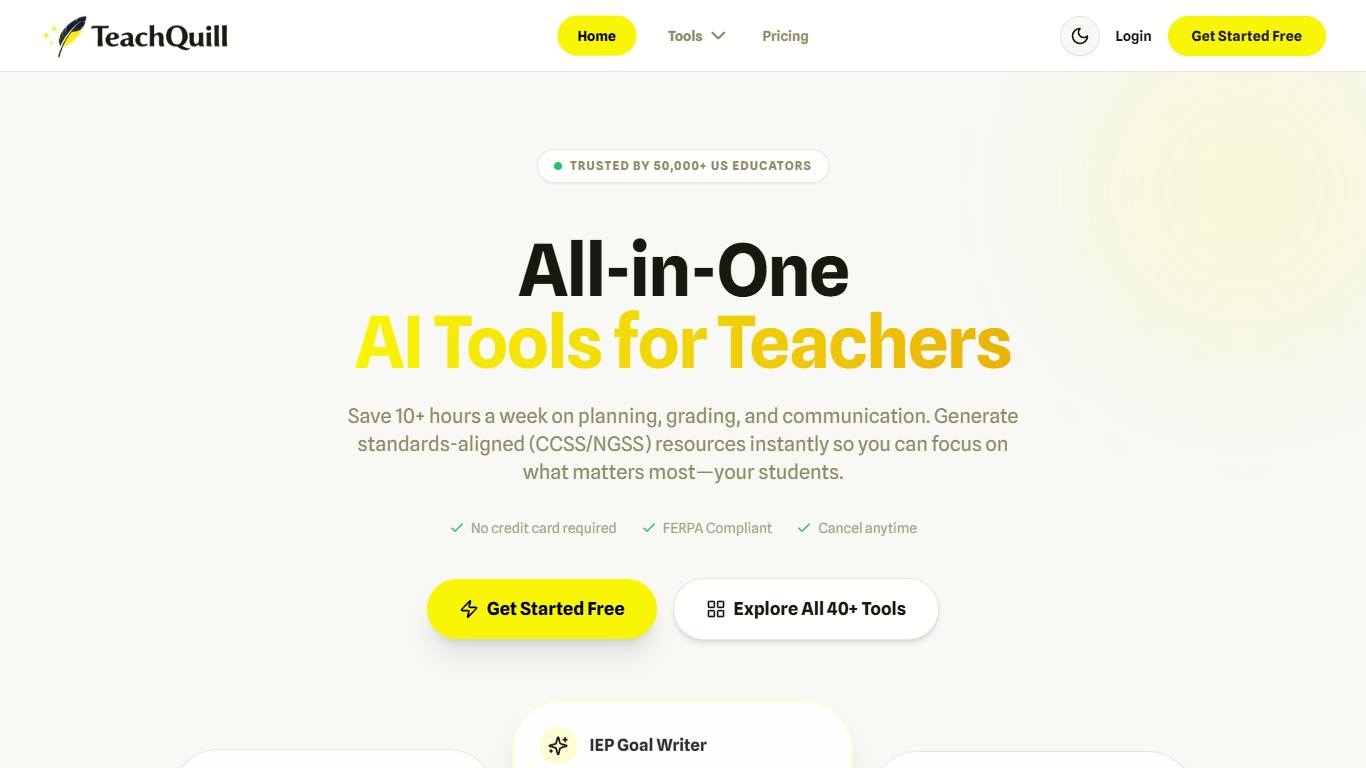
TeachQuill is an AI-powered platform designed specifically for American educators to streamline lesson planning, grading, and communication tasks. It offers over 40 AI tools that help teachers create standards-aligned resources such as lesson plans, worksheets, quizzes, rubrics, and parent communications quickly and efficiently. The platform supports the entire teaching workflow from planning and teaching to assessment and differentiation, making it a comprehensive solution for educators.
The tool caters to a wide range of users including general education teachers from elementary to high school, special education teachers, and school leaders. It adapts to different classroom needs by providing specialized tools like IEP goal drafting, behavior intervention plans, and accessible content modifications for diverse learners. School administrators can also use TeachQuill to support staff, maintain curriculum consistency, and manage communications.
TeachQuill’s unique value lies in its focus on American education standards such as Common Core State Standards (CCSS) and Next Generation Science Standards (NGSS). It generates materials aligned to these standards instantly, saving teachers significant time and effort. The platform emphasizes privacy and security, complying with FERPA and COPPA regulations, and does not require student personally identifiable information to function.
Key differentiators include its extensive suite of educator-focused AI tools covering planning, creation, activities, assessment, support for special education, and administrative communication. The platform’s ability to generate measurable learning objectives, discussion questions, and differentiated activities tailored to various learning levels sets it apart. Teachers report that it improves lesson clarity, assessment alignment, and student engagement.
Technically, TeachQuill operates as a cloud-based web application with enterprise-grade encryption for data security. It uses AI to analyze inputs like topics, grade levels, and standards to produce tailored educational content. The platform supports multiple content formats and integrates various teaching tools into a single workflow, enhancing productivity.
Overall, TeachQuill is a practical, privacy-conscious AI assistant for educators aiming to reduce administrative burdens and enhance instructional quality. It supports a broad spectrum of teaching roles and subjects, making it a versatile tool for modern classrooms.
📚 Generate standards-aligned lesson plans instantly to save prep time
📝 Create quizzes and rubrics quickly for effective student assessment
🎯 Draft measurable IEP goals and behavior plans for special education
📧 Automate professional parent emails and substitute plans with ease
💡 Produce engaging discussion questions to boost classroom participation
Saves teachers over 10 hours weekly on planning and grading
Supports both general and special education needs with tailored tools
Ensures privacy compliance with FERPA and COPPA standards
Offers a wide range of AI tools in one integrated platform
Aligns content with US education standards like CCSS and NGSS
Some advanced features require paid subscription
Primarily designed for American education standards, limiting global use
Relies on internet access as a cloud-based platform
How does TeachQuill help with special education planning?
TeachQuill offers tools to draft measurable IEP goals, create behavior intervention plans, and modify content to be accessible for diverse learners, reducing paperwork and saving time.
Can TeachQuill generate lesson plans aligned to state standards?
Yes, TeachQuill generates lesson plans and learning objectives aligned with Common Core State Standards and Next Generation Science Standards to ensure curriculum compliance.
Is student personal information required to use TeachQuill?
No, TeachQuill operates without needing student names or personal details, ensuring compliance with privacy laws like FERPA and COPPA.
What types of materials can I create with TeachQuill?
You can create lesson plans, worksheets, slides, quizzes, rubrics, parent emails, substitute plans, and more, all within one platform designed for educators.
Does TeachQuill support communication with parents?
Yes, it includes tools to generate professional emails and newsletters to keep parents informed and engaged with minimal effort.
Can TeachQuill be used by school administrators?
Absolutely, school leaders can use TeachQuill to support teachers, maintain curriculum consistency, and manage communications across their schools or districts.
What security measures does TeachQuill have in place?
TeachQuill uses enterprise-grade encryption for data in transit and at rest and complies with strict US student data protection standards to keep information safe.